

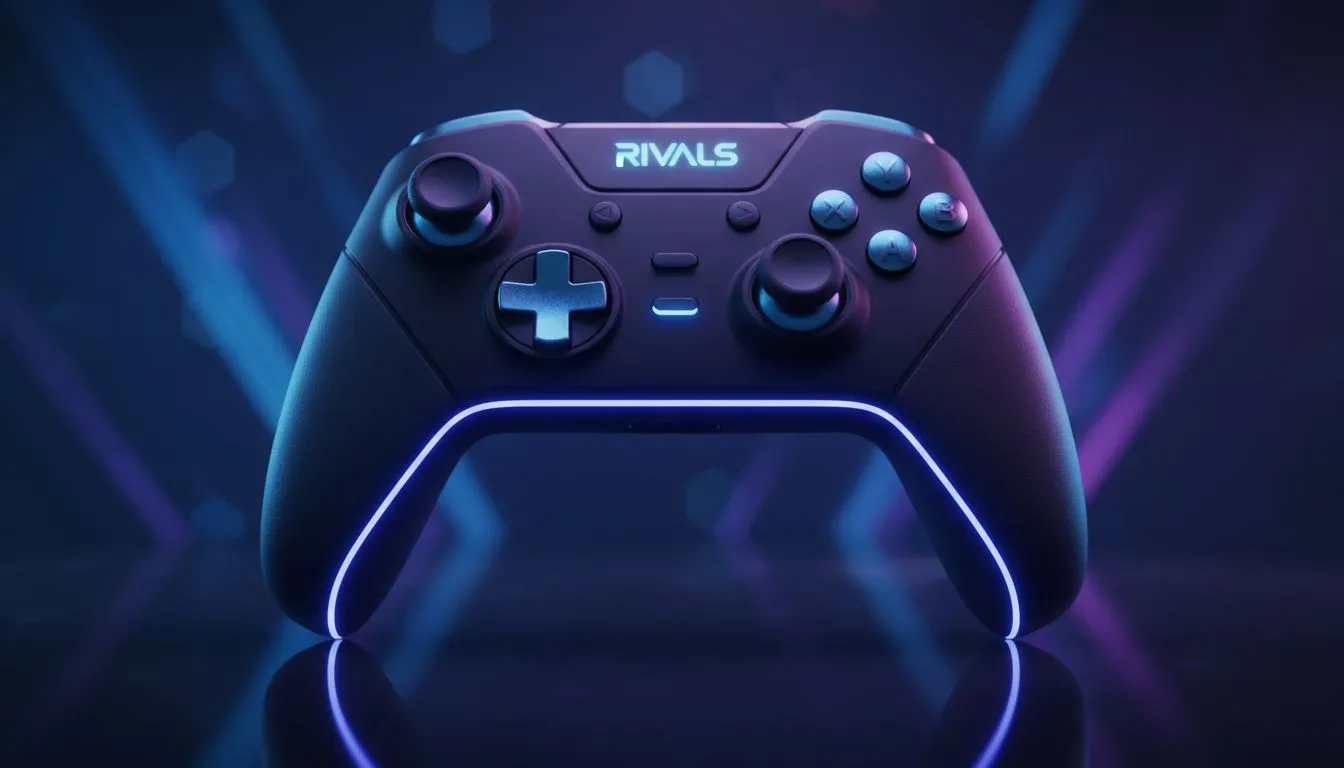
Why Deadzone Settings Matter for Your Aim
Ever felt your crosshair drifting just as you are about to land a finishing blow in a heated match? It is a nightmare... especially when your ping is already fighting you. Mastering your deadzone settings for controller aim assist is the secret to winning those tight duels in Marvel Rivals. Whether you are playing from Cape Town or Joburg, getting your stick sensitivity right is essential for competitive play. 🚀
A deadzone is the small area around the centre of your analogue stick that does not register movement. If this value is too high, your aim feels heavy and sluggish. If it is too low, you might experience the dreaded stick drift... where your character looks at the sky for no reason. For South African gamers looking to climb the ranks, finding that "goldilocks" zone is the first step toward pro-level accuracy.
Optimising Deadzone Settings for Controller Aim Assist
In fast-paced hero shooters, aim assist relies on your ability to make micro-adjustments. When your deadzone is set correctly, the game picks up your input instantly. This allows the aim assist bubble to "stick" to your target more effectively. Most competitive players suggest starting with a deadzone of 0.05 and slowly lowering it until you notice slight movement without touching the sticks.
If you are using older hardware, you might need a higher value to compensate for wear and tear. However, if you decide to buy gaming controllers that feature Hall Effect sensors, you can often run a near-zero deadzone. These sensors use magnets instead of physical contact... meaning they rarely develop drift over time.
The Drift Test ⚡
To find your perfect setting, go into the practice range and set your deadzone to 0. Slowly increase it by 0.01 increments until your reticle stops moving on its own. This ensures the highest possible responsiveness without sacrificing control during long gaming sessions.
Choosing the Right Hardware for Precision
Your settings are only as good as your gear. High-performance peripherals like the Razer Wolverine V3 Tournament Edition 8K offer customisable trigger stops and ultra-responsive sticks. This level of hardware allows you to tighten your deadzone settings for controller aim assist beyond what a standard console pad can handle. In South Africa, where competitive gaming is growing, having that 8K polling rate can be the difference between a win and a loss. ✨
Customising Your Feel
Many players prefer a "Linear" response curve combined with a low deadzone. This creates a 1:1 feel between your thumb movement and the on-screen action. If you find the movement too twitchy, you can explore the range of Razer controllers which often come with dedicated software to fine-tune these curves. This level of customisation ensures that your aim assist feels like an extension of your muscle memory rather than a magnetic pull you are fighting against.
Finding Your Rhythm in Rivals
Fine-tuning your deadzone settings for controller aim assist takes patience. Spend twenty minutes in the training room after every setting change. Pay attention to how the crosshair behaves when you "strafe" left and right. Aim assist is strongest when you are moving your left stick... so a lower deadzone on your movement stick can actually help your rotational aim assist kick in faster. 🔧
Investing in quality gear and spending time in the menus might seem tedious... but the results on the scoreboard speak for themselves. With the right setup, you will be landing headshots with the precision of a top-tier pro. 🎯
Ready to Find Your Perfect Match? Mastering your settings is only half the battle; the right hardware does the rest. For maximum precision, durability, and value in South Africa, a pro-grade controller is a must-have. Explore our massive range of gaming controllers and find the perfect tool to dominate your next match.











