

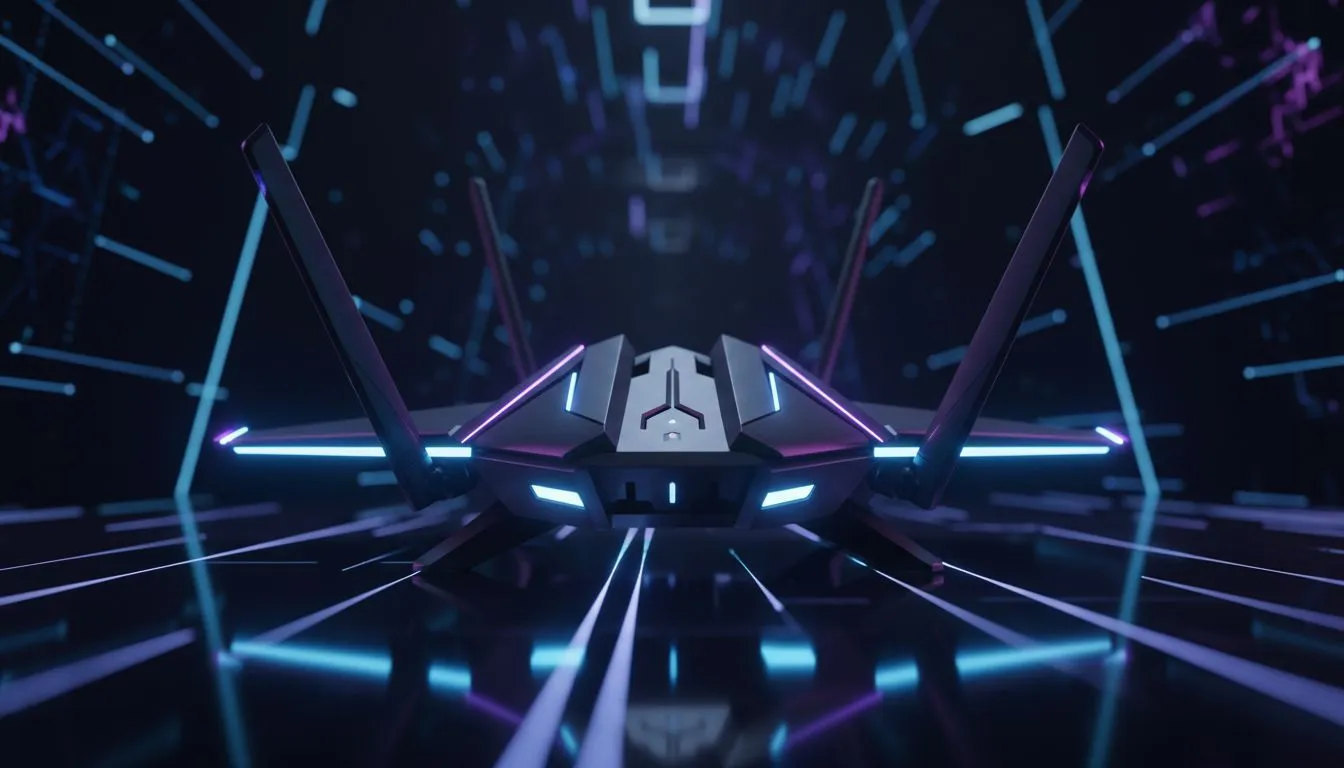
Why Packet Burst Ruins Your Black Ops 6 Experience
You are one kill away from a Chopper Gunner in Black Ops 6. Suddenly, the "Packet Burst" icon flashes on your screen. Your operator stutters... and you are back at the respawn screen. In South Africa, congested home networks make choosing the best router for gaming South Africa a necessity rather than a luxury. It is time to stop lagging and start winning. 🚀
Packet burst occurs when your hardware cannot process the data stream quickly enough. While your fibre line might be fast, your local wireless networking components often create a bottleneck. This is especially true in local lobbies where every millisecond counts. If your router is more than three years old, it likely lacks the modern traffic management needed for Call of Duty’s high tick-rate servers.
Choosing the Best Router for Gaming South Africa
Modern gaming requires more than just raw download speeds. You need low jitter and prioritised traffic. When looking for the best wireless routers, look for Quality of Service (QoS) features. This allows you to tell your network that Black Ops 6 data is more important than a Netflix stream in the other room. ⚡
Wi-Fi 6 and 6E have become the standard for serious players in Johannesburg and Cape Town. These routers handle multiple devices without dropping packets. If you are tired of seeing that dreaded yellow icon, upgrading your hub is the most effective way to stabilise your ping.
Gaming Connectivity Tip ⚡
Always prioritise a wired Ethernet connection for competitive FPS titles. If a cable isn't possible, ensure your router uses the 5GHz or 6GHz band. These bands are less crowded than the standard 2.4GHz frequency... reducing interference from household appliances and neighbours' Wi-Fi signals.
Eliminating Dead Zones and Signal Drops
South African homes are often built with thick brick and mortar. These walls are notorious for killing Wi-Fi signals. If your gaming setup is in a different room from your fibre box, you might experience signal degradation. High-performance wireless range extenders can bridge this gap. 🔧
However, an extender is only as good as the signal it receives. For the best results, place your mesh nodes or extenders in clear line-of-sight positions. This ensures the data packets for Black Ops 6 reach your console or PC without getting lost in the hallway.
Upgrading Your PC Connection
Even with a top-tier router, a weak receiver can cause packet loss. If your motherboard lacks built-in Wi-Fi 6, consider dedicated wireless adapters. A PCIe or high-gain USB adapter can significantly improve your link speed and stability. ✨
By optimising every link in the chain... from the router to the adapter... you create a seamless path for your data. This reduces the "rubber-banding" effect and ensures your shots actually register when you pull the trigger. Investing in the right gear is the only way to ensure your skills aren't held back by your hardware.
Ready to Find Your Perfect Match? Fixing packet burst is the first step to dominating the leaderboard. For maximum performance, stability, and the best tech deals in South Africa, Evetech has you covered. Explore our massive range of networking specials and find the perfect gear to conquer your next match.











