

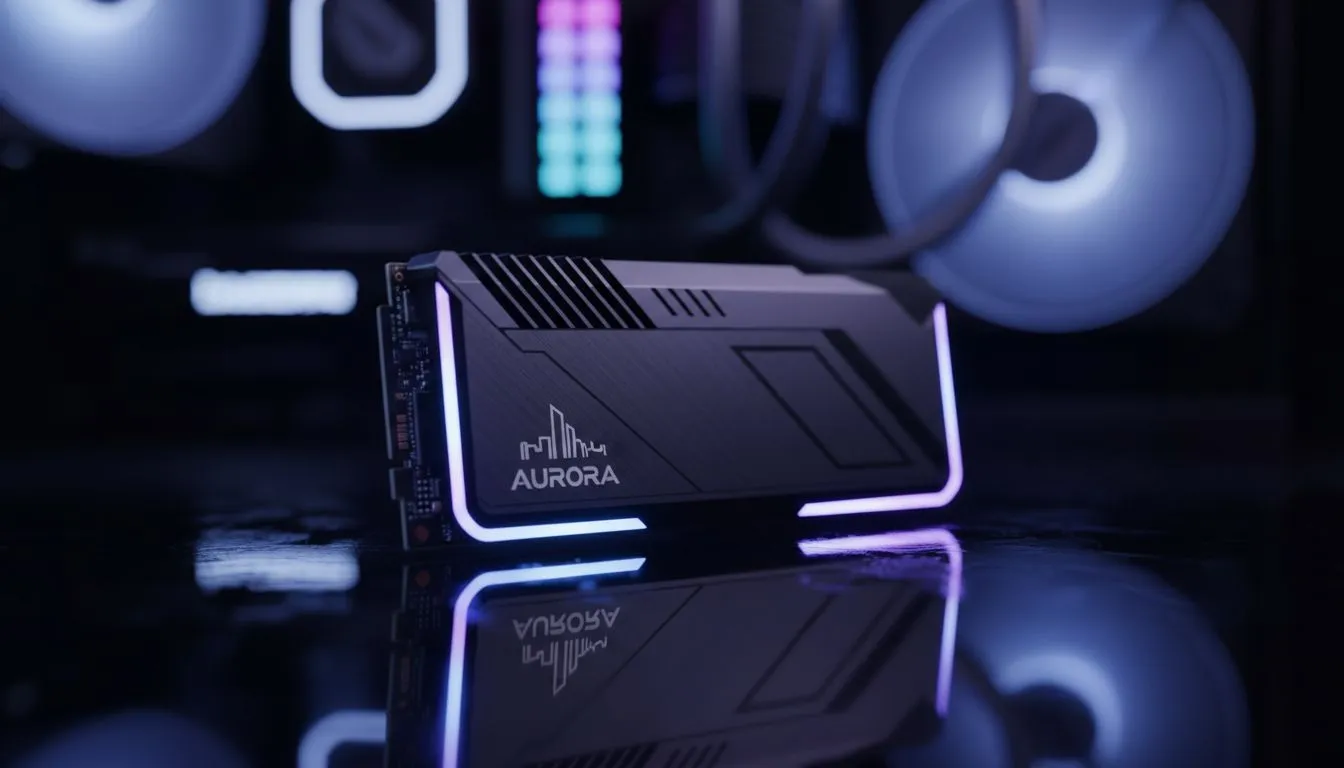
Tired of watching that loading bar crawl across your screen while Cities Skylines 2 loads your meticulously crafted metropolis? You’ve downloaded all the best assets, subscribed to essential mods, and now your city takes longer to load than it does to get through traffic in Sandton. We get it. The sheer volume of files in this game can bring even a decent PC to its knees. The solution isn't just more RAM... it's finding the best SSD for Cities Skylines 2.
Why Asset Loading Crushes Old Hard Drives
Unlike many games that load a few large files, Cities Skylines 2 loads thousands of tiny ones... every building, tree, vehicle, and custom prop is a separate asset. A traditional Hard Disk Drive (HDD) struggles with this because its physical read/write head has to physically move to find each file. It’s slow and inefficient for this kind of task.
This is where a Solid-State Drive (SSD) becomes essential. With no moving parts, an SSD can access data almost instantly, drastically cutting down those agonising load times. Upgrading is one of the most significant performance boosts you can give your game, making it feel more responsive from the moment you click 'Play'. If you're still on an HDD, exploring the world of modern solid-state drives is your first step.
Choosing the Best SSD for Cities Skylines 2
Not all SSDs are created equal. For a game as demanding as CS2, the type of SSD you choose matters. Let's break down the options to find the perfect fit for your city-building ambitions and your budget.
NVMe SSDs: The Ultimate Speed for Mayors 🚀
For the absolute fastest performance, nothing beats a Non-Volatile Memory Express (NVMe) SSD. These drives plug directly into your motherboard's M.2 slot, using the PCIe interface to achieve speeds that leave older SATA drives in the dust.
When CS2 needs to load hundreds of assets per second, an NVMe drive delivers the raw throughput required. This means your custom assets load in a flash, and you spend less time waiting and more time planning your next traffic-solving interchange. For the ultimate experience, browsing the latest NVMe SSDs is the way to go.
Quick Tip: Check Your Motherboard! 🔧
Before you buy a super-fast NVMe drive, make sure your motherboard has a spare M.2 slot that supports it. Most modern boards do, but it always pays to double-check your specs to avoid disappointment. You can usually find this info on your motherboard manufacturer's website.
SATA SSDs: The High-Value Upgrade
If you're upgrading from an old HDD, even a standard 2.5-inch SATA SSD will feel like a massive leap forward. While not as fast as NVMe drives, they are significantly quicker than any mechanical drive and offer fantastic value for money. They are a reliable and cost-effective way to slash loading times and improve overall system responsiveness. Many gamers use a SATA SSD for their OS and less demanding games, dedicating their NVMe to heavy hitters like CS2.
External SSDs: Your Portable Asset Library
Do you have a massive collection of mods and assets you don't want clogging up your main drive? A high-speed USB-C external SSD can be a brilliant solution. You can store your entire Steam Workshop library on it, keeping your primary drive clean and focused on running the game itself. It's also perfect for transferring your city saves and assets between different PCs.
Finding Great SSD Deals in South Africa
We know that building a great gaming PC in SA means keeping an eye on the budget. The good news is that SSD prices have become incredibly competitive. You don't need to break the bank to get a drive that dramatically improves your Cities Skylines 2 asset loading times. Always keep an eye out for promotions and combo deals to get the most performance for your Rand. Checking out the best SSD deals can often land you a top-tier drive for a fantastic price. ✨
Ultimately, the goal is to get you into your city faster. Whether you opt for a top-of-the-line NVMe or a budget-friendly SATA drive, the upgrade is worth it. By choosing the right drive from our comprehensive range of SSDs, you're investing in more playtime and less frustration.
Ready to Banish Loading Screens? A slow drive shouldn't stand between you and your dream city. Upgrading your SSD is the single best way to slash asset loading times in Cities Skylines 2. Explore our massive range of high-speed SSDs and find the perfect drive to build your empire, faster.











