

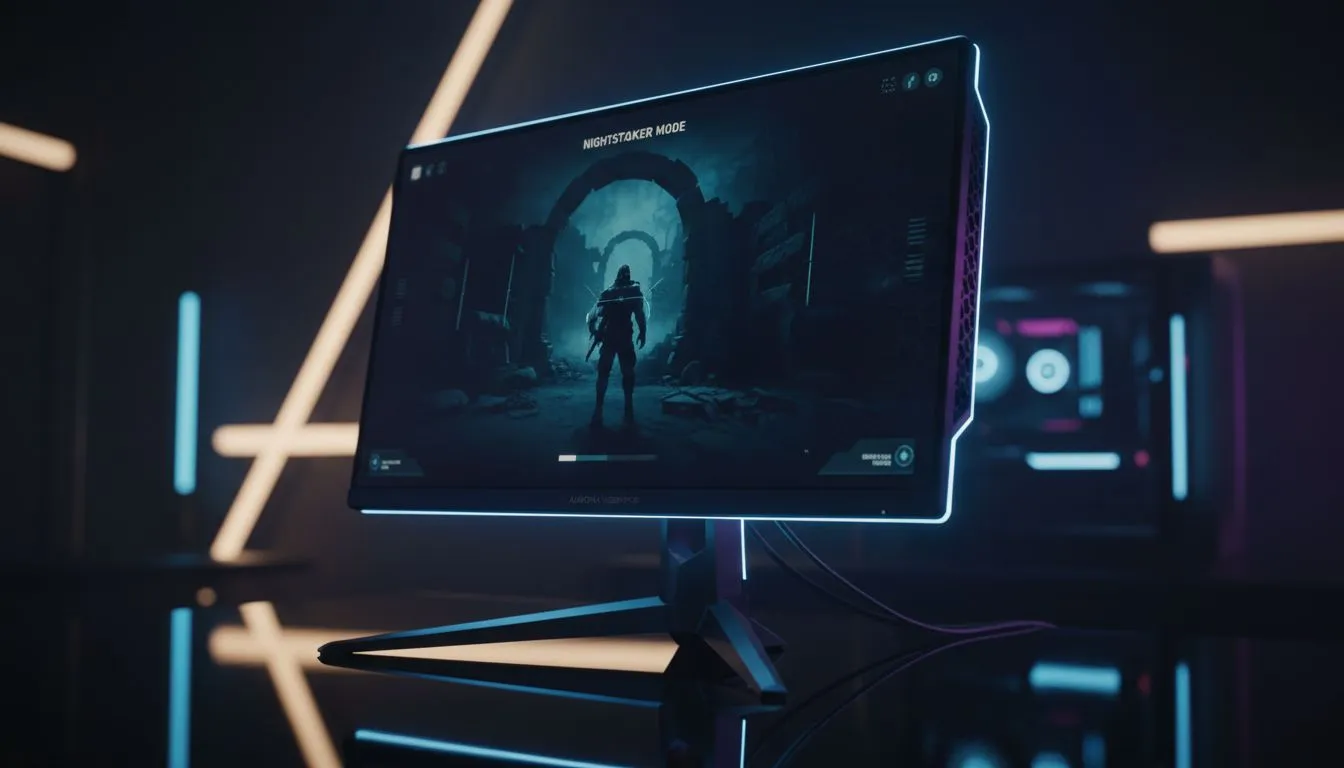
Master Your Visibility Settings to Spot Enemies in Dark Corners
Nothing ruins a winning streak like getting dropped by a camper hiding in a pitch-black corner. We have all been there... staring at a dark doorway in Warzone only to realise too late that someone was waiting. Finding the best visibility settings to spot enemies in dark corners is the difference between a clutch win and a frustrating respawn. It starts with your hardware and ends with fine-tuning.
Optimise Your Monitor Hardware Features
Most modern screens are built with gaming-specific features that many South Africans overlook. If you are hunting for the best PC monitor deals in ZAR, look for "Black Equalizer" or "Shadow Boost" technology.
These features brighten dark areas without overexposing the lighter parts of the image. It makes those sneaky players in the shadows of Counter-Strike 2 stand out clearly. Standard PC monitors might lack these dedicated chips, but you can still achieve similar results by adjusting your digital vibrance in the Nvidia or AMD control panels 🔧.
Visibility Pro Tip ⚡
Always adjust your in-game Gamma settings before touching your monitor's physical brightness. Most competitive titles have a calibration screen with a hidden logo. If you can't see that logo, you're giving your opponents a massive advantage in those dark corridors.
Choosing the Right Panel for Clarity
The type of screen you use impacts how you see contrast. High-performance gaming monitors usually feature IPS panels for better colour accuracy and viewing angles. This ensures that an enemy in the corner of your eye doesn't disappear due to "gamma shift" when you look at them from an angle.
If you prefer a more immersive experience, curved monitors help keep the edges of the screen at a consistent distance from your eyes. This helps you maintain focus on dark corners without having to move your head constantly. For those who travel to local LANs, even portable monitors now offer high refresh rates and decent contrast ratios to keep you competitive on the go.
Resolution and Fine-Tuning for Sharpness
Higher resolutions make it easier to see small movements at a distance. Stepping up to 5K and 4K monitors provides incredible pixel density. This means an enemy's head peeking over a crate is rendered with more detail... making them easier to spot against a dark background 🚀.
Finally, do not neglect your physical setup. Dust and fingerprints on your screen can catch the light and create glare... masking enemies in the game. Investing in proper monitor accessories like microfibre cloths and adjustable monitor arms ensures your screen is always at the perfect height and angle for maximum visibility ✨.
Ready to See Your Enemies More Clearly? Don't let shadows decide your rank. Whether you need a high-refresh panel or a crystal-clear 4K display, we have the tech to give you the edge. Explore our massive range of gaming monitors and find the perfect display to illuminate every dark corner.











