

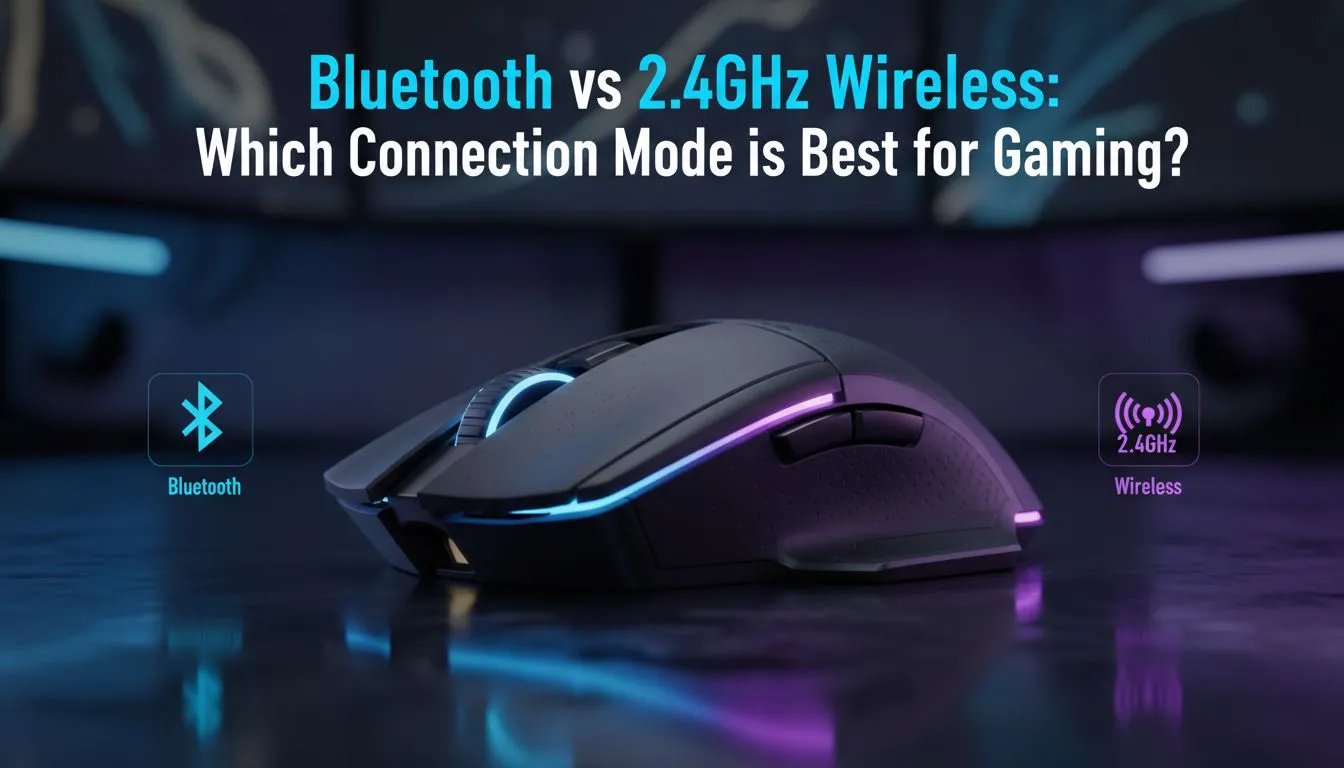
Ever lost a 1v1 because your mouse decided to take a nap? In South Africa, where every millisecond counts in competitive lobbies, choosing between Bluetooth vs 2.4GHz gaming is vital. Whether you are climbing the ranks in Valorant or exploring Elden Ring, your connection type dictates your victory. Let us break down which wireless tech actually deserves a spot on your desk. ⚡
The Speed of 2.4GHz Wireless Tech
When it comes to raw performance, 2.4GHz is the undisputed king for competitive play. Unlike standard Bluetooth, this connection uses a dedicated USB dongle to communicate directly with your PC. This results in a polling rate of 1000Hz or higher... effectively matching the speed of a cable.
If you are looking to upgrade, browsing the latest wireless mouse models will show you that modern sensors have virtually eliminated latency. Most pro-grade peripherals now feature proprietary tech to ensure your clicks register instantly without interference from other devices in your room.
Bluetooth Connectivity: Versatility Over Velocity
Bluetooth is the "jack of all trades" in the peripheral world. Its main strength lies in compatibility. You can pair a Bluetooth mouse with your laptop, tablet, or even your phone without needing a spare USB port. It is also significantly more power-efficient, often extending battery life by weeks.
However, Bluetooth usually caps out at a 125Hz polling rate. This creates a noticeable "floaty" feeling during fast-paced movements. While it is perfect for office work or casual strategy games, it is rarely the first choice for a high-performance gaming mouse setup where precision is non-negotiable. You might also want to look into essential mouse accessories like grip tapes or specialized pads to further optimise your control.
Signal Interference Tip ⚡
If you notice stuttering on a 2.4GHz connection, try moving your USB dongle closer to your mouse using an extension cable. Standard USB 3.0 ports can sometimes emit radio frequency interference that disrupts the 2.4GHz band, so a bit of distance from the PC case goes a long way.
Reliability and the Wired Fallback
Despite the massive leaps in wireless technology, some local gamers still prefer the "plug and play" peace of mind. A classic wired mouse removes the need for charging entirely. There is no risk of a battery dying in the middle of a final circle or a boss fight. 🔧
But if you are determined to cut the cord, the 2.4GHz vs Bluetooth debate usually ends with a "dual-mode" solution. Many top-tier units now offer both... 2.4GHz for your main gaming sessions and Bluetooth for when you are travelling or working on the go.
Making the Right Choice for Your Setup
Your decision should ultimately come down to your primary use case. If you spend your weekends in ranked matches, 2.4GHz is the only way to go. If you are a student or professional who occasionally plays casual titles, the battery life and convenience of Bluetooth are hard to ignore. 🚀
To get the best value for your budget, keep an eye on the best gaming mouse deals available in ZAR. You can often find flagship wireless tech at prices that make the switch from wired feel like a no-brainer.
Ready to Find Your Perfect Match? The Bluetooth vs 2.4GHz debate is about balancing speed and convenience. For maximum precision and zero-lag performance in South Africa, 2.4GHz wireless is the gold standard. Explore our massive range of gaming mouse specials and find the perfect tool to conquer your next match.











