

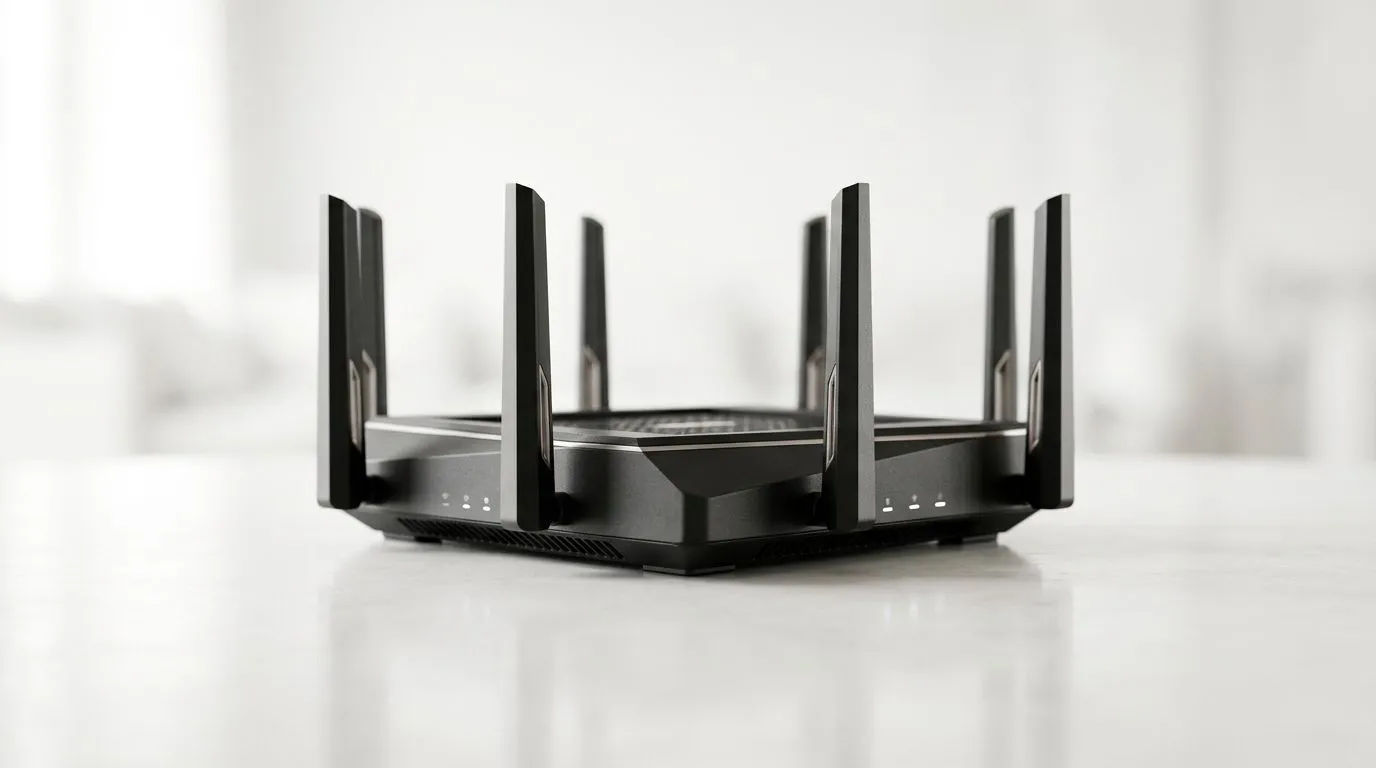
Boost Fibre Speed: How to Optimize WiFi 6 Routers for Peak Performance
If your fibre feels “fast” at night but sluggish during family Netflix marathons, you’re not alone. South African households load up networks with gaming consoles, streaming boxes, laptops, and phones… and WiFi can get crowded fast. 🔧
The good news? A few smart WiFi 6 tweaks can help you squeeze more real throughput out of your line. ⚡
In this guide, we’ll walk through practical steps to boost fibre speed, reduce lag for online matches, and stop your router from working harder than it needs to.
Boost Fibre Speed: Where WiFi 6 Helps (and Where It Can’t)
WiFi 6 (802.11ax) improves efficiency, especially when many devices share the same air time. That matters in SA homes where networks are often competing.
But here’s the reality check… WiFi still depends on signal strength and interference. If your router placement is poor, settings won’t fully rescue it.
Common causes of “slow fibre” over WiFi include:
- Weak signal at your gaming setup
- Too many devices on the same band/channel
- Outdated router firmware
- Congested neighbours (apartments and townhouse complexes)
If you want to understand your options for improving your wireless network overall, start by browsing Evetech’s wireless networking gear: https://www.evetech.co.za/components/wireless-networking-136.aspx
Boost Fibre Speed: Quick Wins You Can Do Today 🚀
1) Place your router like it’s part of your build
Put the router high and central, not in a corner behind the TV stand. Keep it away from thick walls, microwaves, and metal shelving.
For gaming, aim for line-of-sight to your device when possible. Even a small reposition can reduce packet loss.
2) Update firmware (seriously… it’s free speed)
Manufacturers patch performance issues, improve stability, and sometimes fix WiFi behaviour over time. Check for updates in your router’s admin page.
3) Use the right band for gaming
Most WiFi 6 routers support both 2.4 GHz and 5 GHz.
- 2.4 GHz goes further, but can be slower and more congested.
- 5 GHz is usually faster and better for competitive play, if your signal remains strong.
If your router offers separate SSIDs (e.g., “Home-5G”), consider keeping gaming devices on the 5 GHz network.
4) Choose strong wireless settings (without overthinking it)
Use these principles:
- Enable WiFi 6 mode if available
- Prefer 5 GHz for devices close enough
- Avoid channel settings that cause overlap with neighbouring networks
If you’re unsure what to buy, Evetech’s WiFi router selection can help you match the right performance tier: https://www.evetech.co.za/PC-Components/buy-wireless-routers-138.aspx
Productivity Pro Tip 🔧
On Windows, use the PowerToys FancyZones utility to create custom snap layouts for your windows. It's a lifesaver for managing multiple apps on an ultrawide monitor, letting you organise your timeline, preview window, and asset folders perfectly for video editing.
Boost Fibre Speed: Router Settings That Reduce Lag ⚡
Enable QoS (or Smart Queue) for game traffic
Quality of Service (QoS) helps prioritise certain types of traffic. For online gaming, it can mean fewer spikes when someone starts streaming or downloading.
Check your router’s admin page for features like:
- QoS
- Traffic Prioritisation
- Gaming mode
- WMM (Wi-Fi Multimedia)
Exact names vary by model, so don’t panic. The key is prioritising gaming traffic when congestion happens.
Turn on “WPA3” when your devices support it
Security settings affect performance overhead. WPA3 support depends on your client devices, so test stability first. If you’re unsure, stick to the safest option your devices fully support.
Keep DHCP and device counts under control
If you have lots of devices, DHCP churn and misconfigured settings can cause odd behaviour. Make sure your network isn’t flooded with duplicates (especially from smart home devices).
Boost Fibre Speed: Test Like a Competitive Gamer
Don’t rely on one speed test alone. Instead, do quick, repeatable checks:
- Run a test from the room where you actually game.
- Note time-of-day results (evening congestion can change everything).
- Re-check after changing one setting.
If your wired connection is consistently faster than WiFi, that points strongly to signal quality or WiFi client limitations.
For a proper “is WiFi the bottleneck?” check, make sure your WiFi client is capable of handling WiFi 6 properly. If you’re upgrading a desktop, choose compatible wireless adapters. Here’s where Evetech lists wireless adapter options: https://www.evetech.co.za/PC-Components/buy-wireless-adapters-139.aspx
Boost Fibre Speed: Avoid the Dead Zones (Especially for Consoles)
Dead zones and weak signal are where ping and stability suffer most. If the router can’t reach your gaming area reliably:
- Consider a mesh system
- Or use a well-placed range extender (but smart placement matters)
Evetech’s range extenders can help fill gaps, but they work best when positioned where you still have a decent signal: https://www.evetech.co.za/PC-Components/wireless-range-extenders-140.aspx
Boost Fibre Speed: When Your Fibre Router Matters Too ✨
Sometimes the WiFi 6 router is the weak link, not your fibre speed. If your fibre termination device is older or lacks good wireless performance, upgrading to a dedicated fibre router can help.
If you’re comparing options for fibre-ready routers, start here on Evetech: https://www.evetech.co.za/PC-Components/fibre-routers-259.aspx
For the best results, pick a router that matches:
- Your expected speeds (and future headroom)
- The number of active devices
- Your home layout (walls, distance, interference)
Boost Fibre Speed: A Simple Setup Plan You Can Follow Today
If you want a clean, low-stress path to better performance:
- Reposition the router (high, central)
- Update firmware
- Use 5 GHz for gaming devices
- Enable QoS / traffic prioritisation
- Test again in your gaming room
- If signal is still poor, upgrade clients or add coverage (adapter/extender)
Once you see more stable download rates and smoother gameplay, you’ll feel it immediately. Not “maybe”… noticeably.
Ready to Find Your Perfect Match? If you want to lock in peak WiFi performance for South African homes, the right router and compatible wireless gear make all the difference. Browse Evetech’s options and upgrade with confidence. Explore our massive range of laptop specials and find the perfect machine to conquer your world.











