

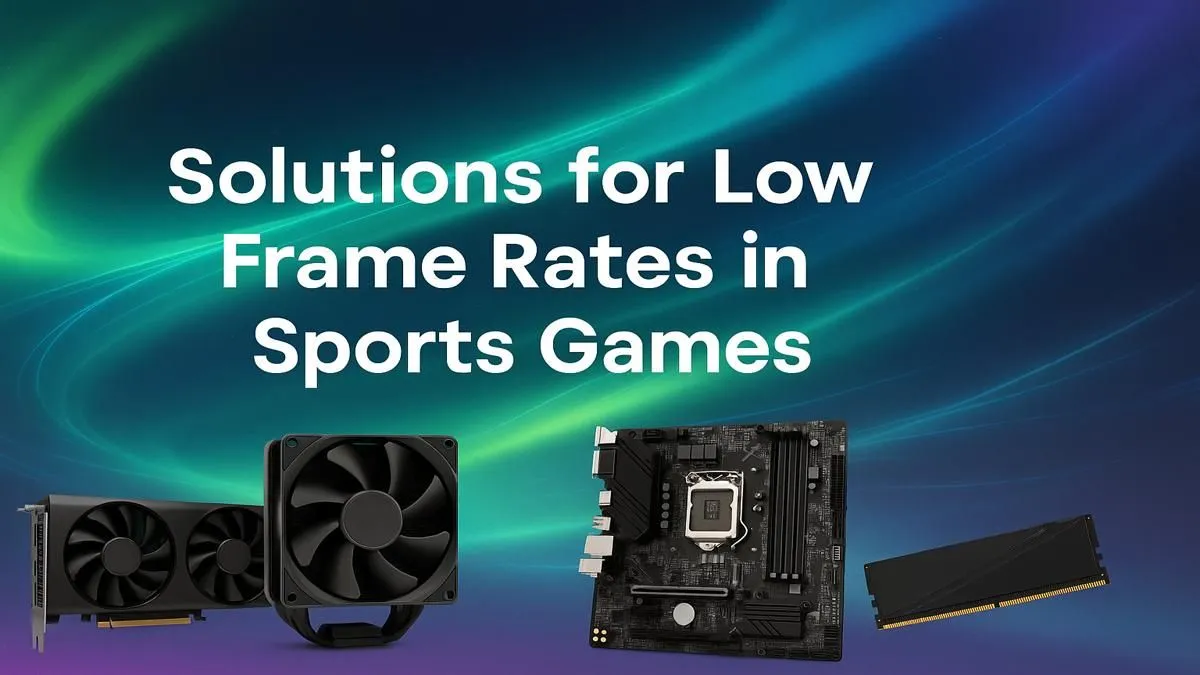
Stuttering, lag, and frame drops… the three horsemen of a gaming apocalypse, especially in a tight match. That sinking feeling when your screen freezes for a split second during a crucial firefight is something every South African gamer knows too well. If you’re tired of losing engagements to poor performance, you’ve come to the right place. This guide is your ultimate resource to boost FPS in sports games and get the buttery-smooth gameplay you deserve. 🚀
Start with the Basics: Software Optimisation
Before you even think about cracking open your PC case, let's look at the easiest wins. The quickest way to boost FPS in sports games often lies in simple software tweaks. These changes cost nothing but a few minutes of your time and can make a massive difference.
First, update your graphics drivers. NVIDIA, AMD, and Intel constantly release updates that optimise performance for new and existing titles. Next, dive into your game’s settings. Lowering settings like shadows, anti-aliasing, and texture quality can give you a significant frame rate increase. Don't just whack everything to "Low," though. Experiment to find a balance between visual quality and performance that works for you.
Finally, check what's running in the background. Discord, browser tabs, and other apps all consume precious resources. Close anything you don’t absolutely need while gaming. For many popular titles, like the ones played on our Fortnite Gaming PCs, these simple steps are often enough to get you back in the game.
Advanced Tweaks for Maximum Frames
If the basics didn't cut it, it's time to dig a little deeper. Your operating system itself can be optimised for gaming. Ensure Windows Game Mode is enabled and consider adjusting your power plan to "High Performance." This tells your PC to prioritise performance over power saving, giving your components the juice they need.
Another area to investigate is thermal throttling. If your CPU or GPU gets too hot, it will automatically slow down to protect itself, killing your frame rate. You need to ensure your PC has good airflow and that its fans and heatsinks are clean. In the hyper-competitive world of tactical shooters, where every millisecond counts, maintaining stable temperatures on a powerful rig like our Counter-Strike 2 Gaming PCs is non-negotiable.
Check Your Temps! 🌡️
You can't fix what you can't see. Download a free tool like MSI Afterburner or HWMonitor to keep an eye on your CPU and GPU temperatures while you game. If your GPU is consistently hitting over 85°C or your CPU is pushing past 95°C under load, you likely have a cooling problem that's throttling your performance.
For those who are more technically inclined, overclocking your GPU and RAM can unlock extra performance. However, proceed with caution, as improper overclocking can cause instability or even damage your hardware.
The Hardware Bottleneck: The Ultimate FPS Fix
Sometimes, no amount of software tweaking can help. If you're running modern titles on older hardware, you will eventually hit a wall. This is the hardware bottleneck, and upgrading a key component is the only real solution to truly boost FPS in sports games and beyond.
The Graphics Card (GPU)
The GPU is the single most important component for gaming performance. It handles all the heavy lifting of rendering the beautiful graphics you see on screen. If your frame rate is low across all games, a GPU upgrade will provide the most significant boost. A powerful GPU is essential for visually demanding games, and you can see what's required on our page for Cyberpunk 2077 Gaming PCs. Even in less demanding titles like Overwatch 2, a better GPU allows you to push higher frame rates to take full advantage of a high-refresh-rate monitor.
The Processor (CPU)
While the GPU renders the frames, the CPU prepares them. In fast-paced esports and complex simulation titles, a slow CPU can't feed the GPU information fast enough, creating a bottleneck that limits your maximum frame rate. This is especially true in CPU-heavy games like those that our Microsoft Flight Simulator Gaming PCs are built for. A balanced system is key; even a simple-looking game can be demanding when you have hundreds of entities to track, which is why a decent CPU is still important for our Minecraft Gaming PCs.
Memory (RAM) & Storage
Having enough fast RAM is crucial for smooth gameplay, especially in large, open-world games and battle royales that need to load massive amounts of assets. 16GB is the standard today, but games like Call of Duty: Warzone 2.0 and PUBG can easily use more. Similarly, running your games from a Solid-State Drive (SSD) instead of an old Hard Disk Drive (HDD) drastically cuts down loading times, getting you into the action faster in games like GTA V. ✨
Ready for Unstoppable Performance? The journey to boost FPS in sports games often ends with a hardware bottleneck. If you've tweaked every setting and still need more power, it's time for an upgrade. Explore our massive range of Gaming PCs and find the perfect machine to dominate the competition.





