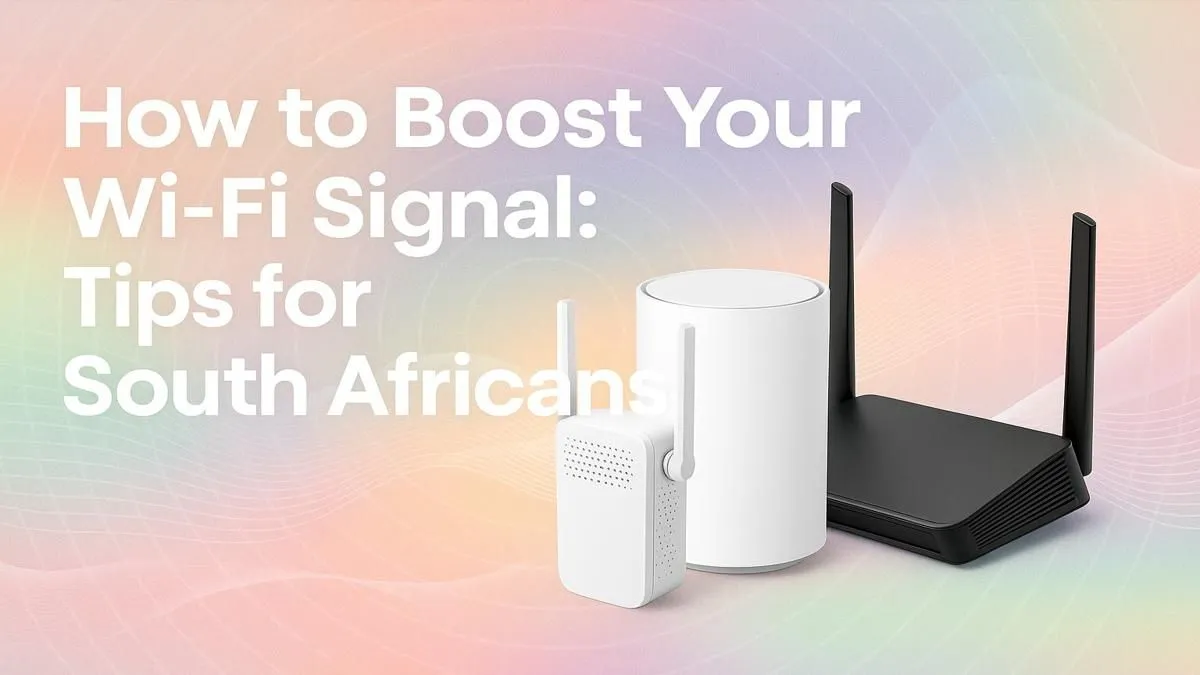
Is your WiFi signal weaker than a stage 6 outage schedule? From buffering streams during the big game to lag spikes wrecking your ranked match, a poor connection is a massive frustration. If you're tired of WiFi dead zones in your South African home, from the kitchen to the braai area, you're in the right place. These ten expert tips will help you boost your WiFi signal and get the fast, stable connection you deserve. 🚀
Start with the Basics: Router Placement is Key
Before you spend a cent, let's optimise what you already have. You'd be amazed how much a simple change in location can improve your WiFi signal.
1. Find the Centre of Your Home
WiFi signals radiate outwards in all directions, like ripples in a pond. Placing your router in a central location ensures the most even coverage throughout your house. Hiding it in a cabinet at the far end of the house is a recipe for a weak signal.
2. Get it Up High
Don't leave your router on the floor. Signals travel downwards and can be absorbed by furniture and flooring. Place it on a high shelf or mount it on a wall, clear of obstructions, to give the signal the best possible path to your devices.
3. Avoid Signal Blockers
Thick walls, especially in older South African homes, are notorious WiFi killers. Other culprits include fish tanks (water absorbs radio waves), mirrors, and large metal appliances like fridges. Keep your router away from these and other electronics like microwaves and cordless phones to reduce interference. Getting the placement right is the first step, but having the right wireless networking gear is just as crucial.
Fine-Tune Your Settings for a Better Signal
A few clicks in your router's admin panel can make a significant difference. These settings help you get the most out of your hardware.
4. Update Your Firmware
Think of firmware as the operating system for your router. Manufacturers regularly release updates that improve performance, patch security holes, and can even boost your WiFi signal strength. Check your router manufacturer’s website for the latest version—it’s a quick and free upgrade.
5. Change Your WiFi Channel
If you live in an apartment block or a dense neighbourhood, your neighbours' WiFi networks can interfere with yours. Most routers default to the same channel (usually 1, 6, or 11).
Channel Surfing Pro Tip ⚡
Use a free tool like WiFi Analyzer for Android or a similar app on your laptop to see which channels are the most congested in your area. Log in to your router's settings and manually switch to a less crowded channel. This simple tweak can dramatically stabilise your connection and is a great way to boost your WiFi signal in South Africa's busy suburbs.
Upgrade Your Hardware to Eliminate Dead Zones
Sometimes, the free router from your ISP just isn't up to the task. If you've tried the tips above and still have dead zones, it might be time for an upgrade. 🔧
6. Invest in a Modern Router
Technology moves fast. A router that's more than a few years old might not support the latest standards like WiFi 6 (802.11ax), which is designed for better performance in homes with many connected devices. Exploring a selection of modern wireless routers can reveal options with stronger antennas and better processors to handle more traffic.
7. Add a Wireless Range Extender
For larger homes or properties with thick walls, a range extender is a cost-effective solution. These devices pick up your existing WiFi signal, amplify it, and rebroadcast it to cover dead zones. We have a great selection of quality wireless range extenders that are simple to set up and can instantly expand your network's reach.
8. Boost Your PC's Reception
Is it just your PC that has a weak signal? The built-in wireless card might be the bottleneck. For desktop PCs far from the router, upgrading to a powerful wireless adapter with a high-gain external antenna can make a world of difference for gaming and large downloads.
Advanced Strategies to Maximise WiFi Performance
Ready to take your network to the next level? These final two tips will help you squeeze every last drop of performance out of your connection. ✨
9. Prioritise Traffic with QoS
Quality of Service (QoS) is a feature on many modern routers that lets you tell it which devices or applications are most important. You can prioritise your gaming PC or streaming service to ensure they get the bandwidth they need, even when other people are browsing on the same network. This is a fantastic way to fix a weak WiFi signal's impact on what matters most.
10. Secure Your Network
An unsecured network isn't just a security risk... it's a performance drain. Neighbours or passers-by could be using your bandwidth without you knowing it. Always use strong WPA3 or WPA2 encryption and a password that isn't easy to guess. A secure network is a faster network.