

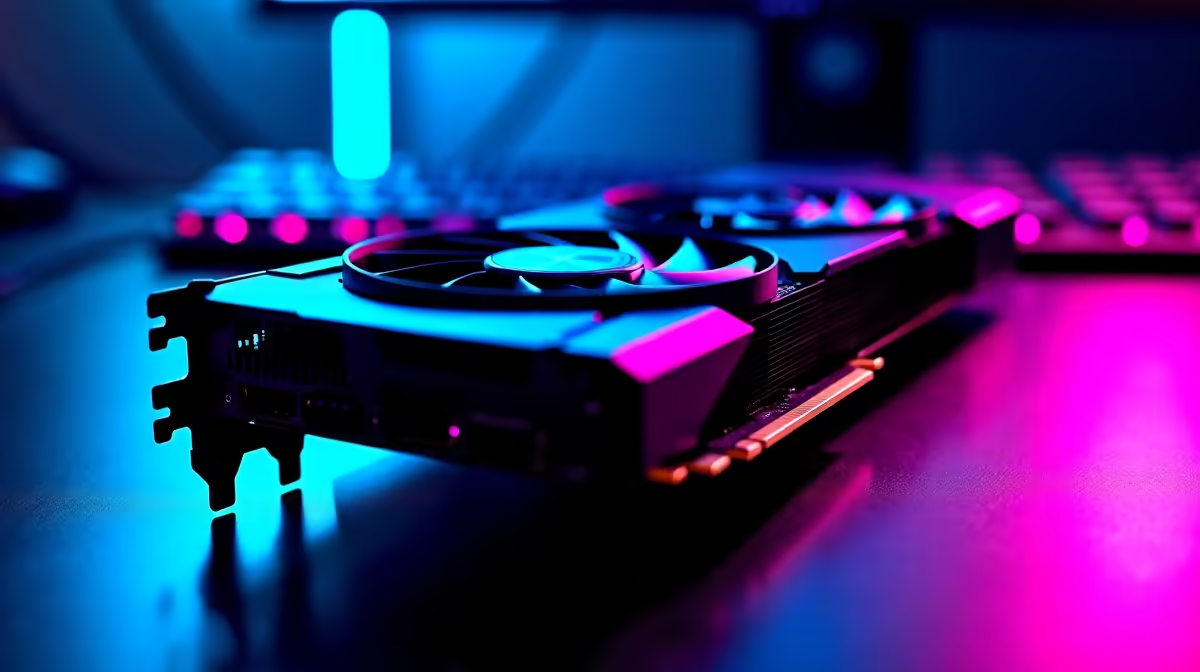
The RX 7800 XT has become one of the most popular 1440p cards on the market, but the real question for SA gamers is whether it can sustain 144 Hz at that resolution without heavy quality compromises. The short answer is yes - with some nuance depending on the title.
Quick Answer
Can the RX 7800 XT do 1440p 144Hz? Yes. The RX 7800 XT hits 1440p 144 Hz in most competitive and mid-demanding titles at high settings. In graphically intensive AAA games, you may need to dial down from Ultra to High settings or use FSR 3 to consistently clear the 144 Hz target.
🔧 1440p Performance Breakdown
The RX 7800 XT is built on AMD's RDNA 3 architecture with 3,840 shaders, a 256-bit memory bus, and 16 GB of GDDR6 VRAM. That memory bandwidth and VRAM capacity are genuine strengths at 1440p, preventing the texture pop-in and stuttering that affects cards with narrower buses.
Real-world 1440p frame rates at high settings (not Ultra):
- Valorant / CS2 - well over 200 fps; 144 Hz easily achieved even at max settings
- Fortnite (Epic) - 120–160 fps average; 144 Hz target maintained comfortably
- Cyberpunk 2077 (High, no RT) - 80–100 fps; needs FSR 3 to consistently hit 144 Hz
- Hogwarts Legacy (High) - 95–115 fps; close to 144 Hz, FSR 3 Quality pushes it over
- Microsoft Flight Simulator - highly CPU-dependent; GPU is rarely the constraint
For competitive titles - which most SA LAN gamers prioritise - the RX 7800 XT handles 1440p 144 Hz with ease. For cinematic AAA games at maximum settings, FSR 3 (Frame Generation enabled) is the tool to close the gap.
📊 Should You Use FSR 3?
AMD's FidelityFX Super Resolution 3 with Frame Generation is natively supported on the RX 7800 XT. In supported titles, FSR 3 Quality mode at 1440p delivers image quality comparable to native rendering while boosting frame rates by 40–80%. This effectively transforms an 85 fps average into 130–150 fps, comfortably above the 144 Hz threshold.
FSR 3 game support has grown substantially through 2025 and into 2026, covering most major AAA releases. For SA gamers running a 1440p 144 Hz monitor, enabling FSR 3 Quality in demanding titles is a no-compromise approach - the image quality difference from native is minimal at typical viewing distances.
💡 Monitor Pairing Tips
To get the most out of the RX 7800 XT at 1440p 144 Hz, pair it with a FreeSync Premium monitor. AMD's FreeSync technology works natively with Radeon GPUs and eliminates screen tearing across the VRR range, making the gaming experience smoother even when frame rates dip below 144 Hz during demanding scenes.
Panel type matters too. An IPS panel delivers better colour accuracy and viewing angles for immersive gaming, while a TN panel offers faster response times for competitive play. VA panels sit in between with higher contrast ratios. For most SA gamers who do a mix of competitive and single-player gaming, IPS at 1440p 144 Hz is the sweet spot.
❓ Frequently Asked Questions
Does the RX 7800 XT support ray tracing at 1440p? Yes, but ray tracing performance at 1440p with quality RT settings drops frame rates significantly - typically to 50–70 fps in demanding RT titles. Using FSR 3 alongside RT helps recover performance, but native 1440p 144 Hz with full ray tracing is beyond what this card comfortably delivers.
Is 16 GB VRAM on the RX 7800 XT overkill at 1440p? Not in 2026. Several titles with Ultra texture settings and high-resolution texture packs now consume 10–12 GB at 1440p. The 16 GB buffer provides meaningful headroom and future-proofing, especially compared to 8 GB cards at the same price tier.
What CPU should I pair with the RX 7800 XT for 1440p 144Hz gaming? Any modern mid-range CPU - Ryzen 5 7600X, Core i5-13600K, or equivalent - is sufficient. The RX 7800 XT is rarely CPU-limited at 1440p in demanding titles. If you are playing competitive games at very high frame rates (200+ fps), a faster CPU becomes more relevant.
Evetech stocks All Graphics Cards and Graphics Card Deals — browse current SA pricing and availability online.
Ready to Find Your Perfect Match? Shop at Evetech











