

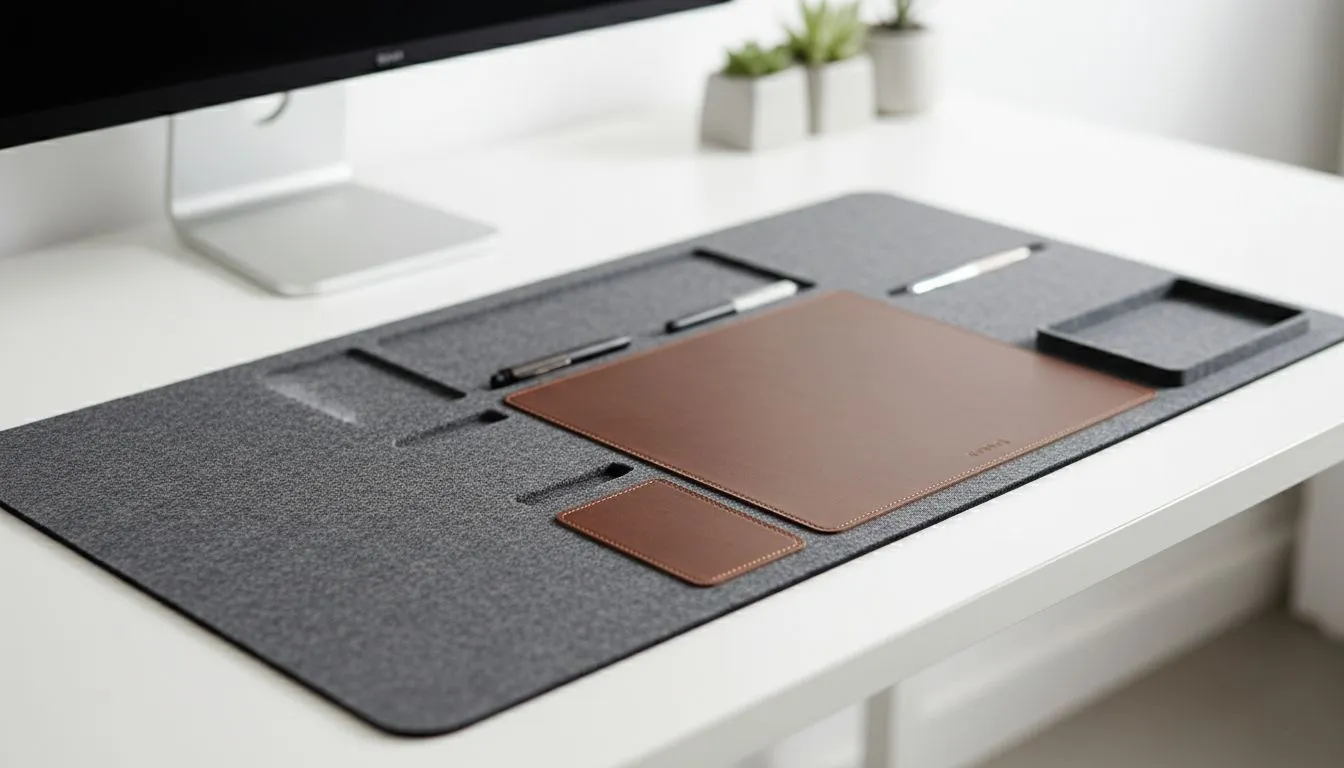
Why a clean desk setup helps you focus 🔧
A cluttered desk steals attention. South African gamers and creators know the feeling: lost dongles, tangled headset cables, and that fuzzy nagging at the back of your mind. A deliberate clean desk setup reduces distractions and speeds decision-making, so you finish raids, renders, or reports faster. Read on for practical steps, plus gear links that actually help you keep a minimalist battlestation.
Clean desk setup: quick wins to regain clarity
Start with a 15-minute reset. Remove everything and only return essentials: keyboard, mouse, monitor, and your most-used external drive. Use labelled trays or a simple drawer system to store the rest. This small habit reduces cognitive load almost immediately.
Productivity Pro Tip ⚡
Label small items and store matching cables together—USB‑A with USB‑A, USB‑C with USB‑C. Keep a single zip pouch for chargers when you travel between home and office.
Make an evening five‑minute sweep part of your routine. It’s a tiny investment that compounds: cleaner desk, clearer mind, better gaming performance.
Clean desk setup gear that actually makes a difference ✨
Choosing the right accessories streamlines your workspace. A monitor arm clears desk real estate and brings your screen to ergonomic height. Browse Evetech's range of monitor accessories to find arms, stands and cable management kits that suit ultrawide setups and small desks alike: https://www.evetech.co.za/PC-Components/buy-monitor-accessories-368
If you prefer compact, brand-specific solutions, Orico offers smart hubs and organisers that reduce desktop clutter—great for small Cape Town apartments or shared Johannesburg workspaces: https://www.evetech.co.za/PC-Components/buy-monitor-accessories-368?brands=Orico
For budget-friendly options that don’t feel cheap, WINX monitor accessories give solid function and clean aesthetics: https://www.evetech.co.za/PC-Components/buy-monitor-accessories-368?brands=WINX
If you’re price-conscious, filter for value—there are solid arms and stands under R3 338 that free up desk space and improve posture: https://www.evetech.co.za/PC-Components/buy-monitor-accessories-368?max-price=3338
When evaluating accessories, check weight ratings and VESA compatibility on product pages—these spec details prevent wasted spend and returns.
Habits to keep your clean desk setup working
Declutter once weekly, but optimise daily. Place a small catch-all tray for pockets and keys; keep a wireless charger dock for your phone to avoid cables spilling across your desk. Make a 'one in, one out' rule for peripherals: buy a new mouse, donate the old one.
Micro-story: I coached a friend in Pretoria who moved his headset and hub onto a small shelf and swapped a bulky stand for a single monitor arm. He reported fewer lost cables and faster focus during evening raids. Small changes, big mental payoff.
Final checklist before you sit down
- Clear surface: only essentials visible.
- Ergonomics: top of screen at eye level.
- Cable management: zip ties, channels, or a simple under-desk tray.
- Storage: labelled boxes or drawers for peripherals.
CALLTOACTION
Ready to Find Your Perfect Match? The Mac vs Windows debate is complex, but for maximum power, choice, and value in South Africa, Windows is hard to beat. Explore our massive range of laptop specials and find the perfect machine to conquer your world.











