

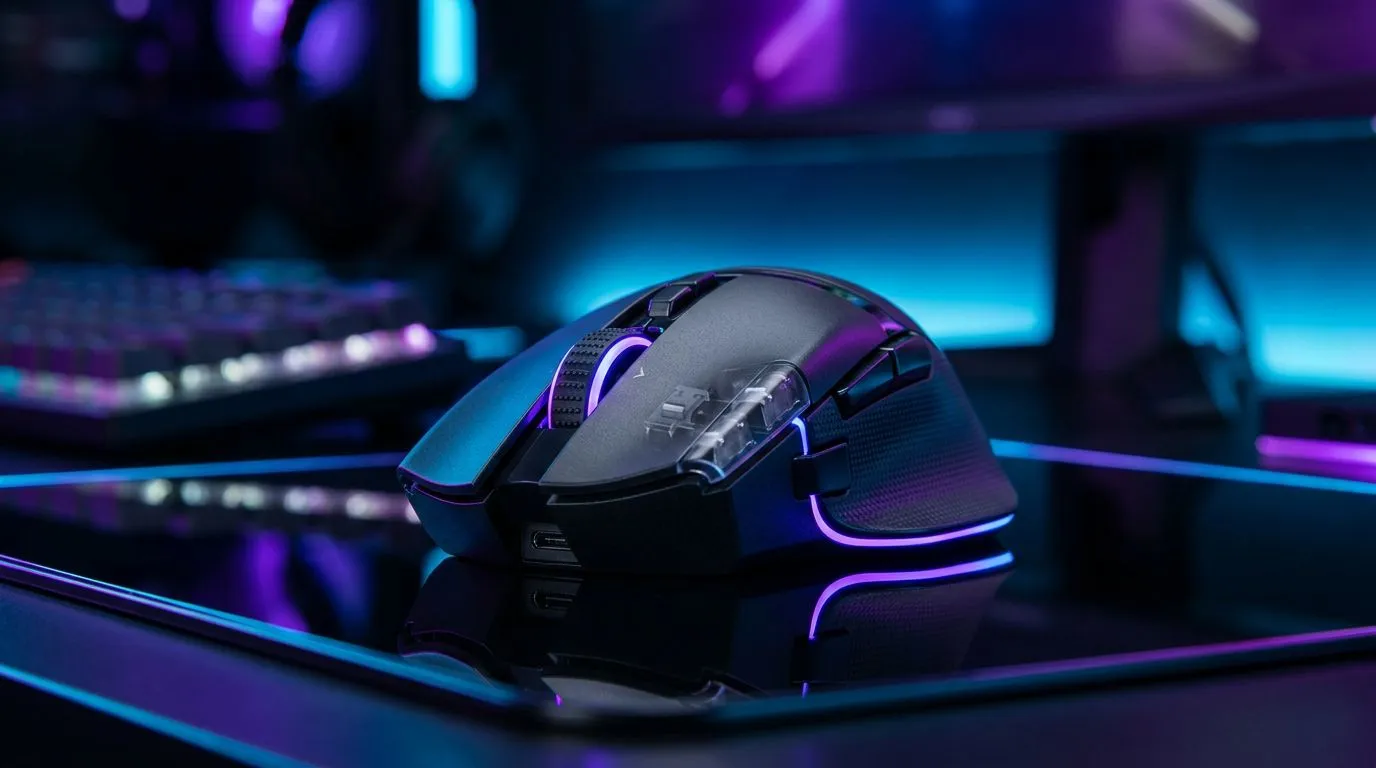
Clean Gaming Mouse: Maintain peak performance in dusty environments — quick hook 🔧✨
Dusty lounges, Pretoria wind, Cape Town beach breezes… South African gamers know dust is the quiet enemy of precision. Clean Gaming Mouse: Maintain Peak Performance in Dusty Environments is not just a headline — it’s a survival plan for your click timing, sensor fidelity and long-term value. Two minutes a day keeps jitter and double‑click woes away.
Clean Gaming Mouse: fast daily checks and why they matter
A quick daily wipe preserves sensor accuracy and keeps buttons crisp. Start by disconnecting wired mice or turning off wireless units, then use a dry microfiber cloth over the shell and buttons. For model choices and specs if you’re replacing parts, check Evetech’s selection of gaming mouse components to match switches and feet browse gaming mouse parts.
Maintenance Micro Tip 🔧
Keep a compressed-air can at hand to blow dust from scroll wheels and sensor wells. Use a dry cotton bud for stubborn gaps. Avoid liquids on PCBs.
Clean Gaming Mouse: simple deep‑clean steps for wired and wireless mice
Take a methodical approach: remove the skates, clean with isopropyl alcohol on a microfiber cloth, and gently brush the optical sensor area. If you game on a wireless mouse, remove its receiver and clean the USB contacts; for replacements or upgrades, browse the wireless lineup here shop wireless mice. For cable care, route the cord to avoid kinks and inspect strain relief; check wired options if you prefer no-battery reliability shop wired mice.
Clean Gaming Mouse: accessories and preventative gear to optimise longevity
Small investments pay off. A desk mat with a sealed weave reduces dust ingress. Replace worn skates and pad them correctly. You can find cleaning accessories and replacement feet in Evetech’s accessories range — everything from skates to cleaning kits mouse accessories. Also, monitor local online deals during seasonal sales — Evetech often lists ZAR discounts and bundle promos if you’re hunting value see current mouse deals. ⚡
Clean Gaming Mouse: final checklist and routines to follow
- Daily: 60‑second wipe and sensor check.
- Weekly: compressed‑air for scroll wheel, check skates.
- Monthly: remove skates, deep clean with isopropyl alcohol, re‑lubricate switches only if manufacturer recommends. Micro‑stories? A Cape Town streamer I know swapped skates and saw 60% fewer cursor stutters within a week. Small rituals matter… and they cost less than a new mouse.
Ready to Find Your Perfect Match? The Mac vs Windows debate is complex, but for maximum power, choice, and value in South Africa, Windows is hard to beat. Explore our massive range of laptop specials and find the perfect machine to conquer your world.











