

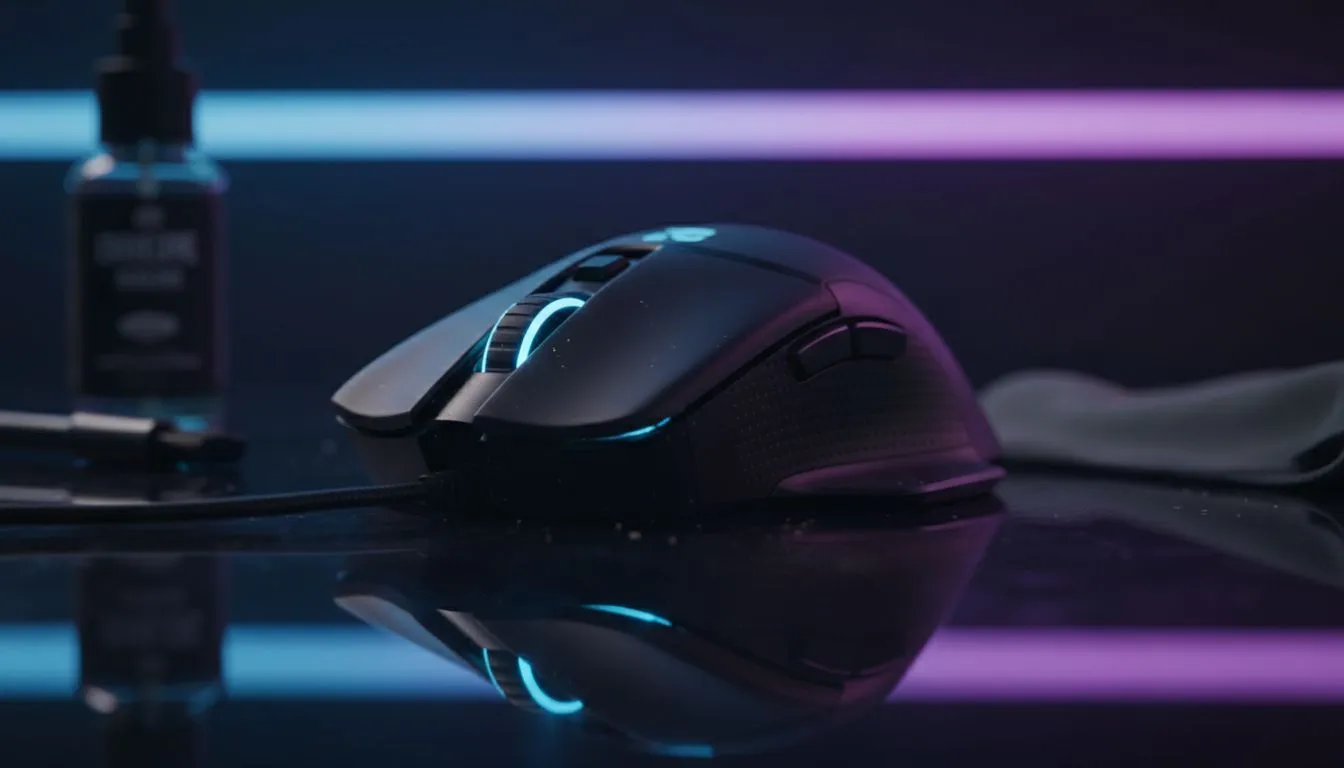
Why a Clean Gaming Mouse Matters for Performance
Ever noticed your cursor stuttering during a clutch moment in a late-night Valorant session? In our dusty South African climate... skin oils, dead skin cells, and local dust can quickly turn your high-end peripheral into a sluggish mess. Maintaining a clean gaming mouse isn't just about hygiene... it's about preserving that pixel-perfect precision you paid for. A build-up of grime can interfere with your sensor and add unwanted friction to your movements.
When you invest in a premium gaming mouse, you expect it to last. Regular maintenance ensures the switches remain tactile and the sensor stays sharp. Without it... you might find yourself shopping for a replacement much sooner than necessary.
Essential Tools for Mouse Maintenance
Before you start... gather your supplies. You do not need expensive kits to get the job done. A few microfibre cloths, some isopropyl alcohol (70% or higher), cotton swabs, and a toothpick are usually enough. If you want to go the extra mile... you can find specialised mouse accessories like replacement skates or grip tapes to refresh the feel of your device.
Avoid using harsh household chemicals or bleach. These can strip the matte coating off your mouse or damage the plastic. Stick to gentle cleaning agents that evaporate quickly... leaving no residue behind.
Sensor Care Pro Tip ⚡
Never spray cleaning liquid directly onto the mouse sensor. Instead... lightly dampen a cotton swab with isopropyl alcohol and gently swirl it around the sensor lens. This removes dust without risking liquid seepage into the internal PCB... ensuring your tracking remains flawless.
Step-by-Step Guide to Cleaning Your Gear
Start by disconnecting your device. If you use a wired mouse... unplug it from the USB port. For those using a wireless mouse... turn it off and remove the batteries or dongle. 🔧
- Surface Wipe: Use a damp microfibre cloth to wipe down the main buttons and palm rest.
- Detailing: Use a toothpick to gently scrape out the "gunk" from the seams where the plastic shells meet.
- The Bottom: Wipe the PTFE feet (skates). If they are heavily scratched... consider replacing them to restore that "out-of-the-box" glide. ⚡
- The Scroll Wheel: Use a can of compressed air to blow out any hair or dust trapped inside the wheel mechanism.
Knowing When to Upgrade
Sometimes... a deep clean isn't enough to save a mouse with worn-out switches or a failing sensor. If your clicks are double-triggering or the sensor spin-outs are becoming frequent... it might be time for an upgrade. Luckily... you can always find the best gaming mouse deals right here in South Africa starting from under R500 for entry-level models. 🚀
Keeping your gear in top shape saves you money in the long run. A few minutes of maintenance every month keeps your aim true and your hardware looking brand new. ✨
Ready to Find Your Perfect Match? A clean mouse is great, but sometimes your old gear just can't keep up with your skill. For maximum power, choice, and value in South Africa, our curated selection is hard to beat. Explore our massive range of gaming mouse specials and find the perfect machine to conquer your world.











