

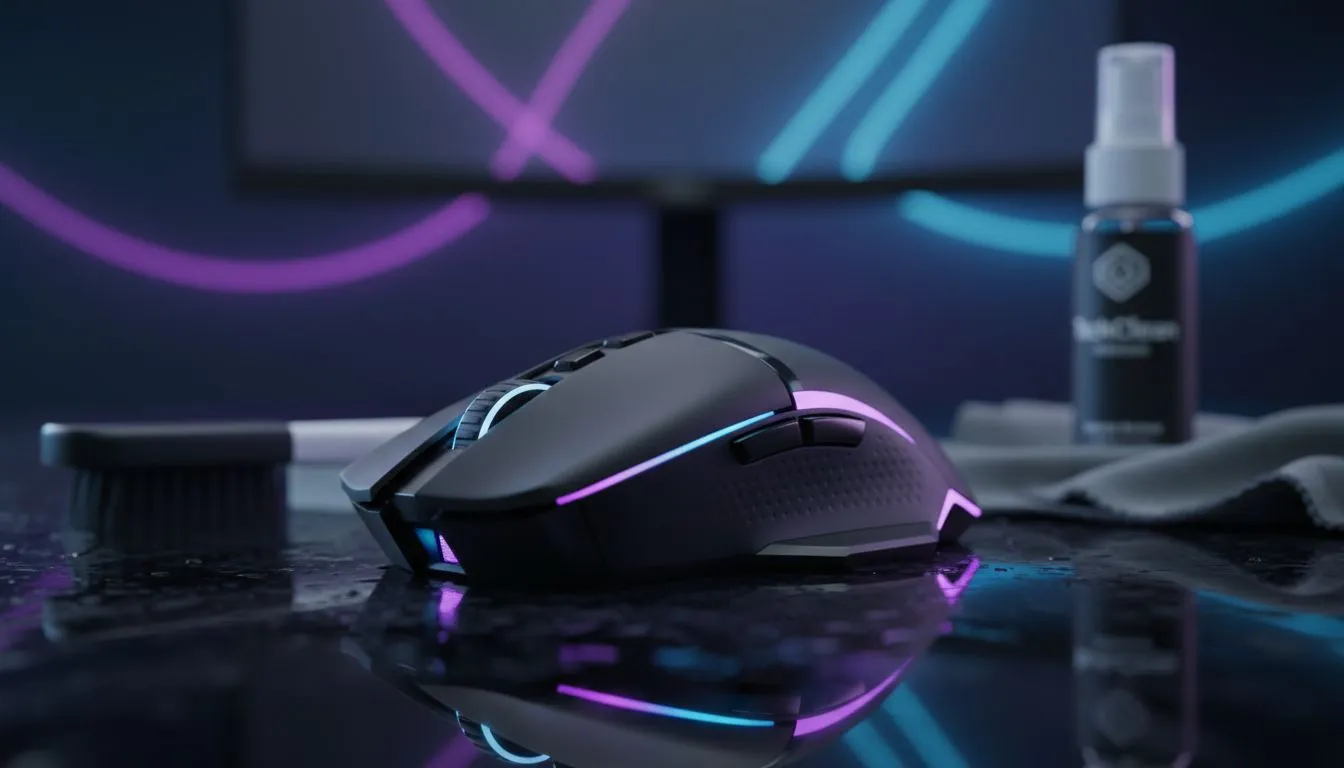
Why cleaning matters for wireless gaming mice 🔧
South African gamers, sweaty-palmed scrubs and dusty desks kill responsiveness fast. Keep your kit sharp with a smart routine that protects sensor accuracy, click feel and battery life. Mentioning the phrase "Clean Wireless Gaming Mouse for Long-Term Performance" early helps you remember: cleaning is maintenance, not just hygiene. Want your mouse to feel brand new every session? Read on for step-by-step care and local buying links. 🚀
Gentle start: tools you need
A soft brush, isopropyl alcohol (70%+), microfibre cloth and a toothpick cover 90% of issues. If you prefer shopping first, browse Evetech's gaming mouse selection to compare sensors and shapes before you commit: https://www.evetech.co.za/components/gaming-mouse-117.aspx. Choosing the right shape reduces grip grime, so prevention matters.
Step-by-step: safe mouse cleaning
- Power off and remove batteries or the dongle.
- Wipe the shell with a lightly damp microfibre cloth.
- Use a toothpick or compressed air to clear crevices around buttons.
- Clean the sensor area with a cotton swab moistened with isopropyl alcohol.
- Check feet for wear; replace if uneven.
Small, regular cleans beat one big scrub every few months. For seasonal refreshes and great value, check current promotions on the best gaming mouse deals at Evetech: https://www.evetech.co.za/best-gaming-mouse-deals/x/054.aspx. ✨
Quick Maintenance Tip ⚡
Between sessions, wipe your mouse where your fingers rest. It takes 10 seconds and reduces salt build-up that degrades switches and feet.
Maintenance schedule & expert insights
- Light wipe: after long sessions or every few days.
- Deeper clean: monthly if you game daily.
- Full strip-down: quarterly for heavy users.
Battery life and wireless dongles respond well to clean contacts. If you decide to upgrade, Evetech lists wireless models separately so you can match range and battery life to your setup: https://www.evetech.co.za/buy-wireless-mouse/x/1597.aspx.
When to replace parts or switch to wired
Worn PTFE feet or failing switches justify replacement. If latency or interference persists, consider a wired mouse for stable performance. Evetech has wired options for less latency and firm budget picks here: https://www.evetech.co.za/buy-wired-mouse/x/1596.aspx. A fresh set of accessories—skates, replacement covers or cleaning kits—can extend life for pennies: https://www.evetech.co.za/buy-mouse-accessories/x/1595.aspx. ⚡
Quick troubleshooting
- Cursor jitter after cleaning? Re-seat the sensor cover and clean again with alcohol.
- Sticky clicks? Try compressed air before opening switches.
- Wireless lag? Try a different USB port or a USB extension to reduce interference.
Keep it simple, keep it consistent
A short routine keeps your mouse responsive and saves money. Regular care prevents the tiny problems that lead to expensive replacements. Want personalised help picking a new mouse or accessory? Our team can match grip style, sensor and budget.
Ready to Find Your Perfect Match? The Mac vs Windows debate is complex, but for maximum power, choice, and value in South Africa, Windows is hard to beat. Explore our massive range of laptop specials and find the perfect machine to conquer your world.











