


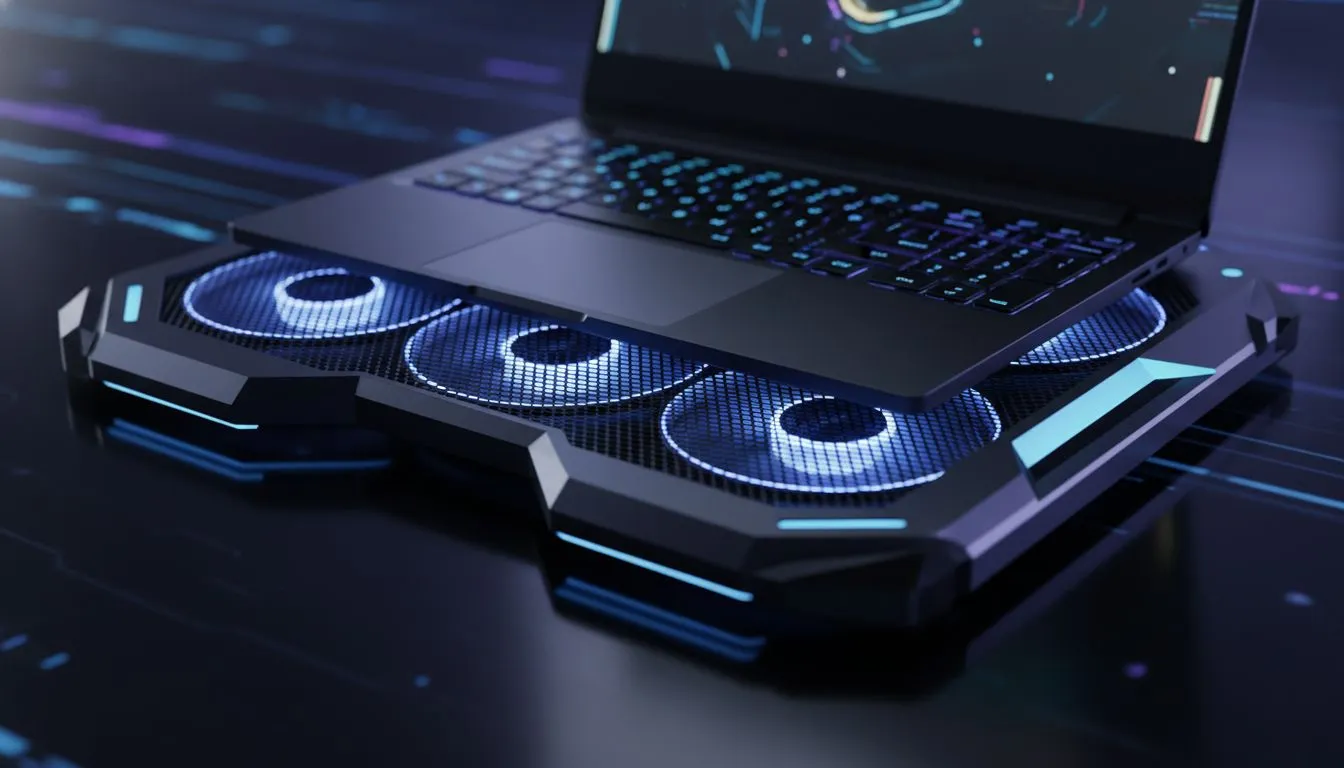
Optimising Cooling Pads Battery Life in Slay the Spire 2
Slay the Spire 2 is almost here. We are all ready to climb the tower again. But playing on the go in the South African heat is tricky. You might wonder if using cooling pads battery life in Slay the Spire 2 is worth the trade-off. Does the fan power drain your battery faster than the heat slows your system down? ⚡
The answer depends on your hardware efficiency. Modern Intel laptops on special are designed to handle high temperatures... but they still throttle when things get too hot. When a laptop throttles, the processor works harder to achieve the same results. This inefficiency actually drains your battery faster than a small external fan would.
How Thermal Throttling Affects Your Deck-Building
In a game like Slay the Spire 2, every frame counts during those flashy card animations. If your internal fans are screaming, your battery is taking a hit. Many Ryzen laptop deals offer excellent power management... yet even these efficient chips benefit from external airflow. A cooling pad typically draws about 2 to 5 watts via USB. In contrast, a thermal-throttled CPU can waste much more power by staying in a high-power state for longer periods to finish tasks.
Battery Saver Tip ⚡
When playing Slay the Spire 2 on battery, try capping your frame rate to 60 FPS in the game settings. This reduces the load on your GPU significantly. It allows your cooling pad to run at a lower speed while still keeping the system frosty.
Choosing the Right Hardware for Portable Play
If you are hunting for the best gaming laptop deals, look for models with robust internal cooling. This reduces your reliance on external pads. However, for those using gaming laptops under R20k, a cooling pad is a vital investment. It protects your hardware from the South African summer while keeping your frame rates stable. 🔧
The impact of cooling pads battery life in Slay the Spire 2 is generally positive if you use a high-quality pad. Cheap fans can be noisy and inefficient. If you have one of the latest GeForce RTX gaming laptops on special, the AI-driven power management works best when the silicon stays under 80 degrees. Keeping it cool means the battery lasts through those extra "just one more turn" moments. 🚀
Final Verdict for South African Slayers
Using a cooling pad while unplugged might seem counter-intuitive... but the stability it provides is worth the small power draw. It prevents the dreaded "heat soak" that makes your laptop feel like a stove. Keep your deck thin and your laptop cool to conquer the Spire. ✨
Ready to Find Your Perfect Match? The Mac vs Windows debate is complex, but for maximum power, choice, and value in South Africa, Windows is hard to beat. Explore our massive range of laptop specials and find the perfect machine to conquer your world.











