

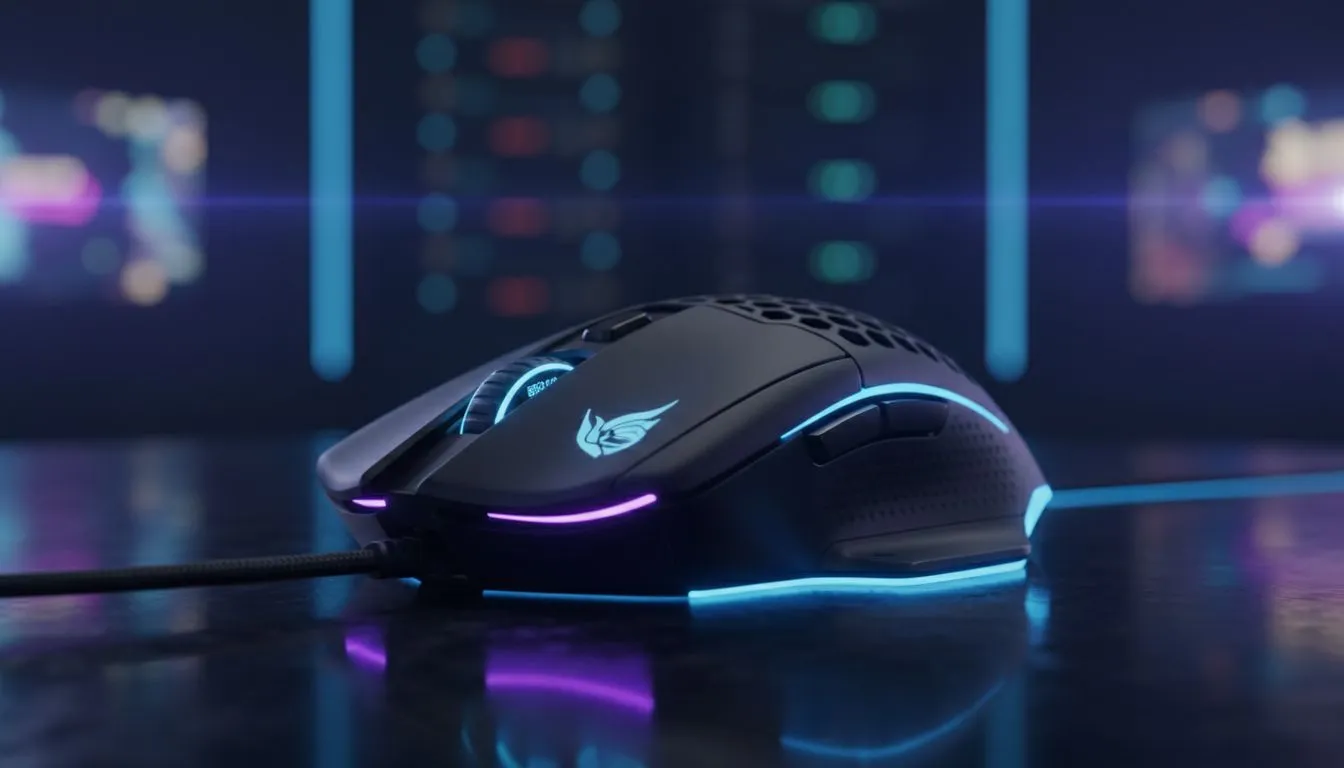
Quick hook: why this matters right now
CPI on a Gaming Mouse: Why 8500 CPI Matters — if you care about precision in Siege, LoL, or Warzone, that single spec can change how consistently your crosshair tracks targets. In South African homes and LAN cafés, small wins in pointing accuracy stack into big results. Here’s a practical breakdown that helps you decide, not just read specs. 🎯
What CPI actually measures and why 8500 is notable
CPI (counts per inch) tells you how many sensor counts occur when the mouse moves one inch. Higher CPI generally means the sensor reports smaller movements, letting the software scale motion more smoothly. But more isn’t always better... 8500 CPI sits in a sweet spot for many gamers — high enough for precise aim with high‑resolution monitors, yet low enough to avoid jitter on cheaper surfaces when paired with good firmware. For model choices and sensor options, check Evetech’s gaming mice line‑up for verified specs and models. https://www.evetech.co.za/components/gaming-mouse-117.aspx
Real gameplay impact: sensitivity, polling and muscle memory
A mouse at 8500 CPI lets players use lower in‑game sensitivity while keeping fine micro‑adjustments possible. That helps with consistency across play sessions and when switching rigs. However, your polling rate, mouse pad, and grip matter just as much. If you prefer wireless freedom, look at Evetech’s wireless mice selection to compare latency and battery tradeoffs. https://www.evetech.co.za/buy-wireless-mouse/x/1597.aspx
Precision Pro Tip ✨
When testing a new mouse, set Windows pointer speed to default, try both 800 and 1000 Hz polling rates, and map 8500 CPI to a mid-low in‑game sensitivity. This avoids overcorrecting and builds reliable muscle memory.
Choosing between high CPI and tuning your setup
Rather than chasing the highest CPI, tune your DPI/CPI range to match your monitor resolution and playstyle. For budget picks or wired consistency, Evetech’s wired mice collection highlights models with dependable sensors at various CPI steps. https://www.evetech.co.za/buy-wired-mouse/x/1596.aspx
Deals, accessories and smart buys in ZAR
If you’re shopping on a budget or upgrading pockets for accessories, Evetech lists current deals and accessories that keep your sensor tracking clean and consistent. A good mouse pad or skates can reduce surface noise at high CPI levels. See current offers and accessories here. https://www.evetech.co.za/best-gaming-mouse-deals/x/054.aspx https://www.evetech.co.za/buy-mouse-accessories/x/1595.aspx 🛒
Final checklist before you buy
- Test the feel: CPI alone won’t tell you about clicks or weight.
- Match CPI to resolution: higher displays benefit from higher CPI ranges.
- Consider firmware and software customisation for CPI steps and smoothing.
Ready to Find Your Perfect Match? The Mac vs Windows debate is complex, but for maximum power, choice, and value in South Africa, Windows is hard to beat. Explore our massive range of laptop specials and find the perfect machine to conquer your world.











