

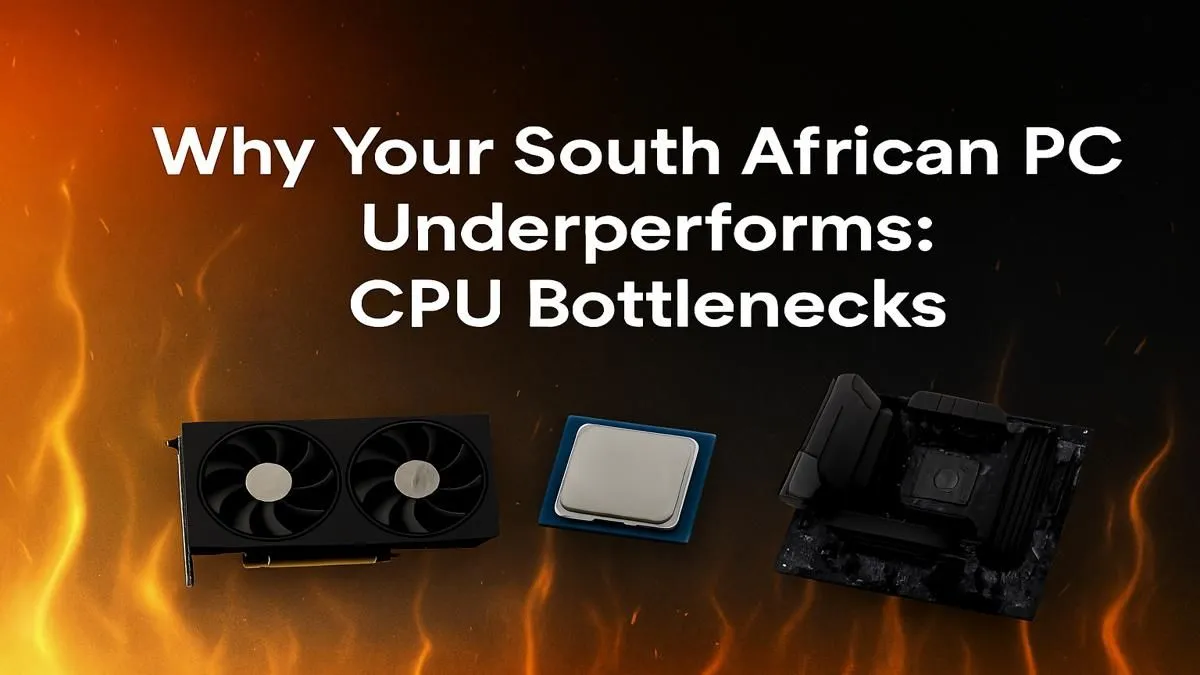
You’ve dropped serious cash on a beastly new graphics card, expecting buttery-smooth frame rates in Apex Legends or Warzone. Yet, your performance is… meh. Stutters, lag, and frustrating FPS drops are ruining your game. Before you blame Eskom or your internet, the real culprit might be silent and hidden inside your PC. A CPU bottleneck is a common issue for many gamers in South Africa, silently sabotaging your expensive hardware. Let's fix that. 🚀
What Exactly is a CPU Bottleneck?
Think of your PC components as a team working on an assembly line. Your Graphics Card (GPU) is the star worker, rendering beautiful frames at lightning speed. Your Central Processing Unit (CPU) is the manager, preparing all the data—game logic, physics, AI—and sending it to the GPU.
A CPU bottleneck happens when the manager (CPU) can't prepare the data fast enough for the star worker (GPU). The GPU ends up waiting around, twiddling its thumbs, which means it isn't running at its full 100% potential. The result for you? Lower frame rates than you expected, and annoying stuttering, especially in CPU-intensive games.
How to Spot a CPU Bottleneck in Your Rig
Guessing is not a strategy. You need data to confirm if a CPU bottleneck is the reason your PC underperforms. The good news is that it's easy to check.
Grab a free monitoring tool like MSI Afterburner with RivaTuner Statistics Server. Fire up your favourite game and keep an eye on the on-screen display.
Here’s what to look for:
- High CPU Usage: One or more of your CPU cores are consistently hitting 95-100% usage.
- Low GPU Usage: At the same time, your GPU usage is sitting well below 90%.
If you see this pattern, you’ve found your culprit. Your GPU has power to spare, but it's being held back. This is the classic sign that your system needs a more balanced hardware configuration, which often starts with finding the right CPU processors online.
Quick Bottleneck Check 🔧
Lower your game's resolution to 720p and turn down all graphics settings. If your frame rate doesn't increase significantly, it's a strong sign your CPU is the limiting factor. The GPU has less work to do at this low resolution, but the CPU is still struggling to prepare and send frames, exposing the bottleneck clearly.
Fixing a CPU Bottleneck: Your Upgrade Path
The most direct solution to a CPU bottleneck is upgrading your processor. Pairing a brand-new, high-end GPU with a CPU that's several generations old is a common mistake that leads to this exact problem in many South African gaming PCs.
When planning your upgrade, consider the two titans of the CPU world:
Team Red: AMD
For years, AMD has been the king of multi-core performance and value for money. If you stream, edit videos, or play strategy games that use many cores, exploring the lineup of powerful AMD Ryzen CPUs is a fantastic place to start. Their AM4 and AM5 platforms offer great upgrade paths. ✨
Team Blue: Intel
Intel has a long legacy of delivering incredible single-core speeds, which is crucial for achieving the highest possible frame rates in many competitive esports titles. If your primary goal is raw gaming performance, checking out the latest Intel Core processors is essential. They are known for their raw power and clock speed dominance.
Ultimately, the goal is balance. A well-matched CPU and GPU will work in harmony, ensuring you get every single frame of performance you paid for.
Ready to Unleash Your PC's True Power? A CPU bottleneck can be frustrating, but the fix is within reach. A balanced system is key to peak performance. Explore our massive range of CPUs and find the perfect processor to eliminate stutter and unlock your PC's full potential.





