

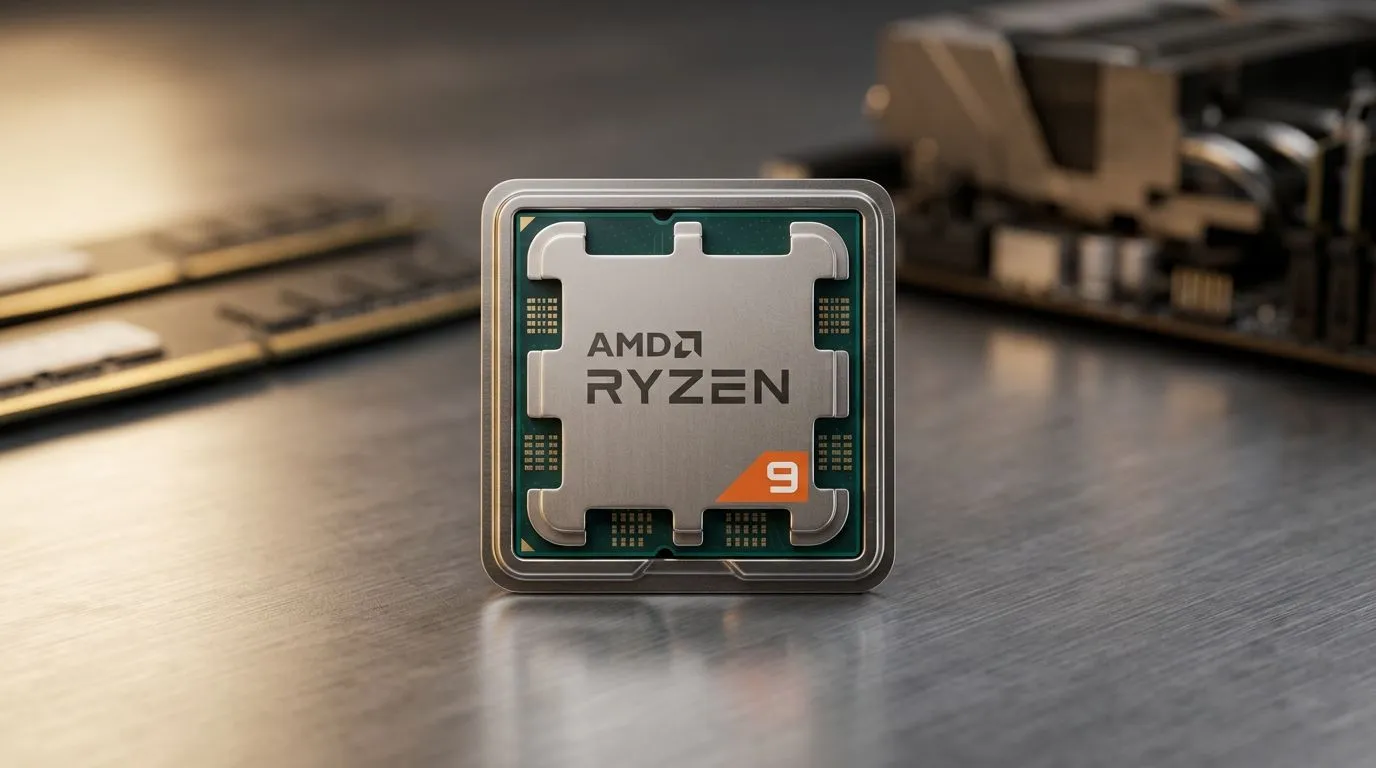
CPU TDP Rating Needed to Prevent Thermal Throttling
If your FPS dips after 20 minutes, your PC might not be “weak”… it might be fighting heat. South African gamers push hard on long sessions, and budget builds often skip the one spec that matters when temperatures climb: CPU TDP handling. 🔧
In this guide, we’ll translate the “CPU TDP rating needed to prevent thermal throttling” into real buying decisions, so you can pair your CPU with the right cooling without wasting money.
CPU TDP Rating Needed to Prevent Thermal Throttling (The simple truth)
TDP is basically how much heat a CPU is designed to shed under base workload. It’s not the same as peak power, but it’s the number your cooling solution is judged against. When heat exceeds what your cooler can move, the CPU reduces clocks. That drop is thermal throttling.
So what should you “aim for” when you’re shopping? As a rule of thumb for stable gaming temps, choose a cooler with cooling performance matched to your CPU’s heat output, and consider leaving some headroom for SA summer. ⚡
What to look for on the box
Instead of only chasing brand names, check three things:
- Supported CPU socket (so the heatsink physically fits)
- Cooling type and fan setup (air vs AIO, fan sizes, number of fans)
- Performance class that can realistically handle your CPU’s TDP
If you already know your CPU’s rated TDP, you’re halfway there. The next step is ensuring your cooler’s style fits your case airflow.
Why airflow beats “big cooler” vibes
A great cooler can still underperform in a cramped case with poor intake/exhaust. If you’re in a medium tower, focus on:
- front intake fans bringing cool air in
- rear or top exhaust pushing hot air out
- keeping cables from blocking the fan path
A quick build habit: before you buy, check your case maximum cooler height. That’s where many “almost fits” builds go wrong.
Productivity Pro Tip 🔧
On Windows, monitor CPU temperatures during a game using an overlay tool (like HWInfo64 or similar). If temps climb past your comfort zone and clocks dip, you’re seeing thermal throttling. Use that signal to adjust fan curves or improve airflow before you spend on upgrades."
Picking a cooler without overpaying in South Africa 🔥
Air cooling is often the best value in SA because it’s reliable and usually easier to fit. If you’re moving between budgets, a practical approach is:
- Match cooler capability to your CPU’s TDP
- Add airflow headroom for warm rooms
- Prefer reputable cooler lines with known fitment options
Here are some helpful paths to start your search on Evetech, depending on what you need:
- Browse air cooler options here: CPU coolers from Evetech
- Want to stay strictly with air cooling? Use this filter: Air cooler selection
- Prefer larger airflow and often better sustained cooling? Check: 120mm fan air coolers
- If you like DeepCool specifically, narrow it down: Deepcool air coolers
- EINAREX fans looking for value? Here: EINAREX air coolers
Micro-check before checkout ✨
Before you finalise:
- Confirm CPU socket compatibility
- Check cooler height against your case specs
- Plan thermal paste if needed (many shops include guidance; if not, verify what’s included)
- If you’re upgrading late, run a temp test after installation to validate it’s fixed
The takeaway: TDP rating needed to prevent thermal throttling
You don’t need magic numbers. You need the right match: CPU TDP understood, cooler capability chosen, and airflow confirmed. Do that, and your clocks stay steadier during those long South African gaming nights… and your frames stop wobbling. 🚀
Ready to Find Your Perfect Match? The Mac vs Windows debate is complex, but for maximum power, choice, and value in South Africa, Windows is hard to beat. Explore our massive range of laptop specials and find the perfect machine to conquer your world.











