

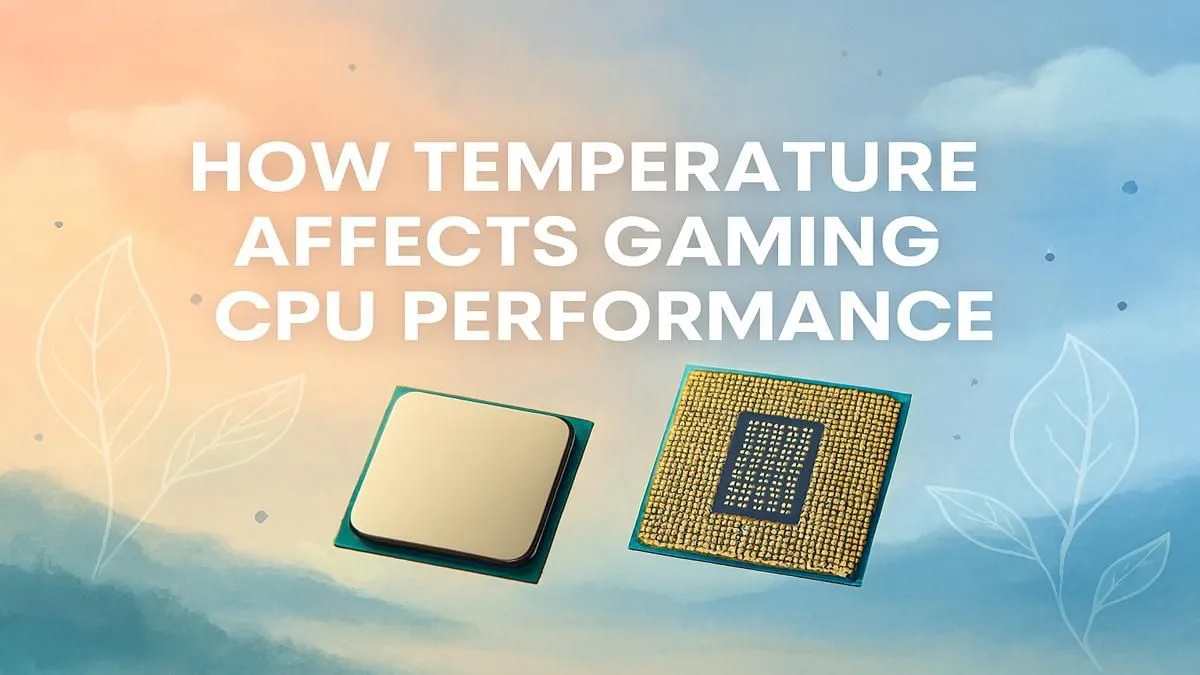
Stuttering, lag, and sudden frame drops... every South African gamer knows the frustration. You've got a beast of a graphics card, so what gives? Before you blame your GPU or internet connection, look at your processor's heat. The link between CPU temperature and performance is one of the most overlooked factors in PC gaming. A processor running too hot can cripple your rig, turning a high-end machine into a stuttering mess right when it matters most.
Why Your CPU Temperature Directly Affects Performance
Think of your CPU as the brain of your PC. When it gets too hot, it does something called "thermal throttling." This is a built-in safety feature that automatically slows the processor down to prevent it from damaging itself due to excessive heat.
Imagine a rally driver easing off the accelerator on a tight corner to avoid crashing. Your CPU does the same thing with its clock speed. When temperatures rise, it reduces its speed, which means it processes fewer instructions per second. For you, the gamer, this translates directly into:
- Lower Gaming FPS: Fewer calculations mean fewer frames rendered.
- In-Game Stuttering: The CPU struggles to keep up with the demands of the game.
- Slower System Response: Even outside of games, your PC will feel sluggish.
Understanding this relationship is the first step to unlocking consistent, smooth performance from all your PC components.
What Are Safe CPU Temps for Gaming? 🌡️
So, how hot is too hot? While every processor is different, here’s a general guide for what you should be aiming for.
- Idle (Just on the desktop): Anything under 50°C is excellent.
- Under Load (Gaming): 70°C to 85°C is a typical and safe range for most modern CPUs.
- Warning Zone: If you see temperatures creeping into the 90-95°C range, you're pushing the limits and thermal throttling is almost certainly happening.
- Danger Zone: Anything over 95°C is a major red flag. Your CPU is likely throttling heavily, and prolonged exposure to these temps can reduce its lifespan.
Whether you're running the latest Intel Core processors or a powerful multi-core chip from another brand, keeping an eye on these numbers is vital.
Pro Tip: Monitor Your Temps for Free ⚡
You don't need fancy equipment to check your CPU temperature. Free software like HWMonitor or MSI Afterburner provides a detailed, real-time overlay of your CPU and GPU temps while you game. Install one, run it in the background, and you'll know exactly how your system is handling the heat during an intense session of Warzone or Elden Ring.
How to Lower CPU Temps and Boost Your Gaming FPS
If your processor is running hotter than a Durban summer, don't stress. Here are a few practical steps you can take to cool things down and reclaim your performance.
1. Banish the Dust 🔧
South African homes can get dusty, and that dust loves to clog up PC fans and heatsinks. A clogged heatsink can't dissipate heat effectively. Grab a can of compressed air and (carefully!) blow the dust out of your PC case, paying special attention to the CPU cooler's fins and fans.
2. Optimise Your Case Airflow
Ensure your case fans are pointing the right way. A standard setup involves intake fans at the front pulling cool air in, and exhaust fans at the back and top pushing hot air out. Tidy up your cables as well—messy cables can obstruct airflow.
3. Re-apply Thermal Paste
The thermal paste between your CPU and its cooler dries out over time, becoming less effective. If your PC is a few years old, cleaning off the old paste and applying a fresh, high-quality layer can drop your temperatures significantly.
4. Upgrade Your CPU Cooler ❄️
The stock cooler that comes with many processors is often just... okay. For serious gaming, especially with a high-performance AMD Ryzen CPU, upgrading to a larger tower air cooler or an All-In-One (AIO) liquid cooler can make a world of difference, allowing your CPU to maintain its boost clocks for longer.
By managing how your CPU temperature affects performance, you're not just getting more gaming FPS—you're ensuring your hardware lasts longer and delivers the smooth experience you paid for.
Ready for a Cooler, Faster Gaming Experience? If your CPU is still running hot after trying these tips, it might be time for an upgrade. A modern processor isn't just faster—it's more efficient. Explore our massive range of PC components and build a rig that never breaks a sweat.





