


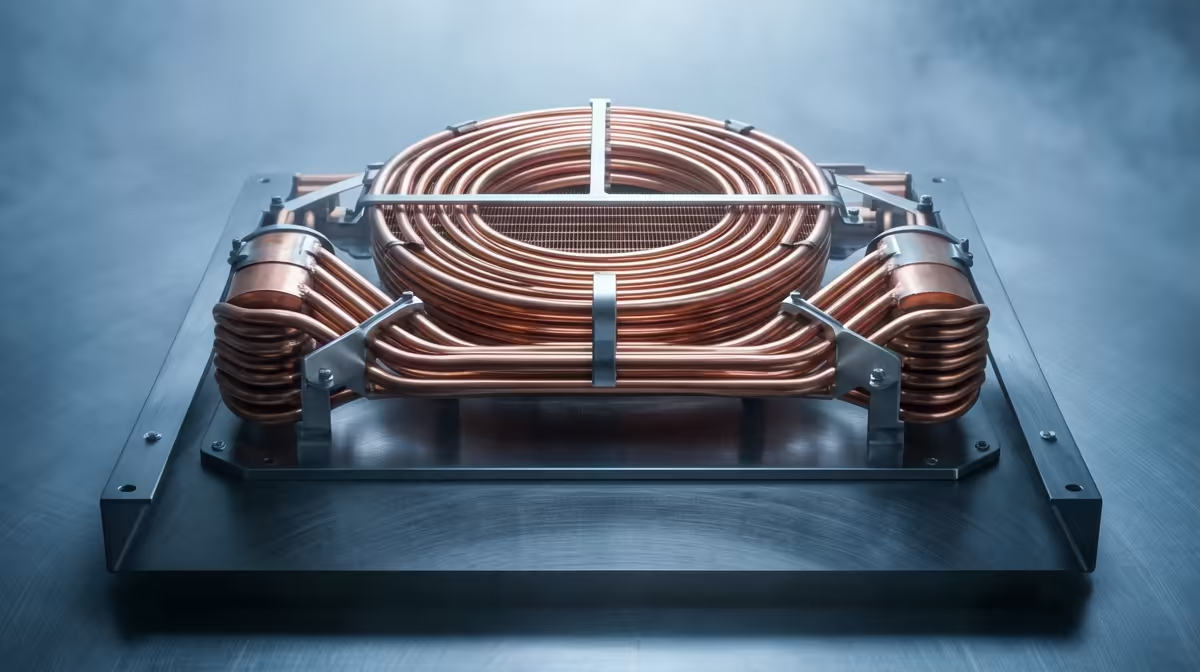
The lights go out, the inverter hums to life, but a new enemy emerges… heat. With the aircon off, your room quickly becomes an oven, and your PC feels it first. Suddenly, your frames start dropping in the middle of a crucial match. Achieving CPU temperature stability during an unexpected outage isn't just a luxury; it's essential for protecting your hardware and your K/D ratio. Let's dive into some practical air cooling tips.
Everyday Reliability
Your PC's cooling system doesn't exist in a vacuum. It uses the air in your room to dissipate heat. When an unexpected outage kills the power to your air conditioner or fan, the ambient temperature of that room starts to climb. For every degree the room gets warmer, your CPU has to work harder to stay cool.
This is where you run into thermal throttling. It’s your CPU's self-defence mechanism, automatically reducing its speed to prevent overheating. The result? Stuttering gameplay, sluggish performance, and a whole lot of frustration. Maintaining CPU temperature stability during an unexpected outage is all about managing that ambient heat and ensuring your cooling is as efficient as possible.
Mastering CPU Temperature Stability: Air Cooling Tips 🔧
While you can't control the grid, you can definitely control your PC's internal climate. A robust air cooling setup is your first line of defence.
Start with a Capable Cooler
The stock cooler that came with your CPU is… fine. For basic tasks. A quality aftermarket air cooler provides a significant upgrade with its larger heatsink, superior heat pipe design, and more powerful fan. This gives your system much more thermal headroom to work with. Investing in the right CPU air cooler is one of the most effective upgrades you can make for system stability.
Optimise Your Case Airflow
A great CPU cooler can be crippled by poor case airflow. Think of it as trying to breathe with a pillow over your face. You need a clear, unobstructed path for cool air to enter and hot air to exit.
- Positive Pressure: Aim for slightly more intake fans than exhaust. This pushes air out of all the little gaps and helps keep dust out.
- Clean Your Filters: Dust is the ultimate insulator and performance killer. Clean your PC's dust filters at least once a month.
- Cable Management: Tidy cables don't just look good; they improve airflow by removing obstructions.
For a high-performance build, components from top-tier brands often feature designs that prioritise airflow, and you can see this in the engineering of premium options from Corsair, from their fans to their cases.
Pro Airflow Tip 💨
Your motherboard allows you to set custom fan curves in the BIOS UEFI. Instead of letting them run at a constant speed, set them to ramp up aggressively as CPU temperatures pass 60-70°C. This keeps the PC quiet during light use but ensures maximum cooling power the moment you enter a demanding game, helping maintain stable CPU temps.
Don't Forget Thermal Paste
That tiny layer of thermal compound between your CPU and your cooler's heatsink is incredibly important. It fills microscopic gaps to ensure efficient heat transfer. If your PC is more than a few years old, that paste has likely dried out and lost its effectiveness. Replacing it with a high-quality paste is a cheap and easy way to potentially drop your CPU temperatures by several degrees.
Air Cooling vs.
You've probably seen those slick All-In-One (AIO) liquid coolers with RGB pumps and big radiators. They can offer fantastic cooling performance.
Air coolers have a beautiful simplicity. There's no pump that can fail and no liquid that can leak. They are incredibly reliable and offer amazing performance for the price, with many great value air coolers from brands like Gamdias providing competition to even mid-range liquid coolers.
While AIOs can sometimes achieve lower peak temperatures, their performance is also tied to ambient room temperature. If you're considering one, it's worth checking out reviews for Gamdias' AIO liquid coolers or other popular 240mm AIO solutions. However, for sheer peace of mind and robust performance when the power situation is unstable, a high-quality air cooler is often the smarter, more reliable choice for South African gamers.
Ready to Beat the Heat? Don't let an unexpected outage throttle your performance. A reliable cooler is the heart of a stable gaming rig. Explore our massive range of CPU coolers and find the perfect hardware to keep your system cool and your frames high.









