

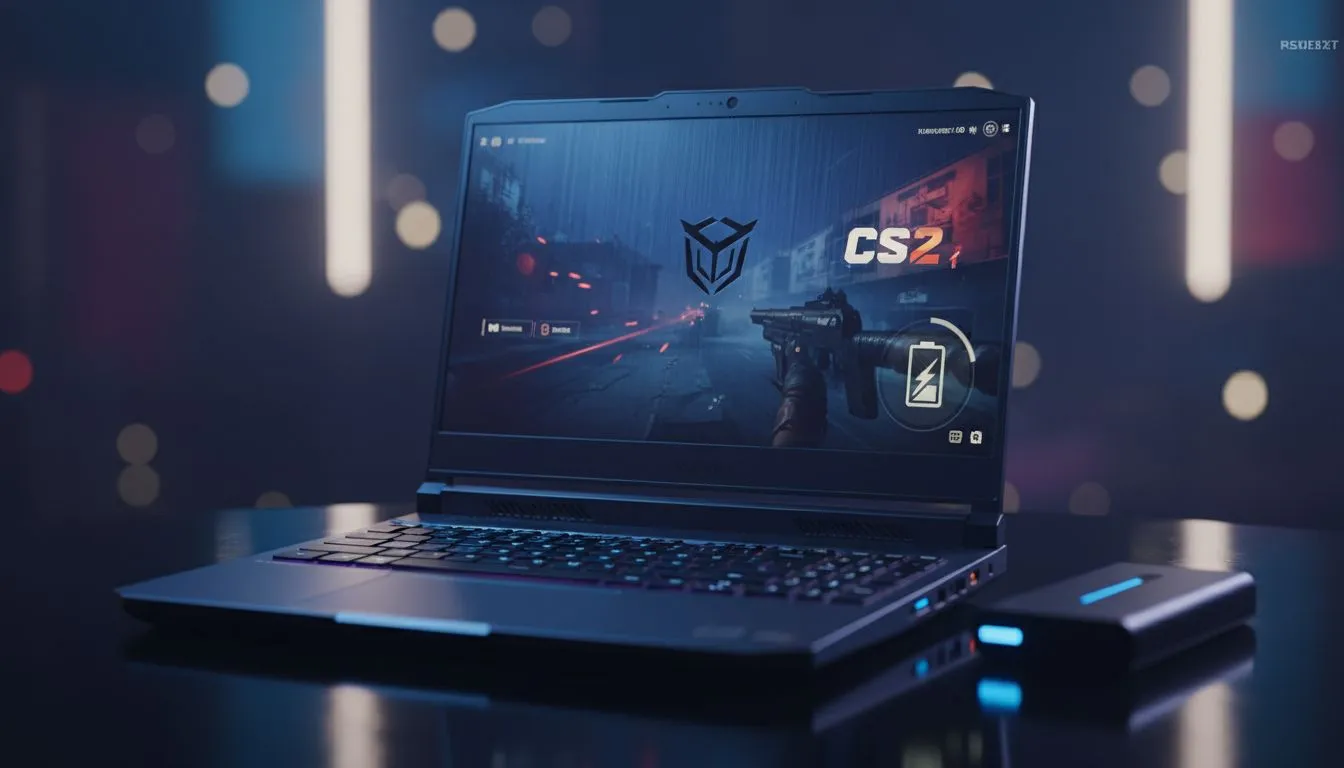
It is the final round on Mirage. The score is 12-12. Suddenly, the lights go out. In South Africa, loadshedding is the ultimate boss fight. If your CS2 battery life isn't up to scratch, your rank will suffer. Finding a laptop that balances high frame rates with power efficiency is essential for surviving a two-hour blackout while staying competitive in Counter-Strike 2.
Understanding CS2 Power Consumption
Counter-Strike 2 is more demanding than its predecessor. The Source 2 engine introduces better lighting and physics... but this comes at a cost to your battery. To maintain a stable 144Hz or 240Hz, your hardware works overtime. Many Intel laptops on special now feature hybrid architectures. These use efficiency cores to handle background tasks while performance cores drive your frame rates. This balance is crucial when the Eskom schedule hits.
Efficiency: Intel vs. Ryzen for Gaming
When looking at the longest-lasting machines, CPU efficiency is king. Our current Ryzen laptop deals often highlight processors built on smaller nodes. These chips typically draw less power during moderate gaming loads. If you are playing on battery, every watt saved is another minute of uptime. It is often better to lock your frame rate to 60fps when the power is off to stretch your session.
Loadshedding Survival Tip ⚡
To maximise your CS2 battery life, ensure your laptop's MUX switch is set to 'Hybrid' or 'Optimus' mode. This allows the integrated graphics to handle the desktop while the dedicated GPU only kicks in for the game. Additionally, lowering your screen brightness to 50% can add up to 20 minutes of extra playtime during a match.
Balancing Performance and Budget
You do not need to spend a fortune to stay online. We have a wide range of gaming laptops under R20k that offer impressive battery capacities. Look for models with at least a 60Wh to 80Wh battery. While high-end GPUs are powerful, our GeForce RTX gaming laptops on special include NVIDIA Battery Boost. This feature dynamically adjusts settings to ensure you get the longest possible playtime without the game becoming a slideshow.
Choosing the Right Machine for the Blackout
If you want to survive a full Stage 4 slot, you need a high-capacity cell. We constantly update our best gaming laptop deals to include machines with 90Wh+ batteries. These are the gold standard for South African gamers. They provide the buffer needed to finish your Premier matches even when the grid fails. Always remember to keep your laptop at 100% charge before your scheduled loadshedding slot begins 🚀.
Ready to Survive the Next Blackout? Don't let loadshedding ruin your win streak. Whether you need a power-efficient worker or a high-capacity gaming beast, we have the right tech for you. Explore our massive range of laptop specials and find the perfect machine to conquer your world.





