

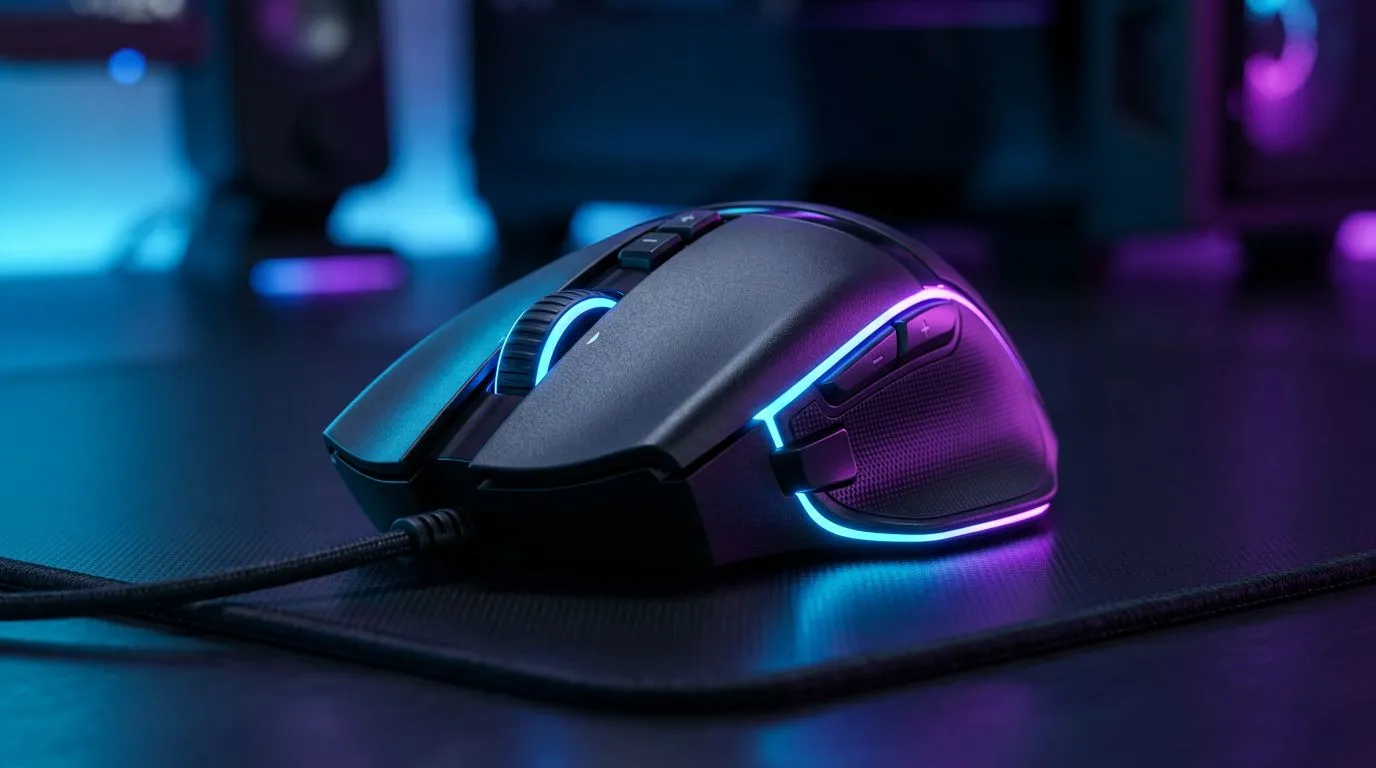
Customise DPI Sensitivity for Better Aim — Quick Start 🔧
If you want to hit headshots more consistently, the first thing to try is to Customize DPI Sensitivity Settings for Better Aim in Shooters — yes, the full phrase matters because precision is a system, not luck. Start by testing a gaming mouse that gives true sensor control; you can browse Evetech’s gaming mouse selection to see sensors, buttons and software options in one place.
How to Tweak DPI and In‑Game Sensitivity
Small changes beat wild swings. Think of DPI as the hardware dial and in‑game sensitivity as the fine tuner. Try lowering your DPI and compensating with slightly higher in‑game sensitivity until movement feels smooth, then reduce until micro‑adjustments are comfortable. If your mouse supports on‑the‑fly DPI switching, bind a profile for tracking and another for flicks. For quick deals when upgrading, check Evetech’s best gaming mouse deals — great for saving ZAR when you test new settings.
Convert and Measure: Practical Steps
Measure by using the same mouse surface and a simple distance test across your desktop. Move your mouse from point A to B and adjust until the crosshair travel is repeatable. Create a routine: warm up for five minutes on aim trainers, then change one variable. If you prefer wireless, weigh latency and battery behaviour; explore Evetech’s wireless mouse options to compare models and Q&A on performance before you buy. 🚀
Pair Settings with the Right Gear
Your pad, grip and mouse all influence sensitivity choices. Wired mice often offer consistent polling and are favoured for stable input; if you want a wired setup, see Evetech’s wired mouse collection for models that match your grip and budget. Swap mouse feet and tweak lift‑off distance via the software or accessories — shop mouse accessories at Evetech for skates and grips to tune feel and consistency. ✨
Pro Tips and Micro‑Story
I coached a Cape Town clan who dropped their effective eDPI by small increments; within a week their tracking improved because they practised with a repeatable setting. The habit matters more than chasing ultra‑high DPI numbers. Keep a short journal: note DPI, in‑game sens, and a simple score. Repeat the same test daily to see real progress.
Aim Adjustment Tip ⚡
When changing sensitivity, adjust one variable at a time. Stick with a 30‑minute play window per setting and use the same map or aim trainer for consistent feedback. Save profiles in your mouse software to switch instantly during practice.
Final Setup Checklist
- Choose a sensor and mouse that supports precise DPI steps. (See Evetech’s gaming mouse range.)
- Test both wired and wireless models before committing. (Compare wireless options.)
- Buy replacement skates and grips if the stock feel limits consistency. (Accessories available.)
- Use short, consistent practice sessions to lock in muscle memory.
Ready to Find Your Perfect Match? The Mac vs Windows debate is complex, but for maximum power, choice, and value in South Africa, Windows is hard to beat. Explore our massive range of laptop specials and find the perfect machine to conquer your world.











