

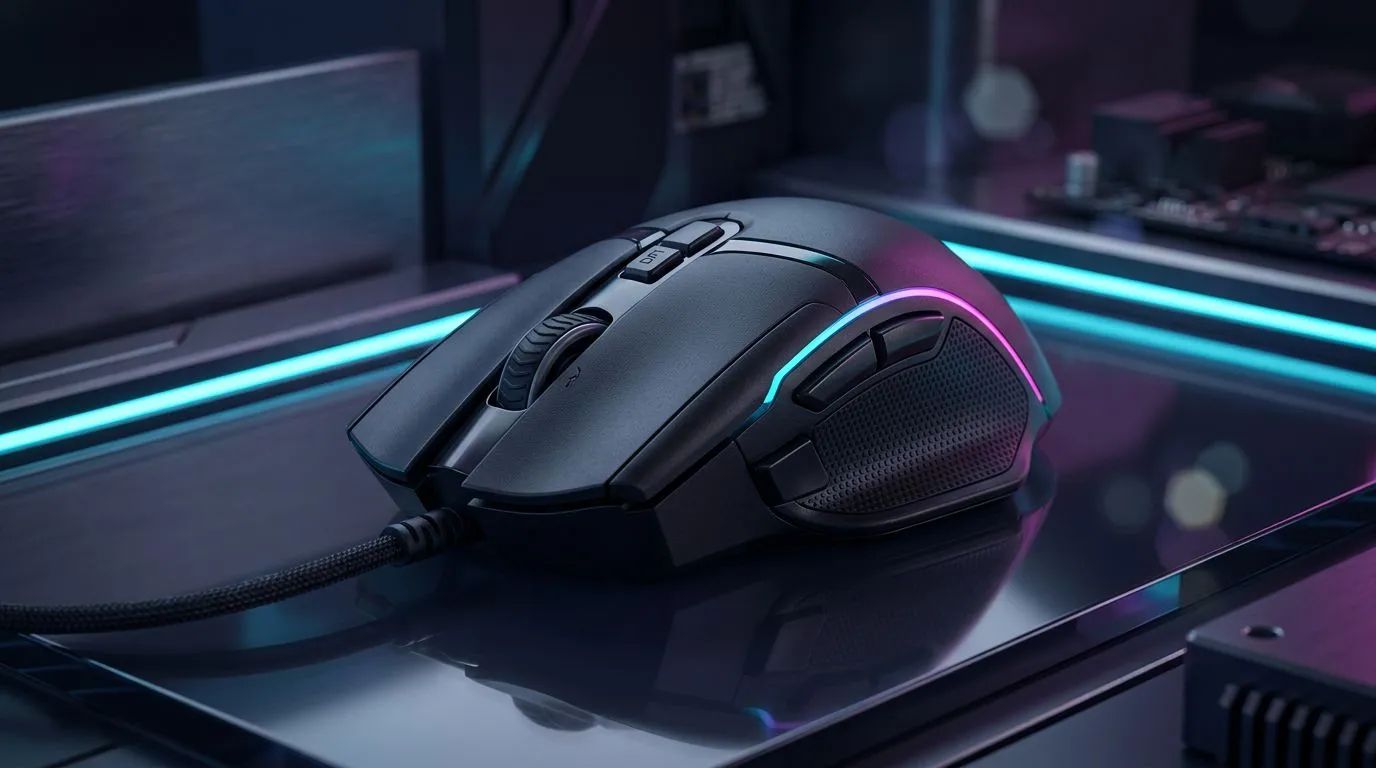
So, you’ve unboxed your shiny new Lorgar mouse, plugged it in, and jumped straight into a match. But are you still using it with its factory settings? That’s like taking a performance car to the track and leaving it in eco-mode. To truly dominate, you need to customise your gaming mouse using Lorgar Platform software. This powerful, free tool is the key to unlocking pixel-perfect accuracy, lightning-fast actions, and a setup that’s uniquely yours.
Finding the perfect gaming mouse is only the first step; tailoring it to your playstyle is where the magic happens. Let's dive in.
Why You Should Customise Your Gaming Mouse
Think of your mouse as an extension of your hand. Default settings are designed to work for everyone, which means they aren't optimised for anyone. By using the Lorgar Platform software, you can adjust everything from sensitivity to button commands. This translates to a real competitive advantage… whether you’re landing headshots in Valorant or managing complex unit groups in StarCraft.
A properly configured mouse feels more responsive, reduces unnecessary hand movement, and can even automate repetitive in-game actions, letting you focus on strategy.
Your Guide to the Lorgar Platform Software 🔧
Getting started with Lorgar software customisation is surprisingly simple. The interface is clean and intuitive, putting all the power at your fingertips. Here’s a breakdown of the core features you need to master.
Mastering DPI and Polling Rate
DPI, or Dots Per Inch, controls how sensitive your mouse is. A higher DPI means your cursor moves further on-screen with less physical mouse movement.
- High DPI (1600+): Great for fast-paced shooters where quick turns and twitch reflexes are essential.
- Low DPI (400-800): Ideal for tactical shooters and sniping, offering more precise, controlled aiming.
The Lorgar Platform allows you to create multiple profiles. You could have one for snappy desktop navigation, another for Apex Legends, and a third for precise Photoshop work, switching between them with a single button press.
Pro Tip: Find Your 'Perfect' DPI ⚡
Start at 800 DPI. Play a few matches. If you constantly overshoot your targets, lower it. If you feel like you're dragging your mouse across the whole desk to turn 180 degrees, increase it. Make small adjustments of 100-200 DPI until it feels just right for you.
Programming Buttons and Macros
This is where you gain a massive edge. A macro is a sequence of actions (keystrokes, clicks) assigned to a single mouse button. Imagine executing a complex build-and-edit combo in Fortnite or casting a multi-spell sequence in an MMO, all with one click.
Within the Lorgar software, you can easily record and assign these macros to any programmable button. For gamers looking to leverage this, browsing our best gaming mouse deals for a model with extra thumb buttons is a smart move.
Dialling in Your RGB Lighting ✨
Performance is key, but let's be honest… aesthetics matter. The Lorgar Platform gives you full control over your mouse’s RGB lighting. You can choose from millions of colours and a range of effects like breathing, strobing, or a rainbow wave.
You can even set specific colours for different DPI profiles, giving you a quick visual confirmation of your current sensitivity setting. Whether you prefer the rock-solid connection of the countless wired mouse options available or the clean, desk-clearing freedom of top-tier wireless mice, customising your lighting makes your entire setup feel more cohesive and personalised.
Don't Forget the Foundation
Even the best-tuned mouse can be let down by a poor surface. A high-quality mousepad provides a consistent, smooth glide that allows your mouse's sensor to track with maximum accuracy. Investing in the right mouse accessories, like a large desk mat, ensures you never run out of room during a critical flick-shot. Taking the time to customise your gaming mouse using Lorgar Platform software is a small effort for a massive payoff in performance and comfort.
Ready to Unleash Your True Potential? Stop letting default settings hold you back. A fully customised gaming mouse isn't just a peripheral... it's an extension of your skill. Explore our massive range of PC gaming gear and find the perfect tools to dominate the lobby.











