

Understanding the Cyberpunk 2077 CPU Bound Dilemma
Cruising through the neon-soaked streets of Night City should feel like a dream, but for many South African gamers, Cyberpunk 2077 is more of a hardware nightmare. If your high-end GPU is sitting idle while your frame rate chugs in crowded areas, you’re likely hitting a CPU bottleneck. It’s time to stop the stuttering and reclaim your performance in CD Projekt Red’s masterpiece.
Since the 2.0 update and the release of Phantom Liberty, the technical requirements for Cyberpunk 2077 have skyrocketed. The game now utilises multi-core processors more effectively than almost any other title on the market. If you are noticing that your frame rate stays the same regardless of whether you are at 1080p or 4K, your processor is likely the culprit. This is what we call being "CPU bound"... the graphics card is ready to render more frames, but the processor cannot feed it data fast enough.
Optimising Settings to Reduce Processor Strain
Before you reach for your wallet, there are a few software tweaks that can help mitigate the heavy load. The most significant impact on CPU performance comes from the "Crowd Density" setting. Lowering this from High to Medium can drastically improve your minimum frame rates in busy areas like the Kabuki Market or Little China.
Night City Performance Pro Tip ⚡
If you are running an older Ryzen processor, ensure you have the 'Symmetry Multi-Threading' (SMT) setting toggled correctly in the gameplay options. For many older 6-core and 8-core chips, enabling this can smooth out those annoying micro-stutters during high-speed chases.
Another often overlooked factor is background applications. In South Africa, many of us keep monitoring software or browser tabs open to track our power usage or load shedding schedules. These minor tasks eat into the precious cycles your processor needs to simulate Night City’s complex AI.
The Hardware Solution: Upgrading Your Core
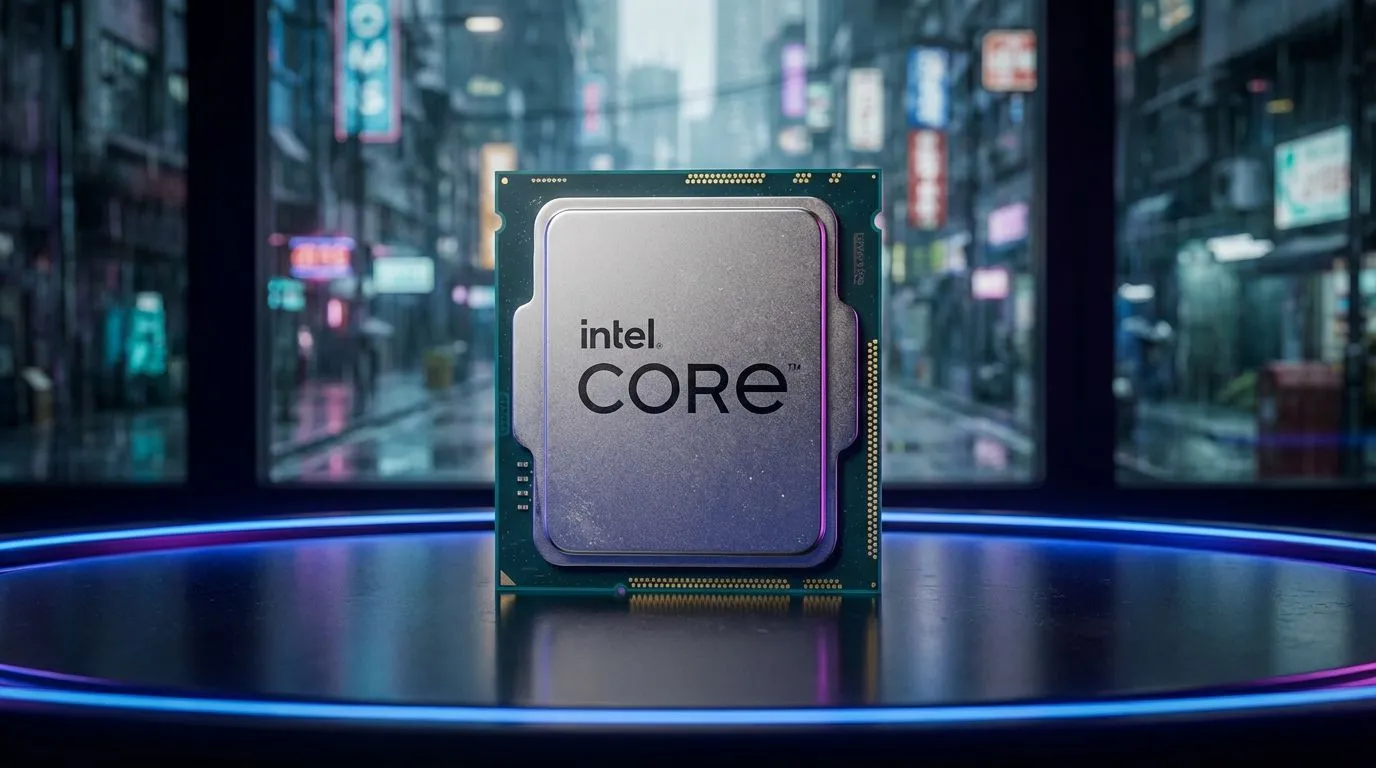
Sometimes, software optimisations can only take you so far. If you are still rocking a quad-core chip from five years ago, it is simply going to struggle with the sheer density of Dogtown. For those who want the absolute best single-core speeds to push high refresh rates, a modern Intel CPU is a fantastic choice for stability and raw power.
On the other hand, AMD has made massive strides with their 3D V-Cache technology. This extra cache is a literal "cheat code" for open-world games. If you want to eliminate stuttering once and for all, browsing the latest AMD CPU range will reveal chips that specialise in handling the massive data throughput Cyberpunk requires. 🚀
Finding the Right Balance for Your Budget
Upgrading doesn't always mean spending R15,000 on a flagship component. Often, a mid-range jump to a current-generation i5 or Ryzen 5 is enough to remove the bottleneck entirely. When you look at the variety of CPU processors online, focus on the "recommended" specs for Phantom Liberty rather than the "minimum" to ensure your system is future-proof for the next wave of REDengine titles. 🔧
Investing in a capable processor ensures that your GPU can actually do the job you paid for. Don't let a weak heart hold back your high-end rig... give Night City the power it deserves. ✨
Ready to Eliminate the Stutter? Don't let a CPU bottleneck ruin your immersion in Night City. Whether you're looking for raw Intel speed or AMD's gaming-focused cache, we have the hardware to get you back in the game. Explore our massive range of CPU specials and find the perfect upgrade to conquer Cyberpunk 2077.











