

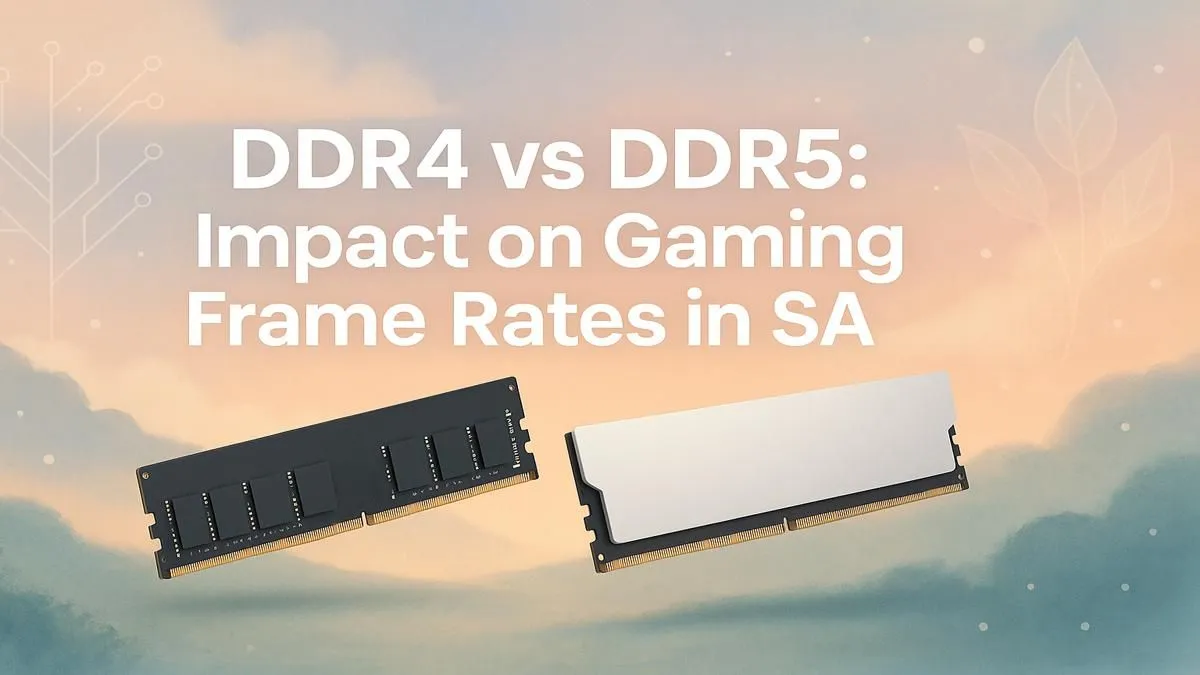
Building a new gaming rig in South Africa? You're facing a big choice: stick with tried-and-tested DDR4 RAM or splash out on the newer, faster DDR5? It’s a classic ZAR-for-performance question. Does DDR5 really boost your FPS enough to justify the cost, or is that cash better spent on a beefier graphics card? Let's break down the real-world DDR4 vs DDR5 gaming performance you can expect right here in SA.
What's the Real Difference Under the Hood?
At first glance, DDR4 and DDR5 RAM sticks look similar, but the technology inside is worlds apart. DDR5 isn't just about higher clock speeds; it's a fundamental upgrade to the architecture.
Think of it like a highway. DDR4 might have fewer lanes, but the cars (data) move quickly. DDR5 dramatically increases the number of lanes and the efficiency of traffic flow. This means it has much higher potential bandwidth—the total amount of data it can move at once. While early DDR5 kits had higher latency (a slight delay), newer modules have improved massively, making the speed difference much more noticeable. For many budget-conscious builders, the excellent price-to-performance ratio means quality DDR4 memory is still a fantastic, wallet-friendly choice.
The Big Question: DDR4 vs DDR5 Gaming FPS
Alright, let's get to the part every gamer cares about: frames per second. Does DDR5 actually deliver a meaningful FPS boost in the latest titles? The answer is... it depends.
In many games, especially at 1080p with a mid-range graphics card, the difference can be small, sometimes only a few frames. Here, your GPU is often the limiting factor. However, the DDR4 vs DDR5 gaming debate changes when you pair it with a high-end CPU and GPU, particularly at 1440p or 4K.
In CPU-intensive games like Cyberpunk 2077 or competitive shooters where every frame counts (Valorant, Apex Legends), high-speed DDR5 memory starts to pull ahead. It provides the CPU with data faster, which helps improve the 1% low FPS figures—leading to a smoother, more consistent experience with less stuttering. 🚀
Compatibility Check! 🔧
Before you buy any RAM, double-check your motherboard and CPU specs! Intel's 12th Gen CPUs and newer can support either DDR4 or DDR5 (depending on the motherboard), but AMD's Ryzen 7000 series and newer are DDR5-only. A quick check on your motherboard’s product page can save you a massive headache.
Beyond Gaming: Is DDR5 a Future-Proof Investment?
Your PC probably does more than just play games. If you're into content creation, video editing, or heavy multitasking, DDR5's massive bandwidth advantage is undeniable. Tasks like rendering video, compiling code, or running multiple applications will feel noticeably snappier.
Furthermore, building with DDR5 is an investment in the future. AMD's AM5 platform is exclusively DDR5, and while Intel currently offers a choice, future platforms will inevitably move on. Just as the community moved on from older standards like once-popular DDR3 gaming RAM modules, the industry is now firmly focused on DDR5 for new developments. ✨
The Verdict for South African Gamers
So, which RAM should you choose for your next build?
For the Budget-Focused Builder:
If you're aiming for the best bang-for-your-buck, DDR4 is still the champion. The money you save can be put towards a more powerful GPU, which will give you a much bigger FPS boost than the jump from DDR4 to DDR5 would.
For the Performance Enthusiast:
If you're building a high-end rig with a top-tier CPU and GPU and you want to extract every last drop of performance, DDR5 is the clear winner. It removes potential bottlenecks and ensures your system is ready for whatever next-gen games and applications throw at it.
Ultimately, the DDR4 vs DDR5 gaming choice depends on your specific needs and budget. Both are excellent technologies, but they serve different priorities in the current South African market.
Ready to Supercharge Your Rig? The DDR4 vs DDR5 gaming debate comes down to your budget and goals. For pure value, DDR4 is a champ. For maximum performance and future-proofing, DDR5 is the way forward. Explore our full range of PC memory and give your PC the boost it deserves.











