

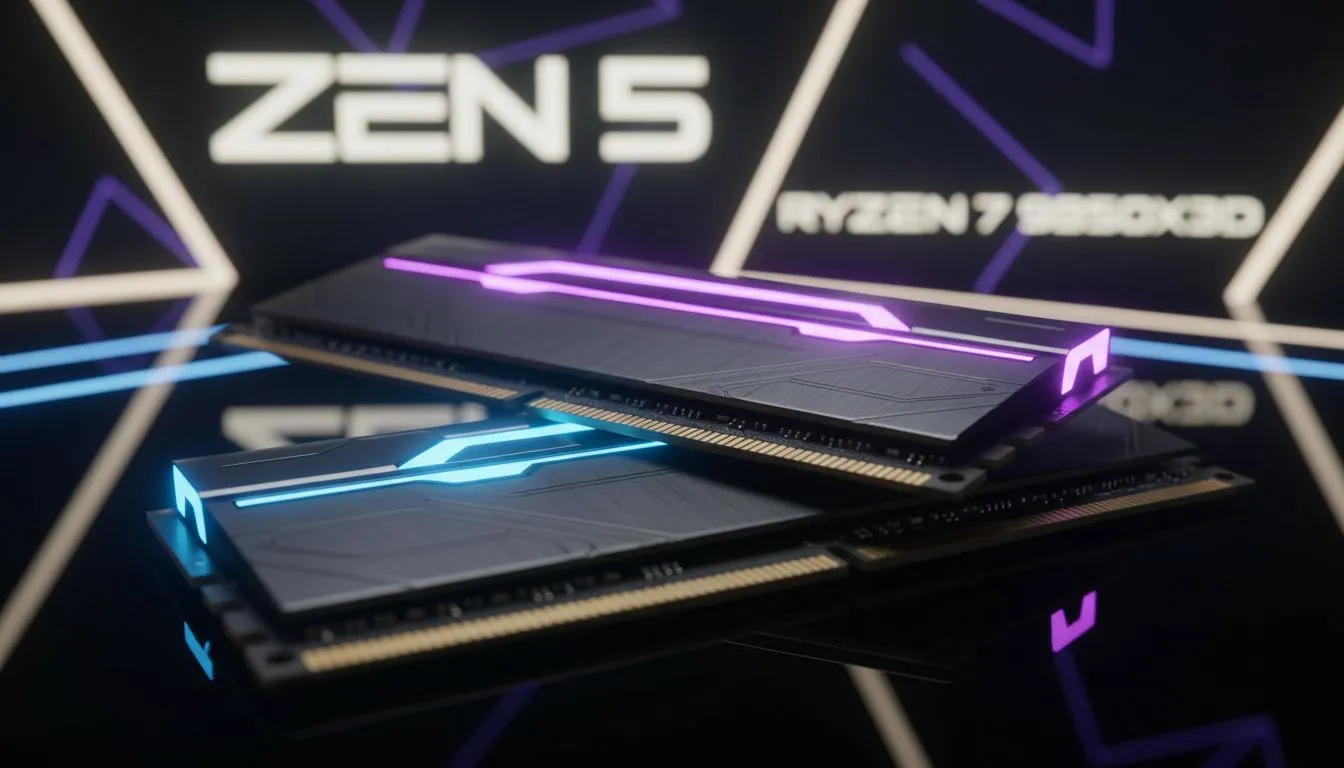
Building a high-end gaming rig in South Africa usually starts with a choice between raw speed and efficiency. With the arrival of the Ryzen 7 9850X3D, that choice is easier than ever. However... to truly unlock the potential of this chip... you need to master your memory settings. Getting your DDR5 RAM speeds Zen 5: Optimize for Ryzen 7 9850X3D setup right is the difference between smooth frames and stuttering. ⚡
Finding the Sweet Spot for Zen 5 Memory
When you look at the latest AMD Ryzen 7 series, you are looking at a processor that thrives on low-latency communication. Zen 5 architecture has refined how the processor talks to your memory... but it still relies heavily on the Infinity Fabric clock. For the 9850X3D, the "sweet spot" is widely considered to be 6000MT/s.
Pushing beyond this can sometimes lead to diminishing returns or stability issues. If you are browsing the full AMD CPU selection at Evetech, you will notice that memory kits are often bundled with specific motherboards. This is because the BIOS version plays a massive role in how well your RAM performs. Always ensure your firmware is up to date to get the most out of your DDR5 RAM speeds Zen 5: Optimize for Ryzen 7 9850X3D configuration. 🚀
Memory Sweet Spot ⚡
the best results with Ryzen 7 9850X3D, aim for a DDR5-6000 kit with CL30 timings. This 1:1 ratio between the memory controller and the RAM ensures the lowest possible latency for gaming... which is exactly what that 3D V-Cache needs to shine.
Why Latency Trumps Raw Frequency
It is easy to get distracted by massive numbers on a box. You might see kits reaching 8000MT/s and think they are better for gaming. However... Zen 5 is different. While many Intel CPU options can handle incredibly high raw frequencies, AMD's architecture prefers tight timings.
High latency can actually starve the 3D V-Cache of data. This results in lower 1% lows... meaning more "micro-stutter" during intense firefights in games like Counter-Strike 2 or Warzone. Even compared to high-end 14-core Intel processors, a properly optimised 9850X3D system will often provide a smoother, more consistent gaming experience in South African competitive lobbies. ✨
Matching Your Motherboard to Your RAM
Your motherboard is the bridge between your CPU and your memory. When you set up your DDR5 RAM speeds Zen 5: Optimize for Ryzen 7 9850X3D system, check for "EXPO" support. Unlike Intel's XMP, EXPO is specifically tuned for AMD systems.
It allows for one-click overclocking that adjusts not just the speed... but the sub-timings that are vital for the 9850X3D. Investing in a quality B650 or X670E board ensures that the power delivery is stable enough to keep those high-speed modules running cool. Remember... heat is the enemy of performance. Keep your case airflow high to prevent memory throttling during those long summer gaming sessions in Jo'burg or Durban. 🔧
Ready to Build Your Dream Rig? The Ryzen 7 9850X3D is a gaming beast, but it needs the right components to truly roar. From the fastest DDR5 kits to the latest motherboards, we have everything you need to win. Explore our massive range of AMD CPU specials and find the perfect hardware to dominate the leaderboard.











