

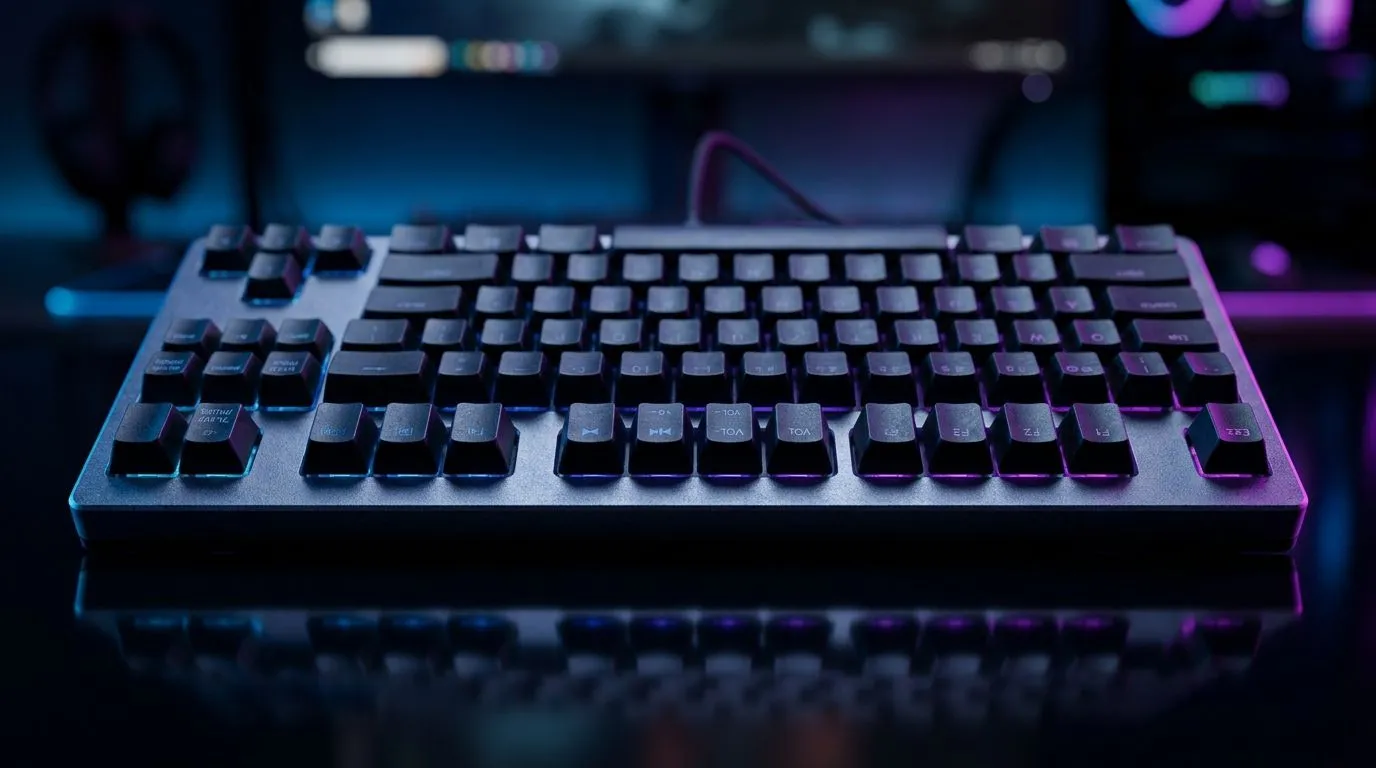
Dedicated Media Keys vs Function-Layer Shortcuts: why your keyboard matters for real playtime
If you game in South Africa, you already know the value of “fast hands”. One second wasted on the wrong key is a back-to-lobby moment… and it adds up. 🎮 Add video calls, Discord, Spotify, and OBS, and suddenly your keyboard becomes more than a gaming board. Today we’re breaking down Dedicated Media Keys vs Function-Layer Shortcuts so you can pick the layout that suits your routine, not just your RGB.
What’s the difference between dedicated media keys and function-layer shortcuts?
Dedicated media keys are physical keys labelled for play/pause, skip, volume, mute, and sometimes even mic mute. Function-layer shortcuts usually require holding a key like Fn (or pressing combinations such as Fn + F) to control media.
For gamers, this comes down to muscle memory and speed:
- Dedicated keys: fewer steps, less thinking, smoother alt-tab workflows. ✨
- Fn layers: more keys repurposed for gaming functions, but more hand movement when you’re mid-match.
From an everyday perspective, both can work. In practice, dedicated keys reduce “where is it?” moments when you’re tabbed out.
Dedicated Media Keys vs Function-Layer Shortcuts for South African gaming setups
On desks in SA, many players run multi-purpose systems: a gaming PC or laptop plus a headset, stream tools, and background music. Your keyboard shortcut should fit how you actually use your rig.
When dedicated media keys shine 🔧
If you often:
- pause music while you loot or raid,
- mute quickly during voice chat,
- switch volume during chaotic audio moments, then dedicated keys feel safer. You don’t have to hold extra modifier keys, and you reduce accidental presses.
When function-layer shortcuts make sense ⚡
If your priority is compactness, or you love macro flexibility, function layers can be useful. Some boards use the top row for extra gaming controls, which can matter if you’re mapping actions across profiles.
Productivity Pro Tip ⚡
On Windows, use the PowerToys Keyboard Manager to remap the function-layer media shortcuts to a single, easier combination for your workflow. If you stream, you’ll also thank yourself for consistent mute and volume behaviour while switching scenes. Make the shortcut match your muscle memory, not the keyboard’s default labels. "
Buying advice: choose the layout that matches your habits
Before you buy, think about your “touchpoints per match”. If you control music or comms often, a keyboard with quick media access is worth it. If you mainly use media outside matches, function layers can save space for game-critical keys.
If you’re comparing options, start with real current deals and check both wired and wireless variants. Here are good places to browse Evetech’s range:
- Dedicated media layouts are common on performance-focused boards in the market. Start with this list of gaming keyboard deals: see the latest keyboard deals.
- Want a value-first build? Browse the boards in this category: find the best priced gaming keyboard in South Africa.
- If you’re setting up a full desk, don’t forget bundles. This combo page is a solid way to match your keyboard and mouse experience: buy a keyboard and mouse combo.
- For players who want fewer cables on a tidy setup, check the wired option range here: gaming keyboards (wired).
- If you prefer a clean desk with wireless convenience, start here: gaming keyboards (wireless).
Quick checklist before you commit
Use this 60-second test:
- Can you pause or mute in under a second without looking?
- Are media actions used during games, or mostly between matches?
- Do you need extra keys on the top row for in-game controls?
- Will you remap Fn shortcuts if you buy function layers?
If you answered “yes” to frequent in-game media control, Dedicated Media Keys vs Function-Layer Shortcuts likely favours dedicated buttons.
Dedicated Media Keys vs Function-Layer Shortcuts: final call for your next Evetech purchase
You’re not just choosing a keyboard. You’re choosing how quickly your rig responds to chaos in ranked. Pick the layout that matches your hands, not someone else’s desk. Then lock in the performance and keep your attention on the game. 🚀
Ready to Find Your Perfect Match? The Mac vs Windows debate is complex, but for maximum power, choice, and value in South Africa, Windows is hard to beat. Explore our massive range of laptop specials and find the perfect machine to conquer your world.





