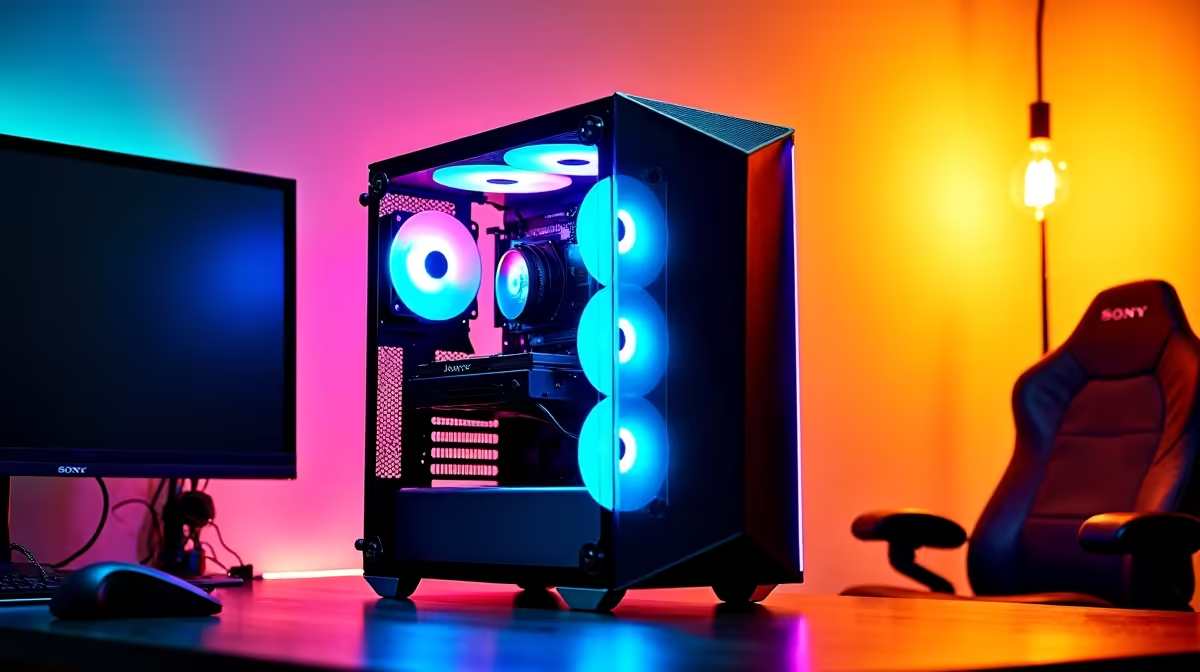
One Rig to Rule Them All? Let’s Find Out
Can one desktop rig really handle gaming, streaming, and rendering without breaking a sweat? In 2025… yes, but only if you choose the right components. 🎮🎥🖥️ Whether you’re chasing headshots in Warzone, streaming to Twitch, or editing 4K footage for your YouTube channel, not all PCs are created equal. Let’s break down how to optimize your setup to do it all—smoothly.
Gaming Performance: The First Priority
A powerful GPU and multi-core CPU are essential. Modern AAA titles like Starfield or Cyberpunk 2077 demand serious hardware—especially at high settings. Look for at least a Ryzen 5 or Core i5 paired with a mid-tier GPU like an RTX 4060 or RX 7600 for solid 1080p to 1440p performance.
Surprisingly, you’ll find solid gaming desktop deals under R11 999 that deliver this level of power, ideal for South African gamers upgrading on a budget.
Balance GPU and CPU
For streaming and rendering tasks, don't overspend on GPU alone—your CPU handles the multitasking and encoding magic.
Streaming Like a Pro (Without the Stutter)
If you're using OBS or Streamlabs, the load is split between CPU and GPU. NVIDIA's NVENC encoder or AMD’s AMF allows smooth, GPU-accelerated encoding—so gameplay doesn’t suffer. Just make sure your system has at least 16GB of RAM to avoid memory bottlenecks mid-stream.
For creators running multiple apps while live—Discord, browser overlays, camera software—a stronger CPU (Ryzen 7 or Core i7) is a must. Consider browsing mid-range rigs just under R12 000 to find that sweet spot.
Rendering Power: Content Creation Demands More
Rendering videos, 3D scenes, or motion graphics? Now we're talking about serious multi-threaded workloads. Blender, Adobe Premiere, and DaVinci Resolve all love cores—and lots of them. While gaming relies heavily on the GPU, rendering leans on both the CPU and VRAM.
If this is your primary focus, step up to a rig with 32GB RAM and a GPU with 8GB or more VRAM. You’ll find plenty of expandable options in Evetech’s full desktop PC range that can scale with your growing workflow. ⚡
Can One Rig Really Do It All?
Absolutely—but only if you spec smart. The trick is choosing components that offer balanced performance across tasks. Many South African creators start with a capable base and upgrade as their channel or freelance gigs grow.
Here’s the rule: If your PC can game at high settings while running Discord, OBS, and Spotify… you’re nearly there. Add fast storage, good airflow, and rock-solid RAM—and you’ve got a hybrid beast.
Build One PC to Do It All
Game, stream, and render like a pro without upgrading every six months. Shop now at Evetech for performance that leaves lag in the dust.