

RTX 5060 Ti vs RX 9070: Gaming Performance Compared in South Africa 2026
Head-to-head comparison of RTX 5060 Ti vs RX 9070: Gaming Performance for SA gamers. Performance benchmarks, Rand pricing & which delivers better value.
Read moreUnleash playable FPS in Diablo 4 on your budget PC! 🚀 Discover proven Diablo 4 budget PC optimization strategies, from in-game settings to system tweaks, ensuring smooth demon slaying without upgrading your hardware. Get ready to conquer Sanctuary! 🎮
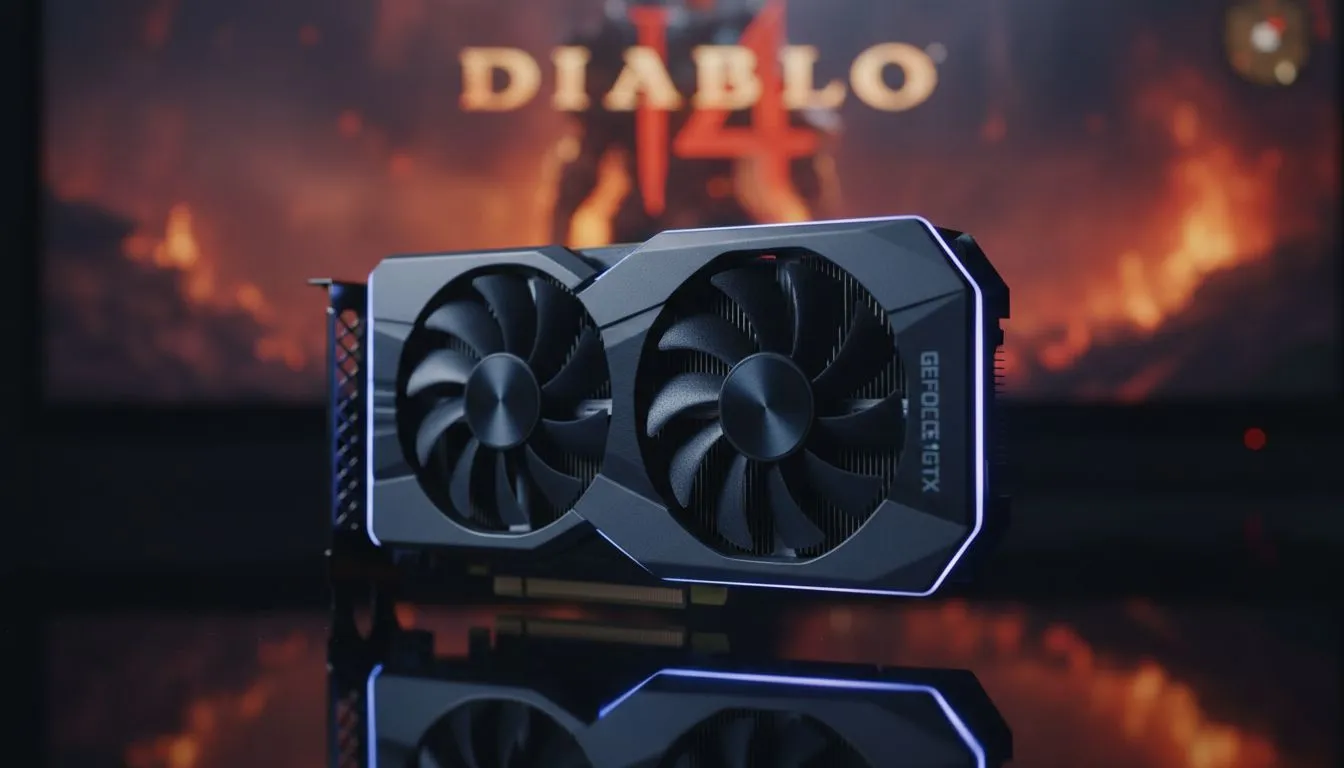
Slaying demons in Sanctuary shouldn't feel like a slideshow. If your frame rate is chugging, you aren't alone. Many South African gamers want the best performance from older hardware. This Diablo 4 Budget PC Optimization: Playable FPS Guide focuses on balancing visuals and speed. You can achieve a stable 60 FPS without spending a fortune. Let's look at how to optimise your rig for the ultimate experience. ✨
Start by adjusting the internal settings. Lowering Shadow Quality and SSAO provides the biggest performance boost. If you use NVIDIA graphics cards, enable DLSS immediately. This technology uses AI to upscale your resolution. It keeps the image sharp while increasing your FPS significantly. For those using MSI GPUs, the Afterburner tool can help monitor your thermals during intense boss fights. Keep your drivers updated to avoid crashes during Helltides.
Sometimes software tweaks aren't enough. If your hardware is several generations old, a small upgrade makes a massive difference. The newer Intel Arc graphics cards offer incredible value for money in the South African market. They handle modern APIs like DirectX 12 very well. While some people look at workstation graphics cards for multi-purpose builds, a dedicated gaming card is always better for Diablo 4. Faster storage also helps. An SSD reduces the stuttering seen when teleporting between waypoints. 🚀
Don't overlook the red team. AMD Radeon graphics cards often provide more VRAM at lower price points. This is crucial for Diablo 4 textures. High-resolution textures can eat up 8GB of VRAM quickly. If you are on a tight budget, look for cards with at least 8GB to avoid stuttering in busy towns. Upgrading a GPU in South Africa can cost anywhere from R4,000 to R30,000... choosing the right budget option ensures you get the best value per Rand. 🔧
If you experience stuttering when entering new zones, lower your Texture Quality from Ultra to High. This reduces the load on your graphics card memory without sacrificing too much visual detail. It is the easiest way to stabilise your frame delivery on mid-range systems.
Diablo 4 is a beautiful game, but stability is king in Hardcore mode. Setting a frame rate cap that matches your monitor's refresh rate can prevent screen tearing. It also keeps your PC running cooler. If you find your FPS dipping in Kyovashad, try lowering the "Clutter Quality" setting. This removes small rocks and grass that drain resources. A few small changes can make the game feel like a completely different experience.
Ready to Slay in Smooth 60 FPS? Don't let lag stand between you and the loot. Whether you need a budget-friendly upgrade or a complete overhaul, we have the hardware to get you back into the fight. Browse our latest GPU deals and find the perfect card for your Sanctuary journey.
Focus on reducing texture quality, shadow quality, clutter density, and disabling ambient occlusion. Lowering resolution scaling can also significantly improve Diablo 4 FPS boost.
Yes, with proper Diablo 4 budget PC optimization and realistic expectations. Older GPUs can achieve playable frame rates by aggressively lowering settings and ensuring updated drivers.
Close background applications, update graphics drivers, ensure Windows is in game mode, and consider adjusting power settings for maximum performance to improve Diablo 4 frame rate.
It's challenging but sometimes possible. You'll need extreme Diablo 4 graphics optimization, the lowest resolution, and potentially FSR/DLSS enabled if supported. Expect minimal FPS.
Stuttering often relates to VRAM limitations or CPU bottlenecks. Try reducing texture quality further, ensuring your game is on an SSD, and checking for background processes.
Beyond general graphics settings, look for options like "Reflex Low Latency" (turn off for older GPUs), "VSync" (try off or adaptive), and experiment with "DLSS/FSR" modes if available.
First, stabilize your internet connection. Then, apply all performance optimization tips for your PC, as lag can also be caused by insufficient local hardware processing.
Crucial! Graphics driver updates often include game-specific optimizations that can significantly improve Diablo 4 FPS boost and overall stability, especially on older hardware.
Head-to-head comparison of RTX 5060 Ti vs RX 9070: Gaming Performance for SA gamers. Performance benchmarks, Rand pricing & which delivers better value.
Read more
RTX 5090 Star Wars Outlaws at 1440p: FPS. Real-world benchmark data, FPS numbers & performance analysis. What SA gamers can actually expect.
Read more
RTX 5060 Star Wars Outlaws at 4K: FPS Benchmark. Real-world benchmark data, FPS numbers & performance analysis. What SA gamers can actually expect.
Read more
Head-to-head comparison of RTX 5060 vs RX 7700 XT: Price-to-Performance for SA gamers. Performance benchmarks, Rand pricing & which delivers better value.
Read more
RTX 3060 Red Dead Redemption 2 FPS: Performance. Real-world benchmark data, FPS numbers & performance analysis. What SA gamers can actually expect.
Read more
Head-to-head comparison of RTX 5060 Benchmarks vs Real Gaming Performance for SA gamers. Performance benchmarks, Rand pricing & which delivers better value.
Read more
When Will the RTX 6090 Launch in South Africa Detailed answer with SA data, expert analysis & practical recommendations for local buyers.

Top Valorant Settings for RTX 5070: FPS Optimisation picks evaluated on performance, value & SA availability with current Rand pricing from Evetech.

RDNA 3.5 Graphics in Ryzen AI 400? Can You Game. Plain-English explanation of what it means, why it matters & how it affects your buying decisions in SA.

GPU Price Index : December Report. Current stock data & price tracking for SA buyers. See what is available and where prices are heading.

Core i5-14600K + B760 + RTX 5060 Build Under. Full parts list, Rand pricing & expected performance. Build confidently with SA-available components.

RX 7600 Apex Legends at 4K: FPS Benchmark. Real-world benchmark data, FPS numbers & performance analysis. What SA gamers can actually expect.

RX 7900 XTX GTA 6 at 4K: FPS Benchmark & Optimal. Real-world benchmark data, FPS numbers & performance analysis. What SA gamers can actually expect.

Head-to-head comparison of RTX 5070 vs RX 9070 XT: Gaming Performance for SA gamers. Performance benchmarks, Rand pricing & which delivers better value.

GPU Setup Guide Gamers. Clear setup instructions with SA-specific considerations, troubleshooting tips & recommended components.

Top RTX 5090 Under R12000 picks evaluated on performance, value & SA availability with current Rand pricing from Evetech.

Call of Duty Warzone 2 Settings on RX 7600. Real-world benchmark data, FPS numbers & performance analysis. What SA gamers can actually expect.

GTA 6 Settings on RTX 5070 Ti: Performance. Real-world benchmark data, FPS numbers & performance analysis. What SA gamers can actually expect.