

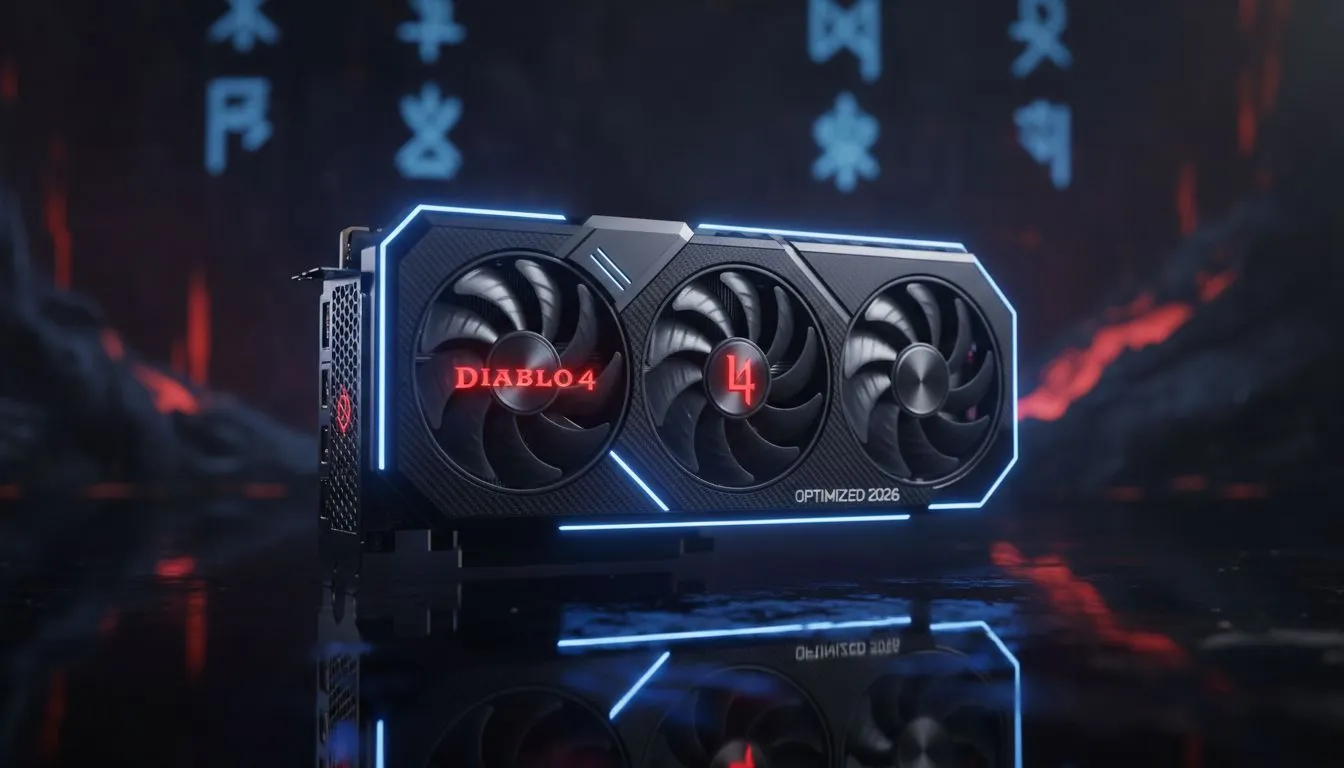
Sanctuary has never looked more menacing than it does in 2026. However... nothing kills the immersion of a Helltide faster than a sudden frame drop. If you are tired of micro-stutters ruining your Hardcore run in South Africa... this guide is for you. We have tested the latest patches to find the perfect balance. You can achieve stunning visuals without sacrificing the fluid combat that defines the ARPG experience. ⚡
Achieving Diablo 4 Optimized Settings for 2026
The secret to a smooth experience lies in balancing VRAM usage with post-processing effects. Diablo 4 is notorious for its high-resolution textures. These can easily overwhelm older hardware. To maintain a steady frame rate... start by setting your Texture Quality to High rather than Ultra unless you have at least 16GB of video memory. If your current hardware is struggling to keep up with the latest seasonal updates... it might be time to browse the latest NVIDIA graphics cards to ensure your rig stays relevant.
Master the Shadows and Reflections
Shadows provide that essential gothic atmosphere... but they are incredibly taxing. Setting Shadow Quality to "Medium" offers a significant performance boost with a negligible loss in visual fidelity. Similarly... Screen Space Reflections (SSR) can be dialed down. This helps maintain high FPS during intensive world boss encounters. For those who demand the best thermal performance while pushing these settings... MSI graphics cards offer excellent cooling solutions that prevent thermal throttling during long gaming sessions in the South African heat.
Smooth Gameplay with Modern Upscaling
Upscaling technology has matured significantly by 2026. Using DLSS or FSR is no longer a compromise... it is a necessity for 4K gaming. If you are looking for a high-value entry point into modern upscaling... the Intel Arc graphics cards provide impressive XeSS support that rivals the competition. These cards have become a fantastic choice for mid-range builds looking to conquer Sanctuary.
Latency Pro Tip ⚡
Always enable 'NVIDIA Reflex Low Latency' in the in-game settings. For South African gamers dealing with slightly higher pings to international servers... reducing local system latency is crucial. It makes your dodges and skill casts feel much more responsive... even when the action gets chaotic on screen.
Stability Over Everything
While many focus on gaming-specific hardware... some users require a machine that handles both heavy rendering and demon slaying. High-end workstation graphics cards can offer the stability needed for professional environments while still delivering a solid Diablo 4 experience. However... for the pure gamers who prefer raw rasterization power and massive VRAM buffers... the latest AMD Radeon graphics cards remain a top-tier choice for South African builds. ✨
Final Performance Tweaks
Before you head back into the Pit... check your Peripheral Lighting settings. Disabling Chroma effects can often resolve mysterious stuttering issues on certain systems. Ensure your Windows Power Plan is set to "High Performance" and that your drivers are fully updated. By following these Diablo 4 optimized settings... you can ensure that your journey through the Burning Hells is as beautiful as it is deadly. 🚀
Ready to Find Your Perfect Match? Conquering Sanctuary requires more than just skill... it requires the right hardware. Whether you are looking for a budget-friendly upgrade or a 4K powerhouse... we have the best deals in ZAR. Explore our massive range of graphics card specials and find the perfect machine to conquer your world.











