

RTX 5050 Avowed FPS: Performance Benchmark & Best Settings
RTX 5050 Avowed FPS: Performance Benchmark. Real-world benchmark data, FPS numbers & performance analysis. What SA gamers can actually expect.
Read moreStruggling with Diablo 4 stutter? 🤔 We dive deep into NVIDIA vs AMD performance, analyzing which GPU brand delivers the smoothest gameplay experience. Discover the best choice for a lag-free Sanctuary adventure! ⚔️
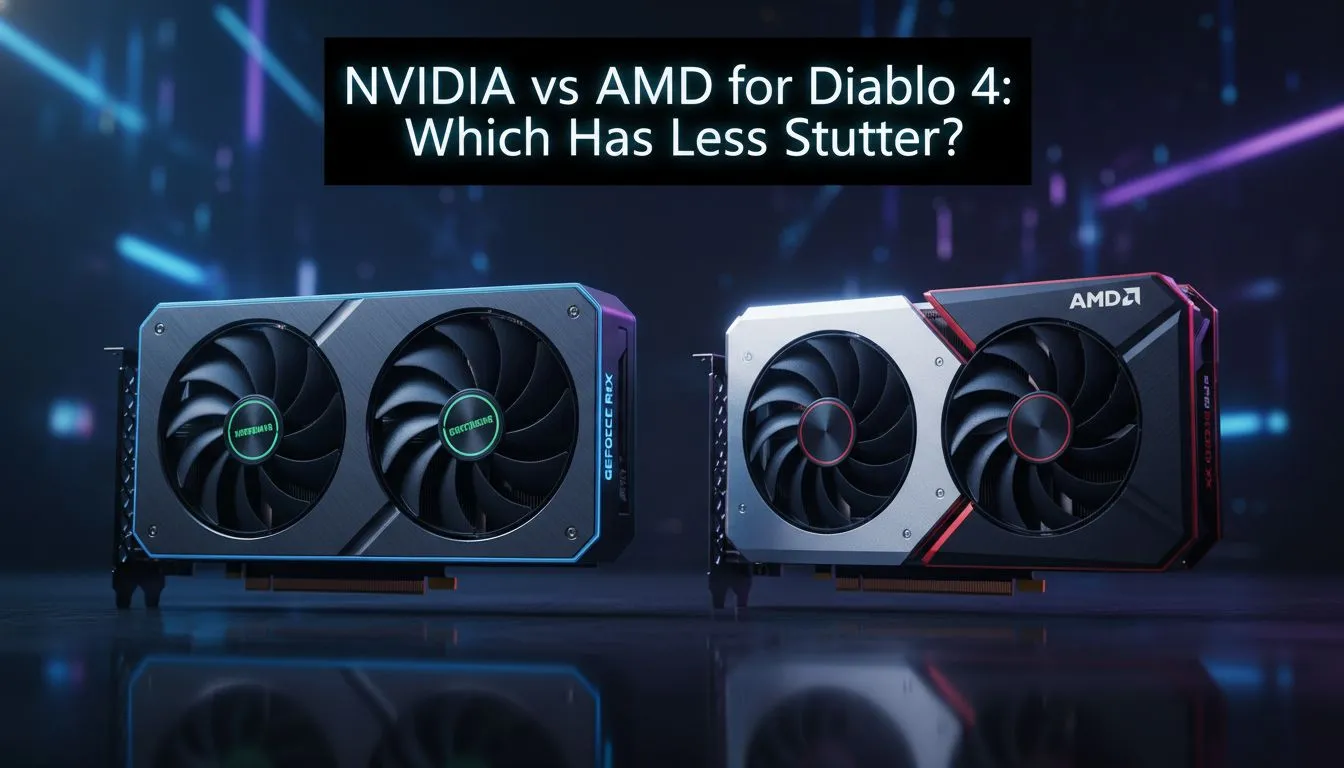
Tired of your frame rate plummeting just as a Butcher encounter begins? Diablo 4 is a visual masterpiece, but for many South African players, the experience is marred by frustrating micro-stutters. Whether you are running through the fractured peaks or engaging in intense PvP, your hardware choice dictates your survival. We are diving deep into the Diablo 4 stutter: NVIDIA vs AMD performance showdown to see who wins. ⚡
The main culprit behind these performance hiccups is often VRAM allocation. Diablo 4 is notoriously hungry for video memory... especially if you play at 1440p or 4K. When the game engine exceeds your card's capacity, it begins swapping data to your system RAM. This process is significantly slower and causes that dreaded hitching during gameplay. Upgrading to modern NVIDIA graphics cards can help, as their architecture uses advanced memory compression to keep things fluid.
NVIDIA users have a distinct advantage with DLSS 3 and Frame Generation. This technology uses AI to insert entirely new frames into your stream... making the action feel buttery smooth even when the CPU is struggling. Many local enthusiasts prefer MSI's custom cooling solutions to ensure their cards maintain high boost clocks. Keeping temperatures low is vital for preventing thermal throttling in our warm South African climate.
If you are experiencing stutters on an 8GB card, try lowering the 'Texture Quality' from Ultra to High. This single change can reduce VRAM usage by over 2GB. It often eliminates stuttering without a noticeable loss in visual fidelity on 1080p or 1440p monitors.
AMD takes a different path by offering massive raw VRAM buffers. Their latest AMD Radeon graphics cards frequently pack 16GB or even 20GB of memory at price points where competitors offer less. For a game like Diablo 4, having that extra breathing room means you can crank the textures to "Ultra" without fearing a sudden crash or stutter. In the current market, AMD provides exceptional value for money for those valuing raw horsepower.
Do not ignore the newer players in the market. Intel Arc graphics cards have received significant driver updates that specifically address performance in DirectX 12 titles. They represent a fantastic entry point for budget-conscious slayers. Furthermore, if your rig doubles as a creative powerhouse, certain professional workstation graphics cards can still deliver a respectable 60 FPS experience with the right optimisations. 🔧
With prices starting around R7,500 for capable mid-range cards, there has never been a better time to fix your frame times. Whether you favour Team Green's AI features or Team Red's massive memory pools, the goal is the same... a stutter-free journey through Hell. 🚀
Ready to Crush the Lag? The Diablo 4 stutter: NVIDIA vs AMD performance showdown proves that the right hardware makes all the difference. Explore our massive range of graphics card specials and find the perfect GPU to reclaim Sanctuary today.
Diablo 4 stutter can stem from various factors, including driver issues, insufficient VRAM, CPU bottlenecks, background applications, or unoptimized in-game settings. Identifying the root cause is key.
Both NVIDIA and AMD offer strong performance for Diablo 4. However, specific driver optimizations and game updates can sometimes give one brand a temporary edge in reducing stutter and improving frame consistency.
To reduce Diablo 4 stutter, try lowering texture quality, disabling demanding visual effects like SSAO, enabling NVIDIA Reflex or AMD Anti-Lag, and ensuring your display refresh rate matches your frame cap.
Yes, insufficient VRAM is a common cause of Diablo 4 stutter. High-resolution textures and complex scenes demand more VRAM. GPUs with 12GB or more VRAM tend to handle the game more smoothly at higher settings.
Absolutely. Both NVIDIA and AMD frequently release game-ready drivers that include specific optimizations for Diablo 4. Keeping your GPU drivers updated is crucial for minimizing stutter and maximizing performance.
For optimal Diablo 4 performance without stutter, NVIDIA's RTX 3060 Ti/4060 Ti or higher, and AMD's RX 6700 XT/7700 XT or higher, are generally recommended, especially at 1440p and 4K resolutions.
Yes, even with a powerful GPU, an older or underpowered CPU can create a bottleneck, leading to inconsistent frame delivery and noticeable stutter in Diablo 4. Ensure your CPU meets recommended specs.
Monitor your GPU and CPU usage while playing Diablo 4. If your CPU is consistently at 90-100% while your GPU is lower, it might be a CPU bottleneck causing the stutter. Overlays like MSI Afterburner help.
RTX 5050 Avowed FPS: Performance Benchmark. Real-world benchmark data, FPS numbers & performance analysis. What SA gamers can actually expect.
Read more
RTX 5050 Fable at 1440p: FPS Benchmark & Optimal. Real-world benchmark data, FPS numbers & performance analysis. What SA gamers can actually expect.
Read more
RX 7600 Black Myth Wukong 2 at 1080p: FPS. Real-world benchmark data, FPS numbers & performance analysis. What SA gamers can actually expect.
Read more
Head-to-head comparison of RTX 5060 vs RX 9070: Ray Tracing Performance for SA gamers. Performance benchmarks, Rand pricing & which delivers better value.
Read more
Head-to-head comparison of RX 7800 XT Mining vs Gaming: Does It Affect for SA gamers. Performance benchmarks, Rand pricing & which delivers better value.
Read more
RTX 4060 Ti Hogwarts Legacy FPS: Performance. Real-world benchmark data, FPS numbers & performance analysis. What SA gamers can actually expect.
Read more
Top Valorant Settings for RTX 5070: FPS Optimisation picks evaluated on performance, value & SA availability with current Rand pricing from Evetech.

RDNA 3.5 Graphics in Ryzen AI 400? Can You Game. Plain-English explanation of what it means, why it matters & how it affects your buying decisions in SA.

GPU Price Index : December Report. Current stock data & price tracking for SA buyers. See what is available and where prices are heading.

RX 9070 XT Elden Ring Nightreign at 4K: FPS. Real-world benchmark data, FPS numbers & performance analysis. What SA gamers can actually expect.

Core i5-14600K + B760 + RTX 5060 Build Under. Full parts list, Rand pricing & expected performance. Build confidently with SA-available components.

RX 7600 Apex Legends at 4K: FPS Benchmark. Real-world benchmark data, FPS numbers & performance analysis. What SA gamers can actually expect.

RX 7900 XTX GTA 6 at 4K: FPS Benchmark & Optimal. Real-world benchmark data, FPS numbers & performance analysis. What SA gamers can actually expect.

Head-to-head comparison of RTX 5070 vs RX 9070 XT: Gaming Performance for SA gamers. Performance benchmarks, Rand pricing & which delivers better value.

Top RTX 5070 Under R25,000 picks evaluated on performance, value & SA availability with current Rand pricing from Evetech.
Core i5-14600K + B760 + RTX 5060 Build Under. Full parts list, Rand pricing & expected performance. Build confidently with SA-available components.

Top Monitor for RX 9070: Resolution & Refresh Rate picks evaluated on performance, value & SA availability with current Rand pricing from Evetech.

Valorant Settings on RX 9060 XT: Performance. Real-world benchmark data, FPS numbers & performance analysis. What SA gamers can actually expect.