

Dropping into Mega City with a 150ms ping is a uniquely South African struggle. While we cannot fix undersea cables, we can fix your frame rate. Choosing between DLSS 3 vs FSR Fortnite: Best Settings for FPS is the easiest way to gain a competitive edge. Whether you have a budget rig or a high-end beast, hitting a 144Hz target is essential for victory in the final circle.
Understanding DLSS 3 vs FSR Fortnite: Best Settings for FPS
Fortnite is more demanding than it looks... especially with the move to Unreal Engine 5. To keep your frames high and your input lag low, upscaling is no longer optional. NVIDIA Deep Learning Super Sampling (DLSS) and AMD FidelityFX Super Resolution (FSR) are the two heavy hitters here.
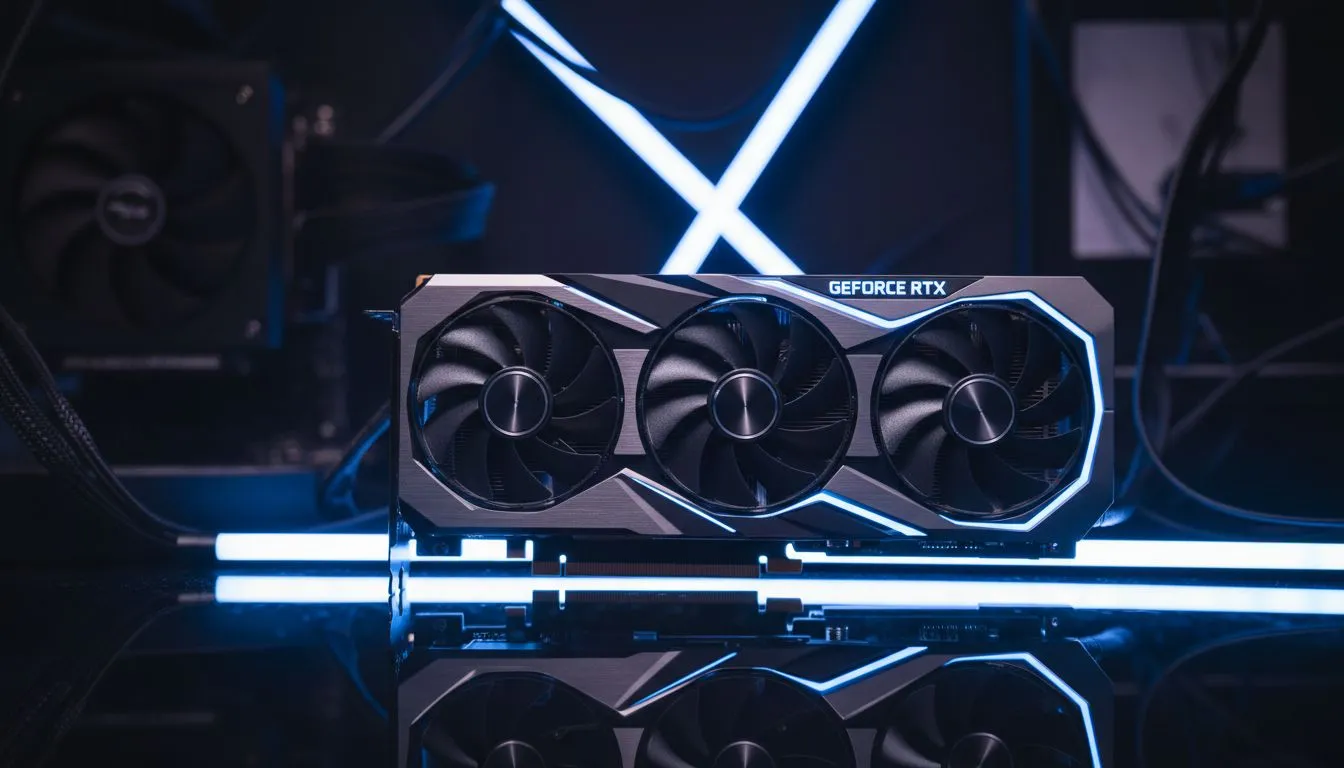
If you are running one of the latest NVIDIA graphics cards, you have access to DLSS. This tech uses AI to upscale images, providing a crisp look while boosting performance. For those with 40-series cards, DLSS 3 adds Frame Generation. This inserts AI-created frames between traditional ones... effectively doubling your perceived smoothness.
Choosing the Right Hardware for the Job
Not every GPU is created equal when it comes to Fortnite performance. Many local gamers prefer MSI graphics cards for their superior cooling... which is vital during our hot South African summers. Better cooling means your card can maintain higher boost clocks without throttling during an intense build battle.
Performance Pro Tip ⚡
Always use 'Performance Mode' in the Fortnite video settings if you are chasing the highest possible FPS. It reduces the load on your CPU and memory, which is often the bottleneck in high-speed matches. Combine this with DLSS or FSR set to 'Quality' for the best balance of visuals and speed.
If you are on a budget, don't overlook Intel Arc GPUs. They offer competitive performance in modern titles and support their own upscaling tech called XeSS. Even if you use your PC for professional tasks, certain workstation graphics cards can still handle Fortnite comfortably if you tune the settings correctly.
The Case for AMD Radeon and FSR
AMD’s approach is different because it is open-source. You can find AMD Radeon graphics cards that offer incredible raw performance per Rand. FSR 2.1 is built into Fortnite and works on almost any hardware. While it might not have the AI-driven polish of DLSS, it provides a massive FPS jump for older cards. 🚀
When comparing DLSS 3 vs FSR Fortnite: Best Settings for FPS, the winner usually depends on your specific hardware. NVIDIA users should stick to DLSS for the best image quality. AMD and older GPU users should embrace FSR to keep things fluid. ⚡
Final Optimisations for South African Gamers
Beyond upscaling, ensure your Windows Power Plan is set to "High Performance". Disable background apps that hog resources. In a country where electricity costs are rising, efficient settings help your hardware last longer and run cooler. ✨
Ready to Boost Your FPS? Finding the right balance between DLSS and FSR is easier with the right hardware. Whether you need a top-tier RTX card or a value-driven Radeon build, we have the best deals in South Africa. Explore our massive range of graphics card specials and dominate the lobby today.











