

Understanding DLSS Input Lag in Competitive Play
Valorant players in South Africa know the struggle of chasing the perfect headshot. Every millisecond counts when you are holding a tight angle on Bind or Haven. You want the highest frame rates possible without sacrificing visual clarity. This brings us to a crucial question: does DLSS input lag exist... and does upscaling add lag in Valorant? Let’s break down the science of speed. ⚡
How DLSS Affects Valorant Latency
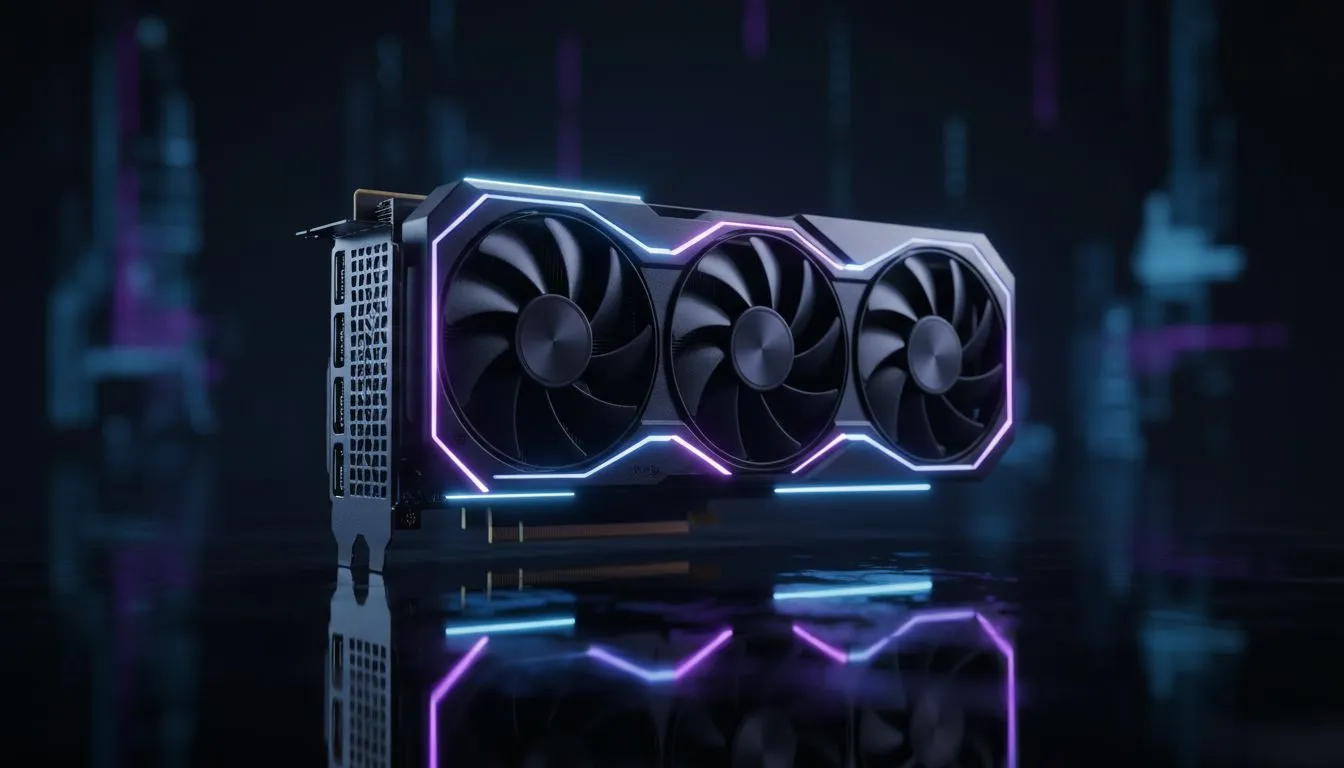
NVIDIA’s Deep Learning Super Sampling (DLSS) is often misunderstood. Some gamers fear that adding any processing step will increase delay. However... the reality is quite different for modern RTX users. When you enable DLSS, your GPU renders the game at a lower internal resolution. This reduces the workload on your graphics card significantly.
Because the GPU finishes its work faster... the entire frame delivery pipeline speeds up. In most scenarios, using DLSS actually reduces system latency rather than increasing it. If you are looking for a smooth experience without breaking the bank, checking out the latest budget gaming PCs is a great starting point for 1080p mastery.
Reflex is the Secret Sauce 🔧
Always pair DLSS with NVIDIA Reflex in the Valorant settings menu. While DLSS boosts your frame rate, Reflex specifically targets and eliminates the GPU render queue. This combination ensures the lowest possible "click-to-display" latency, giving you a distinct advantage in high-stakes clutch moments.
Does Upscaling Add Lag in Valorant Specifically?
Valorant is primarily a CPU-bound game. This means your processor often works harder than your GPU. If your graphics card is already cruising, DLSS might not show a massive FPS jump. But if you play at 1440p or 4K, the GPU load increases. In these cases, DLSS is a lifesaver.
Many South African gamers are upgrading to PCs under R20k to get that competitive edge. At these mid-range specs, upscaling helps maintain a stable 240Hz output. Stable frames are just as important as low latency because they ensure consistent input timing.
Balancing Visuals and Competitive Integrity
Does it look blurry? Early versions of upscaling had "ghosting" issues. Modern DLSS versions used in Valorant are incredibly crisp. You get the benefit of higher frame rates without the jagged edges of low-resolution gaming. For those who want the absolute best visual fidelity and speed, exploring high-end PCs above R20k ensures you never have to compromise.
If you are hunting for value, keeping an eye on best gaming PC deals can land you an RTX-powered machine for less than you think. These systems are designed to handle upscaling technologies natively... ensuring your hardware doesn't hold back your aim. 🚀
The Verdict on DLSS and Input Lag
So... does upscaling add lag in Valorant? The short answer is no. When implemented correctly with NVIDIA Reflex, it actually makes your system more responsive. By reducing the time your GPU spends on each frame, you get a snappier feel and smoother motion.
Whether you are browsing pre-built PC deals or building a custom rig, prioritising an RTX GPU is a smart move for any serious Valorant climber in SA. ✨
Ready to Dominate the Leaderboards? Don't let hardware latency hold back your Radiant potential. For maximum frames and the lowest input lag in South Africa, our curated selection of gaming rigs has you covered. Explore our massive range of gaming PC specials and find the perfect machine to conquer your next rank game.











