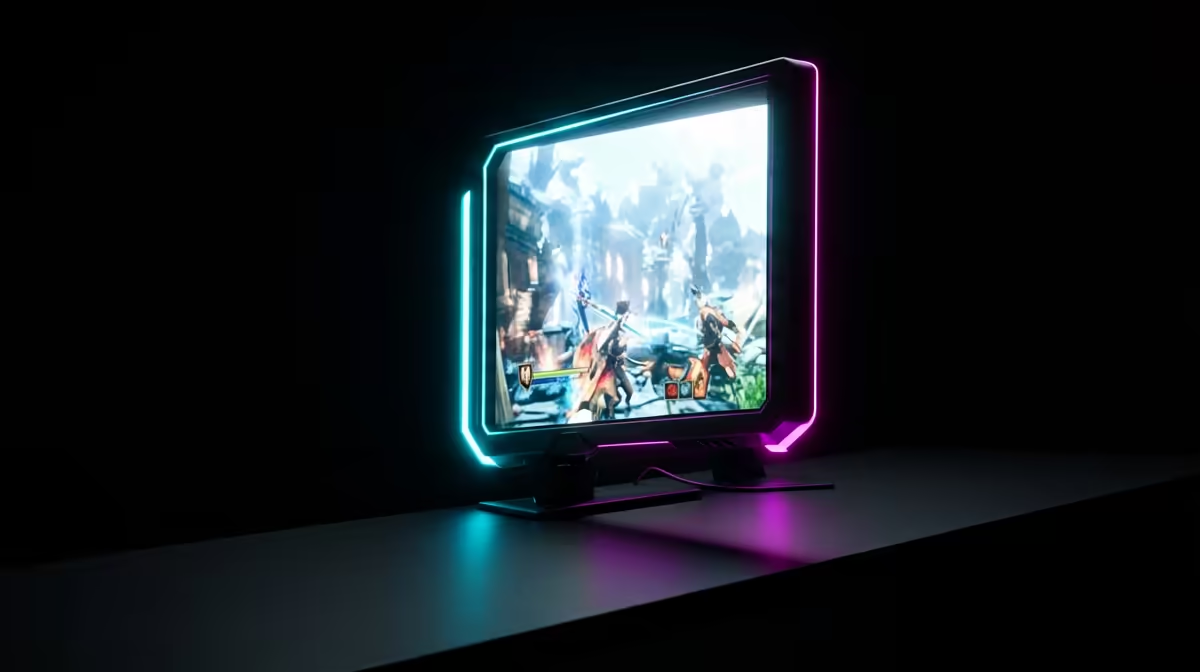
Master the Visuals: DLSS quality in Nioh 3: Fix Blurry Textures Fast
Precision is everything in a Team Ninja title. Missing a critical parry because of visual smearing is enough to make any South African gamer lose their cool... especially when you have just waited through two hours of loadshedding to play. If you want to improve DLSS quality in Nioh 3: Fix Blurry Textures Fast, you need to look beyond the basic in-game toggle. Let’s sharpen those edges and reclaim your frame rate. ⚡
Why Does DLSS Look Blurry in Nioh 3?
Deep Learning Super Sampling (DLSS) is a marvel, but it is not always perfect out of the box. The "blurry" look often stems from a low internal render resolution being upscaled without enough sharpening. While older NVIDIA graphics cards handle this well, the default settings in Nioh 3 can sometimes feel a bit soft on 1080p or 1440p displays.
To fix this, ensure you are using the "Quality" preset rather than "Performance". This increases the base resolution before the AI works its magic. If you are using one of MSI's high-end GPUs, you likely have enough thermal headroom to push these settings even further without hitting a bottleneck.
Visual Clarity Pro Tip ⚡
If the in-game sharpening slider isn't cutting it, try using the NVIDIA Control Panel. Navigate to 'Manage 3D Settings', find Nioh 3, and enable 'Image Sharpening'. Setting this to around 0.30 often removes the DLSS 'film' look without adding ugly artifacts or shimmering on thin lines.
Alternative Hardware and Software Solutions
Not every gamer is on the green team. If you have opted for AMD Radeon graphics cards, you will be using FSR. While the steps are similar, Radeon Image Sharpening is generally more aggressive... start with lower values to avoid grainy textures in the dark Yokai Realm. 🔧
Even those using Intel Arc GPUs can find great results with XeSS, which often rivals DLSS in stability. For professionals who use their rigs for more than just gaming, our range of workstation graphics cards can also handle these titles, though you may need to manually update your drivers to the latest "Game Ready" equivalent to support the newest DLSS libraries. 🚀
Final Performance Tweaks
Always check if there is a newer nvngx_dlss.dll file available. Sometimes developers ship games with older versions. Swapping this file can drastically improve DLSS quality in Nioh 3: Fix Blurry Textures Fast and reduce ghosting during fast-paced boss fights. It is a small change that makes a massive difference when you are fighting for your life in feudal Japan. ✨
Ready to Find Your Perfect Match? The battle for performance is won with the right hardware. For maximum power, choice, and the best tech value in South Africa, our GPU range is hard to beat. Explore our massive range of graphics card specials and find the perfect machine to conquer your world.