

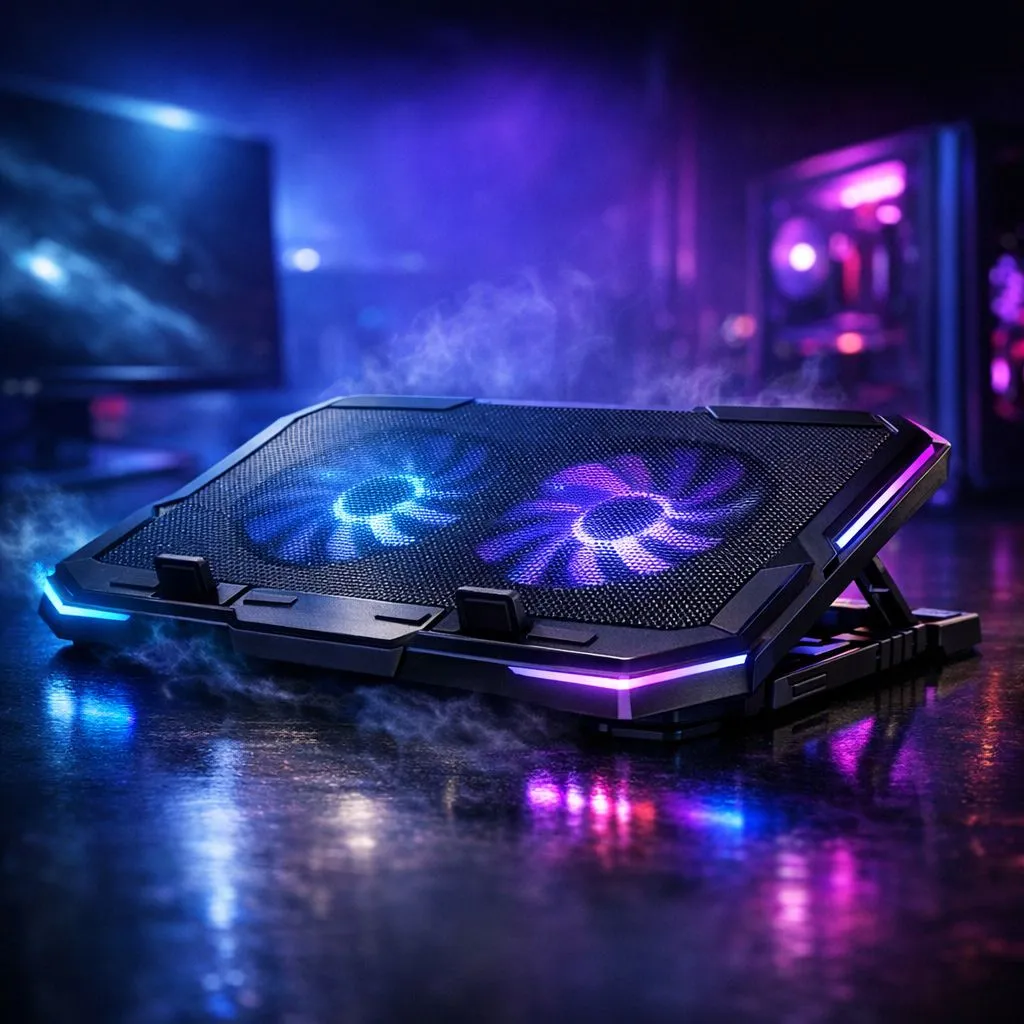
The Thermal Reality of Modern Gaming
We’ve all been there: swinging through Manhattan in Spider-Man Remastered when suddenly the frame rate tanking makes you feel like you’re stuck in molasses. In South Africa, where summer ambient temperatures can easily hit 30°C, thermal throttling is the ultimate final boss. But do cooling pads prevent throttling, or are they just glorified plastic stands? Let’s put them to the test with some of the most demanding PC ports today. 🔧
When your laptop’s internal sensors detect temperatures exceeding safe limits... usually around 90°C to 100°C... the system automatically reduces clock speeds to prevent hardware damage. This is the "throttling" that kills your performance. Investing in quality laptop cooling pads is often the first line of defence for gamers who want to maintain those high boost clocks during an intense session.
Testing with Insomniac Games: A Heavy Lift
Titles from Insomniac Games, such as Ratchet & Clank: Rift Apart, are notorious for pushing hardware to the limit. They utilise advanced asset streaming that keeps the CPU and NVMe drive working overtime to load high-resolution textures instantly. In our testing, we noticed that without external assistance, many thin-and-light gaming laptops began to drop frequencies after just twenty minutes of play.
For those seeking premium airflow and robust build quality, Coolermaster offers solutions that specifically target the "hot zones" of your chassis. By lifting the laptop and providing a steady stream of fresh air to the intake vents, these pads can reduce temperatures by 3°C to 8°C. While that might sound small, it is often the difference between staying in the "Boost" clock range or falling into a throttled state.
Performance Pro Tip ⚡
Always check where your laptop's intake vents are located before buying a pad. If your laptop pulls air from the bottom, ensure the cooling pad's fans align with those vents. If you have a sealed bottom, a simple stand that improves elevation might be just as effective as active fans for reducing heat soak.
The Verdict: Do Cooling Pads Prevent Throttling?
The short answer is yes, but with a caveat. A cooling pad won't fix a laptop with dried-out thermal paste or clogged internal fans. However, in a warm South African climate, providing an extra R400 to R900 worth of thermal headroom can significantly extend your peak performance window. Budget-friendly options like MARVO provide excellent value for gamers who need a reliable lift and active cooling without breaking the bank. 🚀
Ultimately, the goal is to keep the air moving. When you're playing high-fidelity titles, every degree matters. By keeping the underside of your machine cool, you allow the internal heat pipes to dissipate heat more efficiently, ensuring your frame rates stay consistent from the first boss to the last. ✨
Ready to Chill Your Setup? Don't let heat kill your performance when you're on the verge of a breakthrough. Explore our massive range of laptop cooling pads and keep your hardware running at its peak during those intense summer gaming sessions.











