

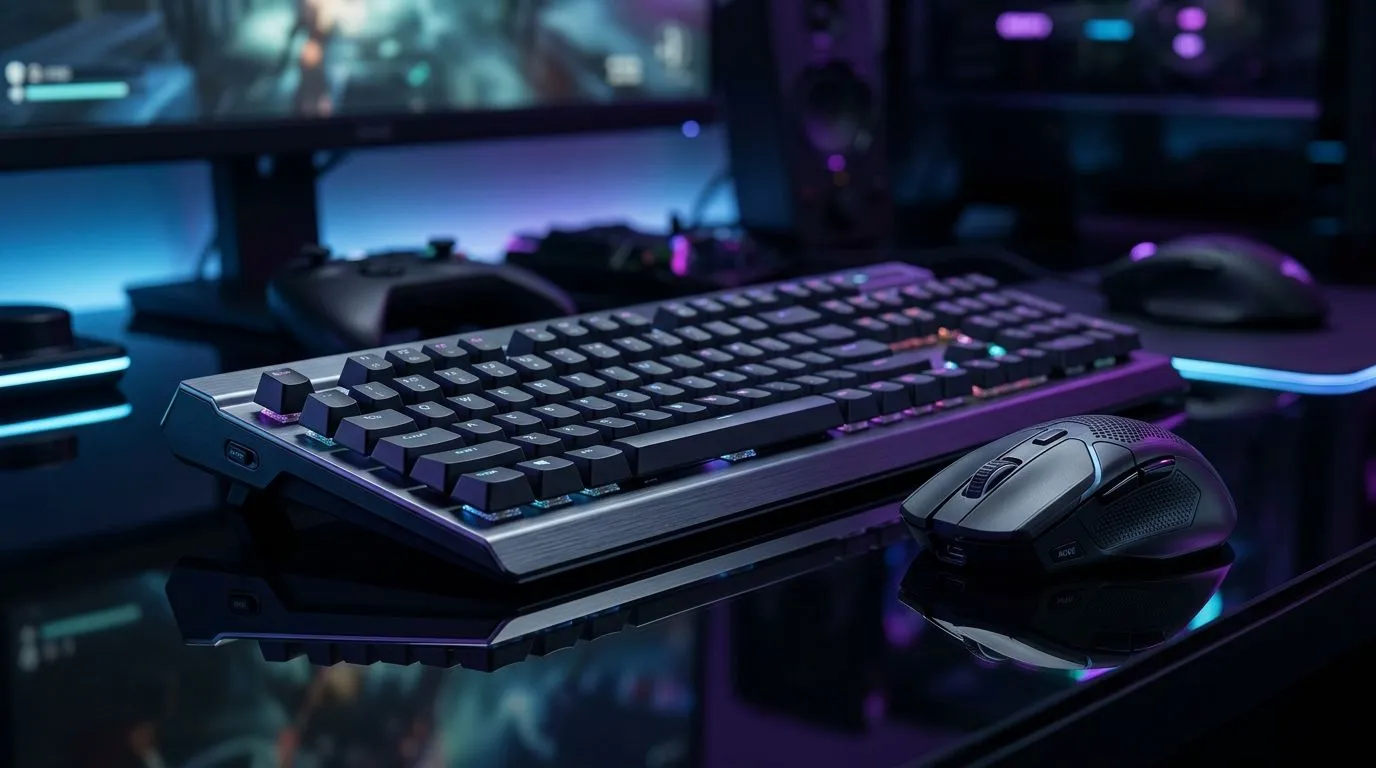
Dual-Mode Connectivity for South African Gaming and Work
South Africans are juggling more devices than ever... a laptop for work, a desktop for play, and maybe a second screen or console in the mix ⚡. That’s where dual-mode connectivity starts making real sense. One mouse, one setup, less desk clutter, and fewer moments of “which device is this paired to again?”. For gamers and hybrid workers, that convenience can save time every single day.
Why dual-mode connectivity matters for SA users
Dual-mode connectivity usually means a mouse can switch between two connection types, often wireless and Bluetooth, or wireless and wired. That flexibility is handy when load shedding, busy commutes, or shared home offices make life messy. It also helps if you need one mouse for a gaming PC and another for a work laptop without constantly re-pairing devices.
For many South African buyers, the appeal is simple... fewer accessories, better portability, and a cleaner workspace. If you already have a solid keyboard, a versatile mouse can be the smart upgrade that ties everything together.
A better fit for gaming and work
A strong dual-mode setup should feel fast enough for gaming and stable enough for spreadsheets, meetings, and everyday browsing. Wired mode is still the safest choice when you want zero battery anxiety. Wireless mode is ideal for a tidy desk and portable use. That balance is why many people look at mouse accessories first when upgrading their setup.
If you’re shopping for a specific use case, it helps to narrow things down. A wired mouse is often the simpler pick for competitive play. A wireless mouse gives more freedom for hybrid work and travel. If you’re comparing offers, the best gaming mouse deals page can help you spot better value without digging through every product individually.
What to check before buying
Before you choose, think about your actual routine:
- Do you switch between a desktop and laptop often?
- Do you want one mouse for both office work and gaming?
- Is battery life more important than cable-free convenience?
- Do you play fast-paced games where responsiveness matters most?
If the answer to most of those leans towards flexibility, dual-mode connectivity is worth the attention. Evetech’s gaming mouse category is a practical place to compare options and features side by side.
Desk Setup Pro Tip ⚡
Keep one mouse profile for work and another for gaming if the software supports it. That way, your DPI, buttons, and lighting can change with one click instead of constant manual tweaking.
The real value is in flexibility
A lot of buyers chase specs first. That makes sense. But in real life, convenience often wins. If a mouse can move smoothly between your work laptop and gaming rig, it can reduce friction every day. That matters when your desk doubles as a battle station and a productivity zone.
For South African households, where space and budget both matter, one good multi-use mouse can be a smarter buy than two separate devices. It can also make a smaller desk feel far more organised 🔧.
If you’re comparing prices in rand, keep an eye on the total value, not just the sticker. A slightly more expensive model can be better if it saves you from buying extras later.
Shop smarter, not harder
If you’re still deciding, use these quick routes:
- Browse mouse accessories for add-ons and practical extras
- Check wired mouse listings if input speed is your top priority
- Compare wireless mouse options for a cleaner desk and more freedom
- Review the best gaming mouse deals for standout value
- Explore the broader gaming mouse range for feature comparisons
That’s usually the fastest way to find a setup that fits both workdays and late-night sessions without overspending.
Ready to Find Your Perfect Match? The Mac vs Windows debate is complex, but for maximum power, choice, and value in South Africa, Windows is hard to beat. Explore our massive range of laptop specials and find the perfect machine to conquer your world.











