

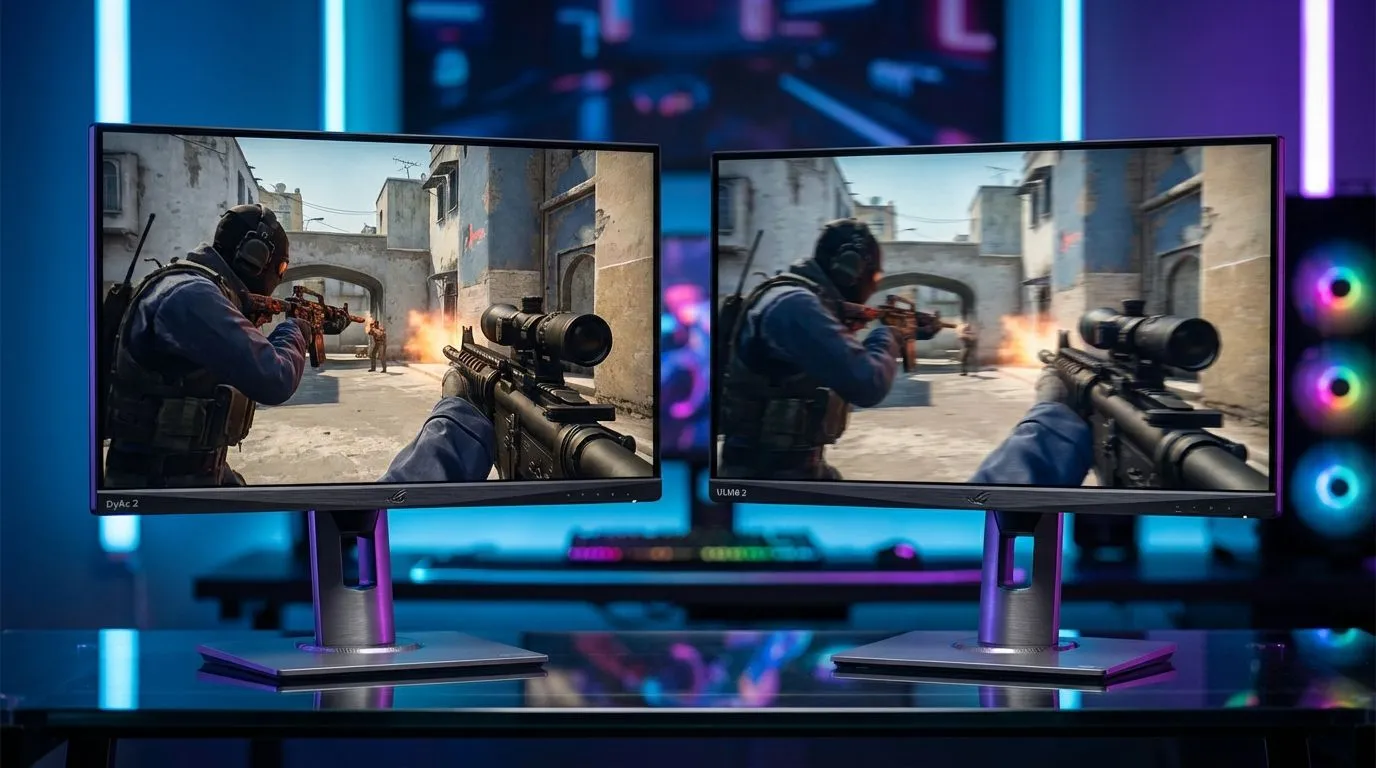
Ever missed a crucial headshot in CS2 because the enemy looked like a blurry smear? In the high-stakes world of South African competitive gaming... every millisecond matters. When you are pushing for Global Elite, choosing between DyAc 2 vs ULMB 2: Best Motion Blur Reduction for CS2 becomes a vital decision. These technologies aim to eliminate ghosting... giving you the visual clarity needed to dominate the server. ⚡
Understanding DyAc 2 vs ULMB 2 for CS2
Motion blur reduction is the "secret sauce" for professional players. When you flick your mouse to check a corner, the pixels on standard screens can’t keep up, resulting in a trail. BenQ Zowie’s DyAc 2 and NVIDIA’s ULMB 2 are the two titans fighting to solve this. If you are currently hunting for the best PC monitor deals in South Africa, you have likely seen these terms pop up.
DyAc 2 (Dynamic Accuracy) uses a dual-backlight strobing technique. This hardware-level solution ensures that the backlight flickers at the same rate as your screen’s refresh... essentially "clearing" the frame before the next one appears. It is widely considered the gold standard for tactical shooters because it maintains high brightness while keeping the image incredibly sharp.
The Tech Behind the Motion
On the other side of the fence, we have NVIDIA’s ULMB 2 (Ultra Low Motion Blur). This technology is often found on high-end G-Sync PC monitors and offers full-refresh rate backlight strobing. NVIDIA claims it can deliver over 1000Hz of effective motion clarity on a 360Hz panel.
For South African gamers playing on 120ms pings to European servers or even local Cape Town servers... every bit of local hardware advantage helps. You can explore a wide range of these high-performance displays in our all gaming monitors collection. While some players enjoy the immersion of curved monitors for racing or RPGs, the CS2 crowd usually opts for flat panels to maximise the efficiency of motion blur reduction.
CS2 Performance Tip ⚡
When using motion blur reduction tech like DyAc 2 or ULMB 2, ensure your in-game FPS matches or exceeds your monitor's refresh rate. If your frames drop below the strobing frequency... you might notice "stuttering" or double images. Lock your FPS to a stable value to keep the motion fluid and the headshots coming.
Choosing the Right Panel for South African Gamers
The choice often comes down to your GPU and your budget. DyAc 2 is hardware-agnostic, meaning it works regardless of whether you have an AMD or NVIDIA card. ULMB 2 requires a specific G-Sync module, which can sometimes push the price higher in ZAR.
If you are a professional on the move, you might even consider how these technologies translate to portable monitors or high-resolution 5K & 4K monitors used for content creation. However, for pure CS2 performance, the 1080p or 1440p high-refresh kingpins remain the best bet. Don't forget to look at monitor accessories like premium DisplayPort cables to ensure you are getting the full bandwidth required for these high-speed modes.
Ultimately, DyAc 2 vs ULMB 2: Best Motion Blur Reduction for CS2 is a close battle. DyAc 2 feels slightly more "natural" to many veterans... while ULMB 2 offers incredible brightness and clarity for those with the latest NVIDIA hardware. 🚀
Ready to Find Your Perfect Match? The DyAc 2 vs ULMB 2 debate is intense, but the right monitor will undoubtedly elevate your CS2 game. Explore our massive range of gaming monitors and find the perfect high-refresh machine to dominate the South African leaderboards.











