

Optimise Your Windows and Driver Settings
Tarnished, are you tired of your frame rate dying more often than your character? Even in 2026, FromSoftware’s masterpiece can push mid-range rigs to their breaking point. This Elden Ring Optimization Guide (2026): Fix Lag & Stutters provides the essential tweaks needed for a buttery-smooth experience. Whether you are exploring Limgrave or the Shadow Realm, let’s ensure your hardware keeps up with the challenge. 🔧
The first step to stability is ensuring your software environment is lean. Windows Game Mode should be enabled to prioritise CPU resources for the Lands Between. Additionally, always keep your drivers updated. If you are running older NVIDIA or ATI graphics cards, a fresh driver installation can resolve shader cache issues that cause those annoying micro-stutters during boss transitions.
Best In-Game Graphics Settings for Stability
Elden Ring is beautiful, but certain settings are notorious performance killers. Ray Tracing is the biggest culprit... keep it off unless you have a top-tier rig. Shadows and Volumetric Fog should be set to Medium for the best balance of visual fidelity and performance. If you are using high-end MSI graphics cards, you might have more headroom, but for most, these small sacrifices ensure a steady 60 FPS. ⚡
Performance Pro Tip ⚡
Disable the Steam Overlay or any third-party recording software if you experience sudden frame drops. These background processes can conflict with Elden Ring's anti-cheat system, causing micro-stutters during intense boss encounters.
Hardware Upgrades for the Ultimate Experience
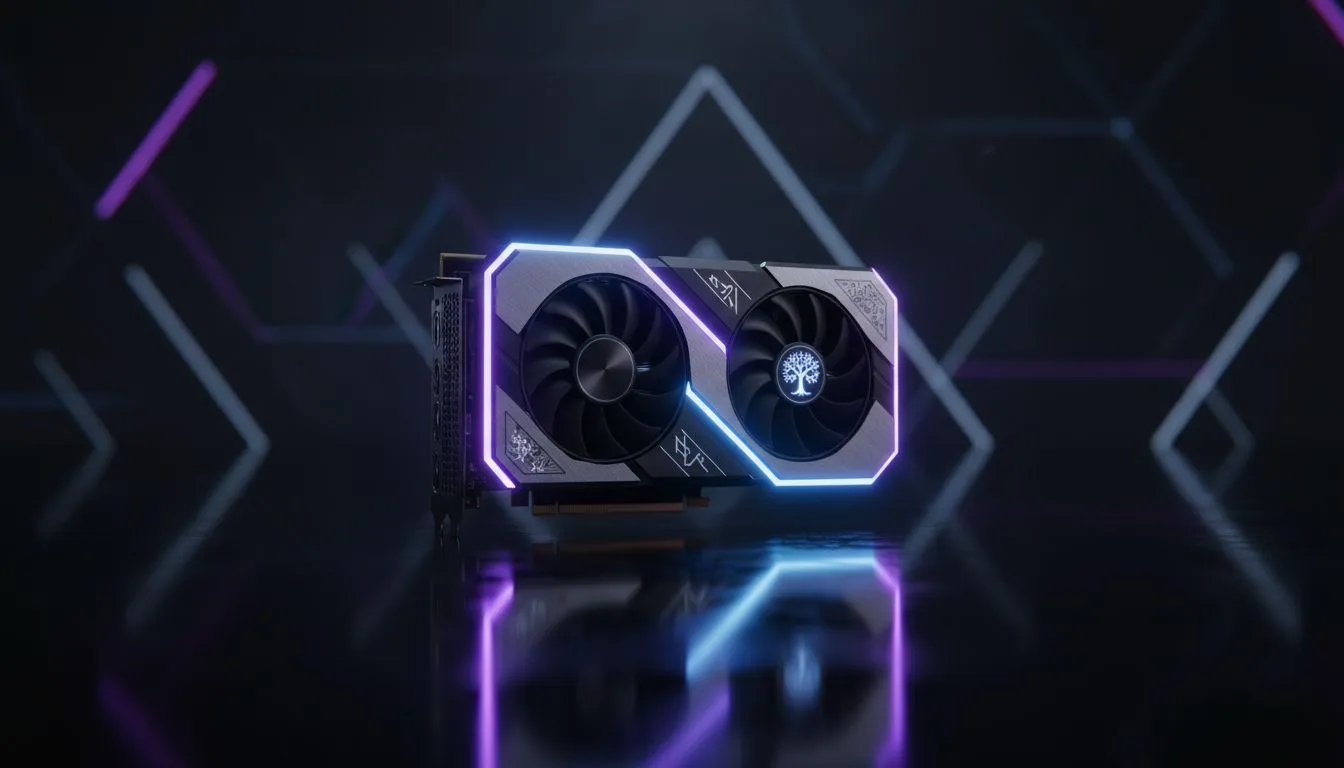
Sometimes, software tweaks can only go so far. If your hardware is several generations old, it might be time for an upgrade. For those looking for excellent value in the South African market, AMD Radeon graphics cards offer incredible raw performance for your ZAR. Alternatively, the latest Intel Arc graphics cards have matured significantly, providing a competitive entry point for modern gaming. 🚀
For professional users who game on the side, even certain workstation graphics cards can now handle the game's engine with the right driver profiles. Ensuring your GPU has at least 8GB of VRAM is essential for 1440p play without texture swapping lag. Whether you are budget-conscious or looking for a premium beast, the right hardware makes the difference between a victory and a "You Died" screen. ✨
Ready to Conquer the Lands Between? Technical hitches shouldn't stop you from becoming Elden Lord. For the best performance and hardware value in South Africa, we have you covered. Explore our range of high-performance graphics cards and upgrade your gaming experience today.











