


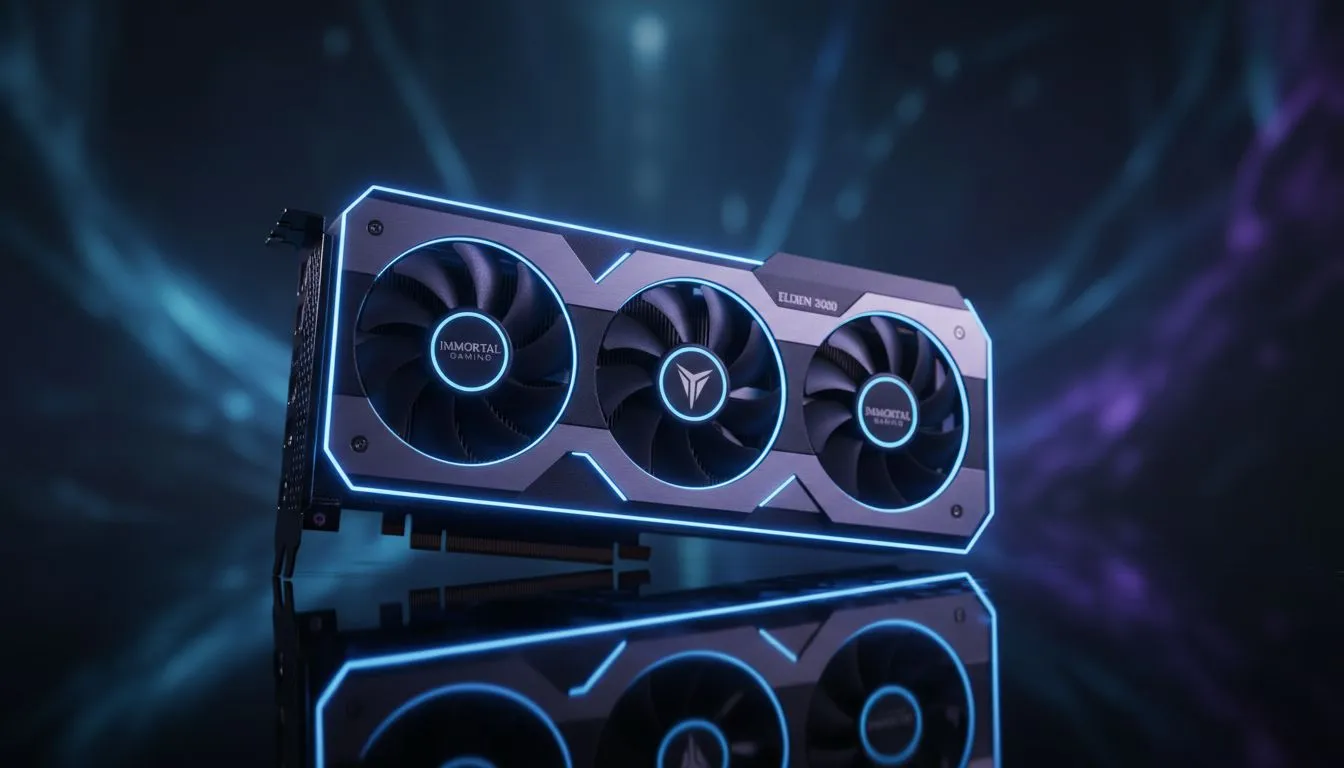
Crossing the Fog into the Lands Between should be a seamless, breathtaking experience... especially when a boss is breathing down your neck. In South Africa, where our hardware often battles summer heat and fluctuating power, every frame counts. If you are seeing blurry textures or jerky movement, your Elden Ring VRAM management is likely the culprit. Let's fix that stutter and get you back into the fight ⚡.
Understanding Elden Ring VRAM and Texture Pop-In
Elden Ring is a masterpiece, but its engine is notoriously hungry for Video RAM. When your GPU runs out of dedicated memory, it starts swapping data with your much slower system RAM. This bottleneck causes that frustrating texture pop-in where rocks and grass suddenly appear out of thin air. Even worse, it leads to micro-stutters that can ruin your parry timing during a crucial duel.
To avoid this, you need a card that can handle the massive open-world assets. Browsing the latest NVIDIA or ATI graphics cards is the first step toward a stable 60 FPS. If you are playing at 1440p or 4K, having at least 12GB of VRAM is becoming the new standard for modern gaming.
Optimising Settings for Better Stability
You do not always need to break the bank to see improvements. Start by lowering your "Texture Quality" and "Global Illumination" settings. These two options have the largest impact on your VRAM footprint. In the South African market, we often see gamers trying to push Ultra settings on mid-range hardware. Dropping to "High" often looks nearly identical while freeing up hundreds of megabytes of memory.
If you want a card that stays cool during a Pretoria heatwave, consider the thermal designs of MSI graphics cards. Their superior heatsinks help maintain high clock speeds without thermal throttling.
Performance Pro Tip ⚡
Always disable the Steam Overlay and any unnecessary background recording software before launching Elden Ring. These small utilities can hog precious VRAM and CPU cycles, leading to those annoying micro-stutters in dense areas like Leyndell, Royal Capital.
Choosing the Right Hardware for the Job
For those looking for incredible value and modern features like AV1 encoding, the new Intel Arc graphics cards offer a compelling alternative for budget-conscious Tarnished. They provide a smooth experience for 1080p adventurers without a massive price tag.
However, if your PC is a dual-purpose machine for both 3D rendering and gaming, you might be looking at workstation graphics cards to handle complex professional workloads alongside your gaming sessions.
For the best VRAM-per-Rand ratio, many local gamers are turning to Team Red. You can find massive memory buffers on AMD Radeon graphics cards, which are perfect for handling the unoptimized texture streaming often found in large open-world titles. Investing in a card with 16GB of VRAM effectively "future-proofs" your rig for the next few years of DLC and new releases.
Final Verdict on Smooth Gameplay
Preventing texture pop-in is all about balance. Keep your drivers updated... clear your shader cache regularly... and ensure your hardware matches your resolution goals. Whether you are exploring Limgrave or the Shadow Realm, a stutter-free experience is the only way to truly enjoy the artistry of FromSoftware 🚀.
Ready to Find Your Perfect Match? Don't let hardware limitations hold you back from becoming the Elden Lord. For maximum power, choice, and the best tech value in South Africa, Evetech has you covered. Explore our massive range of graphics card specials and find the perfect GPU to conquer the Lands Between.











