

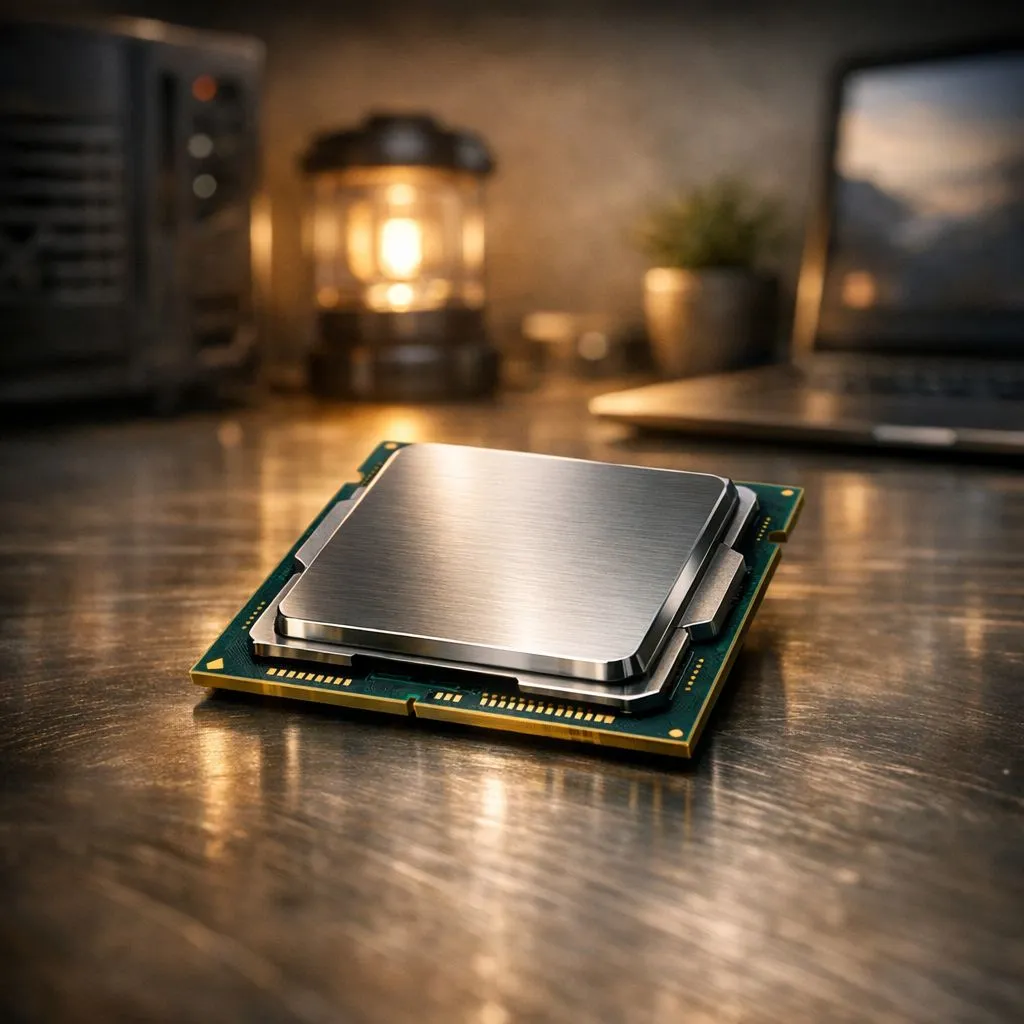
Loadshedding hits, the lights go out, and your productivity grinds to a halt. Sound familiar? For South African gamers and professionals, a dead battery is more than an inconvenience… it's a deadline-killer. But what if your machine’s core was built for this reality? Modern, energy efficient processors are designed to sip power, not chug it, giving you the extra hours needed to finish that project or clutch that final round. 💻
Why Energy Efficient Processors Are a Loadshedding Lifesaver
When the power grid lets you down, your laptop's battery becomes your lifeline. The single biggest factor determining how long that lifeline lasts is the processor, or CPU. Every CPU has a rating called TDP (Thermal Design Power), measured in watts. Think of it as the processor's appetite for electricity. A lower TDP means the chip consumes less power, generates less heat, and ultimately, extends your battery life significantly.
This is where choosing a laptop with an energy efficient processor becomes crucial. In the past, low power often meant slow performance. Not anymore. Thanks to incredible architectural advancements, today's CPUs can deliver blistering speed while remaining remarkably frugal. For instance, many of the latest modern Intel laptops feature a mix of powerful Performance-cores for heavy tasks and super-efficient E-cores for background processes, intelligently managing power without you noticing a thing.
This smart power management means you can realistically work or play through a full Stage 4 loadshedding slot without frantically searching for a plug point.
Finding the Right Balance: Performance vs. Power ⚡
Choosing between Team Blue (Intel) and Team Red (AMD) often comes down to your specific needs, but both offer fantastic power-efficient CPUs. The key is knowing what to look for.
The Intel Core Approach
Intel's recent mobile processors, especially those with the 'U' or 'P' suffix in their model names (e.g., Core i7-1355U), are specifically engineered for thin-and-light ultrabooks. These chips are optimised for sustained performance with minimal battery drain, making them perfect for students and professionals on the move. They provide more than enough power for everyday tasks, streaming, and even light creative work.
The AMD Ryzen Advantage
AMD has earned a stellar reputation for the efficiency of its Ryzen mobile processors. The Zen architecture at their core is exceptionally good at delivering high performance per watt. Laptops powered by Ryzen CPUs, particularly those in the 7040U series, are battery life champions. If your priority is squeezing every last minute out of a single charge, exploring the latest AMD Ryzen laptop deals is a brilliant move.
Battery Saver Pro Tip 🔋
Activate Windows' 'Battery Saver' mode as soon as loadshedding starts. It automatically lowers screen brightness, limits background app activity, and throttles some notifications. You can customise it in Settings > System > Power & battery to turn on automatically when your battery hits a certain percentage, like 40%.
More Than Just the CPU: The Full Picture
While the processor is the star player, it's not the only component affecting your battery life. A truly loadshedding-proof laptop is a well-balanced machine.
The graphics card (GPU) is a major power consumer, especially during gaming. High-end laptops with GeForce RTX graphics are fantastic for performance but can drain a battery quickly. Luckily, technologies like NVIDIA Optimus automatically switch between the power-hungry dedicated GPU and the processor's efficient integrated graphics, giving you performance when you need it and battery life when you don't.
Your screen's brightness and refresh rate also play a big role. Simply dimming your display can add a surprising amount of time to your charge.
Smart Shopping for a Loadshedding-Proof Laptop
Ready to invest in a machine that won't leave you in the dark? Here’s a quick checklist:
- Prioritise the Processor: Look for CPUs from Intel's U-series or P-series, or AMD's U-series. These are specifically designed for energy efficiency.
- Check Battery Capacity: Look for the battery size, measured in Watt-hours (Wh). A larger number, like 70Wh or more, is a great sign.
- Read Real-World Reviews: Don't just trust the manufacturer's claims. See what reviewers say about battery life during typical use like web browsing or video playback.
You don't need to spend a fortune to get a reliable machine. There are plenty of great gaming laptops under R20,000 that balance performance with decent battery endurance. By focusing on a power-efficient CPU and smart components, you can find a device that keeps up with your hustle. Check out our top gaming laptop deals to see how much performance you can get for your Rand.
Ready to Beat Loadshedding? Don't let power cuts dictate your productivity or kill your gaming session. An energy-efficient processor is your secret weapon. Explore our massive range of laptop specials and find the perfect machine to stay powered on and productive.





