

Finding Your Comfort Zone: Desk Height and Keyboard Alignment
Ever finished a five-hour session in Apex Legends or a long day of remote work only to find your wrists screaming? We often focus on high DPI mice or 240Hz monitors, but the way you sit matters just as much. Proper ergonomic keyboard positioning: desk height, wrist angle and posture are the silent partners in your climb up the competitive ranks. Let's fix your setup before the next round starts.
Finding the right desk height is the first step to avoiding long-term strain. If your desk is too high, your shoulders will hunch up toward your ears... a recipe for tension headaches. If it is too low, you will find yourself leaning forward and ruining your spine alignment. When looking for the cheapest gaming keyboard in South Africa, remember that even the most affordable gear needs a solid foundation. Your elbows should ideally be at a 90-degree angle, with your forearms parallel to the floor.
Mastering Wrist Angle for Peak Performance ⚡
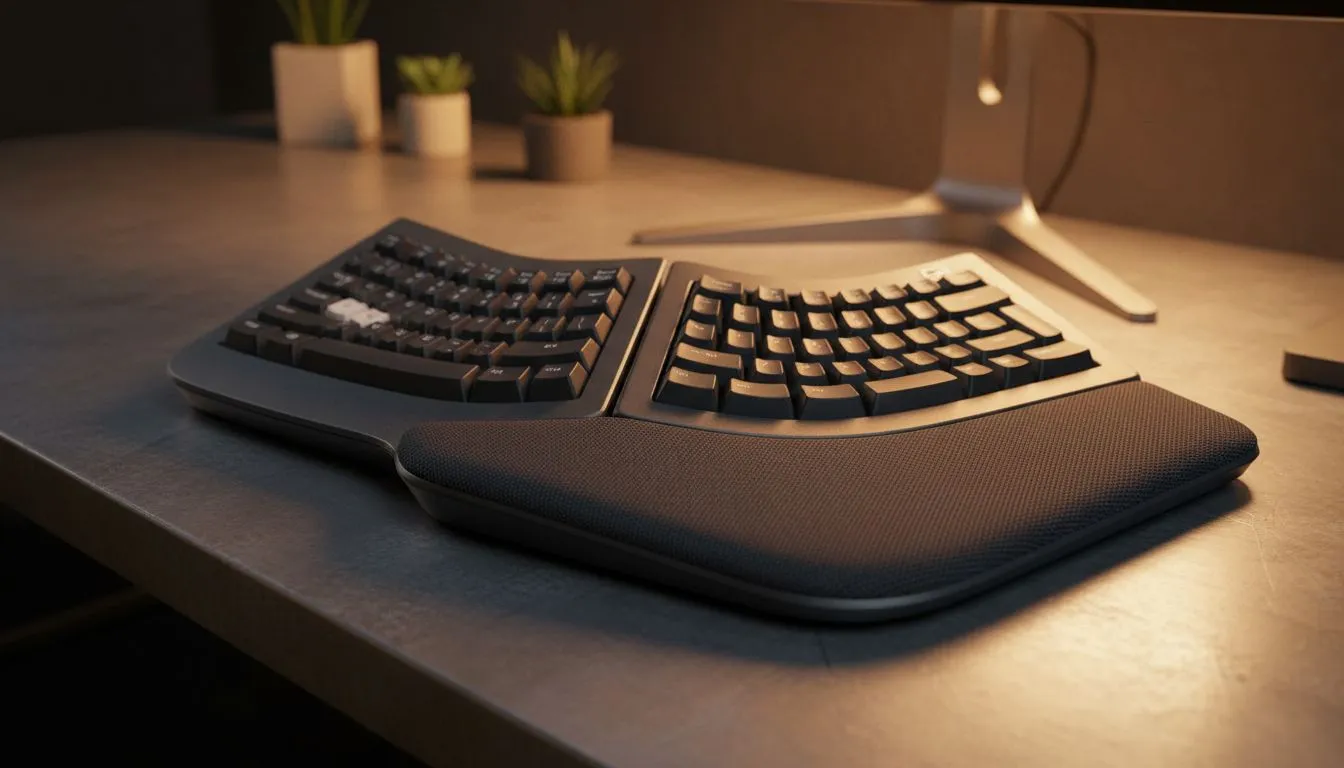
Your wrists are delicate. The goal is a "neutral" position, meaning they should be straight, not bent up or down. Many gamers make the mistake of using the "feet" on the back of the board to tilt it up... this actually increases wrist extension and can lead to carpal tunnel issues over time. If you opt for a premium Razer gaming keyboard, you often get an included ergonomic wrist rest. These are designed to keep your palms at the same level as the keys, reducing the angle of attack and keeping your hands relaxed during intense firefights.
The Floating Technique 🔧
Try to 'float' your wrists slightly above the keyboard while typing rather than resting them heavily on the desk. This allows your larger arm muscles to handle the movement, reducing the repetitive strain on the smaller tendons in your wrists. It takes a few days to master, but your body will thank you later.
Posture and the Keyboard Layout
Good posture starts from the ground up. Keep your feet flat on the floor and your back against the chair. If you are a fan of customisation and enthusiasts' builds, like those found in the range of Glorious keyboards, you know that every millimetre counts. Position the keyboard directly in front of you. The "B" key or the spacebar should generally be aligned with your belly button to ensure your arms aren't reaching across your body.
Freedom of Movement: Connectivity and Ergonomics
Cable management isn't just about looking clean... it's about movement. A stiff cable can pull your keyboard into an awkward angle, forcing you to adjust your posture to compensate. Switching to wireless gaming keyboards allows you to shift the board around freely, which is great for finding that perfect "tilted" angle some pro players prefer without cluttering your space.
However, if you prefer a permanent, ultra-stable setup, wired gaming keyboards remain the gold standard for reliability. Just ensure you have enough slack in the cable to position the board exactly where your natural arm fall dictates. By focusing on ergonomic keyboard positioning: desk height, wrist angle and posture, you aren't just playing better... you're playing longer. 🚀
Ready to Find Your Perfect Match? Ergonomics starts with the right gear. Whether you need a mechanical powerhouse or a compact wireless deck, we have the best deals in ZAR. Explore our massive range of gaming keyboards and find the perfect hardware to protect your wrists and level up your game.











