

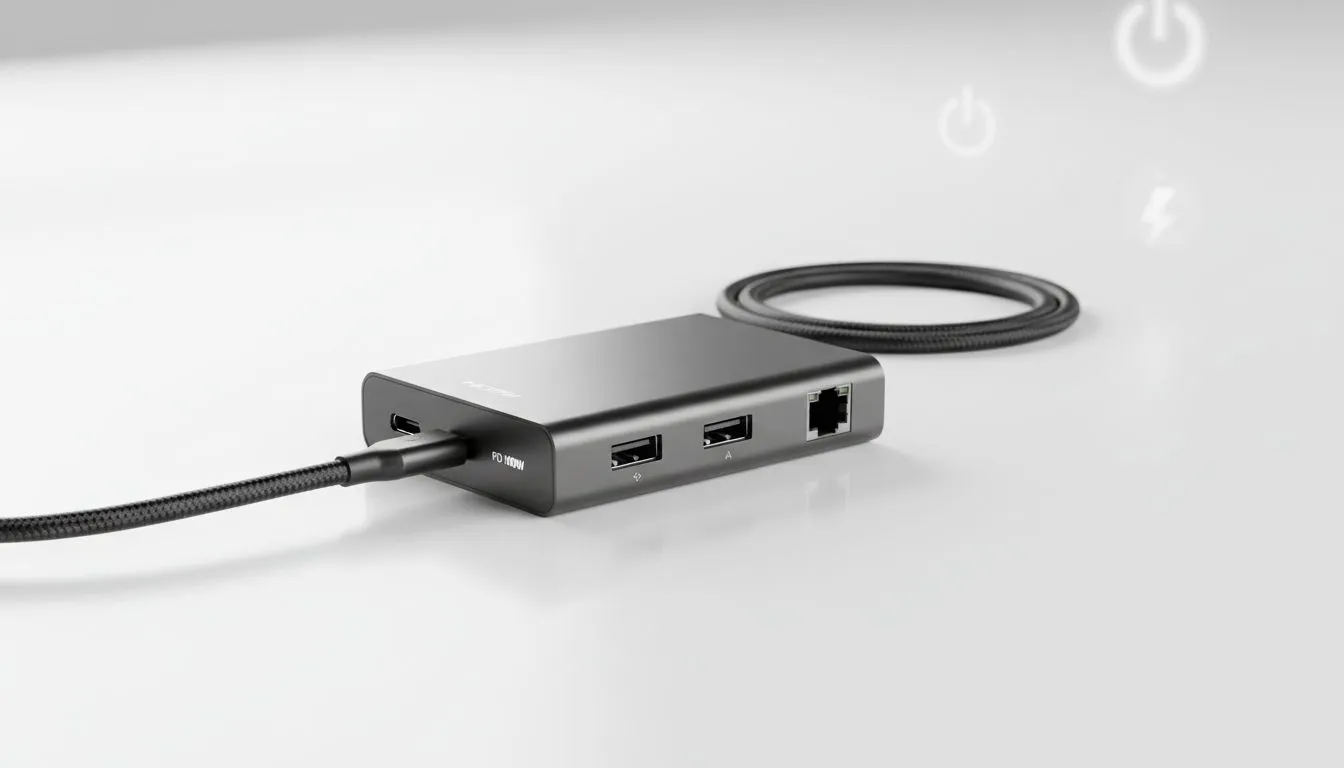
Loadshedding isn't just an inconvenience... it is a productivity killer. When Eskom pulls the plug, every percentage of battery life becomes precious. A fast charging USB-C hub is your best ally to manage battery during loadshedding effectively. It lets you charge your laptop and connect gear through a single port... keeping you in the game even when the grid goes dark. ⚡
Maximise Efficiency with a Fast Charging USB-C Hub
To survive long power outages, you need to optimise how you use your remaining juice. Most standard hubs only transfer data. However, a high-quality hub with Power Delivery (PD) ensures your machine stays topped up while you work. You can explore a comprehensive range of docking stations that support high-wattage throughput for modern laptops.
Using a single cable to handle your monitor, mouse, and charging reduces the strain on your laptop ports. It also makes it easier to move your setup to a coffee shop or a friend's house with a generator. 🔧
Battery Health Pro Tip ⚡
When using a hub with Power Delivery, always use your laptop's original high-wattage wall charger. This ensures the hub has enough overhead to power your external drives and peripherals while still fast-charging your laptop battery at the maximum possible speed.
Budget-Friendly Ways to Manage Battery During Loadshedding
Staying connected shouldn't cost a fortune. If you are looking for a simple way to expand your connectivity without breaking the bank, there are many budget-friendly units under R1000 available. These are perfect for students or home office users who need basic port expansion.
For those who require more advanced features like 4K display support or Ethernet, performance-oriented hubs under R2000 offer a middle ground. These units often feature better heat dissipation... which is vital when you are pushing your hardware during a hot South African summer afternoon. ✨
Selecting the Right Power Delivery Specs
Not all USB-C hubs are created equal. You must check the wattage rating to ensure it matches your laptop's requirements. Many Promate docking stations are specifically designed with high-speed PD ports. This allows you to fast charge your device while simultaneously using high-speed data transfers. 🚀
Always look for a hub that offers at least 60W to 100W Power Delivery. This ensures that even if you have multiple USB drives and a keyboard plugged in, your laptop won't slowly lose charge while you are working. It is the most reliable way to manage battery during loadshedding without constantly checking the taskbar.
Ready to Beat the Blackouts? Don't let the loadshedding schedule dictate your productivity. Whether you need a simple port expander or a high-power workstation, we have the right gear for you. Explore our full range of USB-C hubs and docking stations and stay powered up no matter what.











