

Staring at a render progress bar is the modern equivalent of watching paint dry... only way more frustrating. You’ve just spent hours crafting the perfect video—syncing audio, nailing colour grades, and adding effects—only to be stopped dead by a render queue that takes forever. For South African creators and gamers, these slow rendering times in video editing aren’t just annoying; they’re a bottleneck to getting your content seen. But don't despair, we can fix this.
First, Optimise Your Workflow (The Free Fixes)
Before you start eyeing a new rig, let's see if we can fix slow rendering times with a few software tweaks. Often, simple changes in your process can shave minutes, or even hours, off your export. Your editing software is a powerful tool, but it needs to be used efficiently.
Start by using proxies. Proxies are smaller, low-resolution copies of your original high-res files. Editing with them is much smoother and less demanding on your system. When you're ready to export, your software simply swaps them back out for the original files. Also, make sure you're closing other demanding applications like Chrome (we see you, tab hoarder!) before you hit that render button. Every bit of processing power helps. 🔧
Editing Pro Tip ⚡
In Adobe Premiere Pro or DaVinci Resolve, try to render and replace complex clips or effects sequences in your timeline. Right-click a clip with heavy effects (like noise reduction or warping) and choose "Render and Replace". This bakes the effect into a new, clean video file, easing the final export load and making timeline scrubbing much smoother.
When Software Isn't Enough: The Hardware Culprits
If you've optimised your workflow and are still facing painfully slow renders, it's time to look at your hardware. Your PC's components are the ultimate speed limit, and for video editing, three parts matter most: the CPU, the GPU, and your RAM/Storage combo. Understanding their roles is key to solving slow rendering times in video editing for good.
The CPU: Your Timeline's Taskmaster
The Central Processing Unit (CPU) is the brain of your computer. It handles most of the general editing tasks, decoding video formats, and running the software itself. For rendering, a CPU with more cores and a higher clock speed can process more data simultaneously. This is why you'll often see creators debating between powerful Intel-based systems and the latest multi-threaded AMD Ryzen PC deals, as both offer incredible performance for creative workloads.
The GPU: The Rendering Powerhouse 🚀
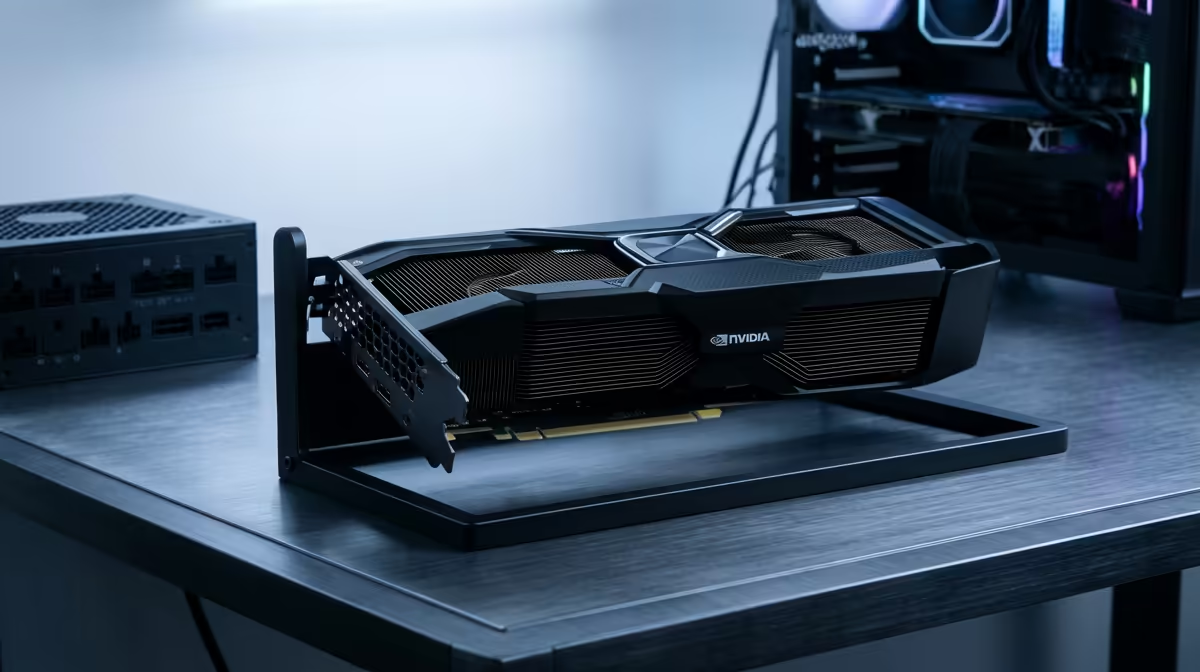
Your Graphics Processing Unit (GPU), or graphics card, is your secret weapon for faster rendering. Most modern editing software uses GPU acceleration to handle visual effects, colour grading, and encoding/decoding certain video codecs (like H.264/H.265). Upgrading your GPU can dramatically reduce render time. Many industry-standard applications are heavily optimised for NVIDIA's CUDA cores, making NVIDIA GeForce gaming PCs a popular choice, while the performance from modern AMD Radeon gaming PCs also offers fantastic value and power.
Building a Balanced Rig for Faster Renders
The ultimate solution to slow rendering is a balanced system where the components work together seamlessly. A beastly GPU won't reach its full potential if it's bottlenecked by a slow CPU or not enough RAM. For serious creators, investing in one of our purpose-built workstation PCs ensures every component is selected and optimised for demanding tasks like 4K video editing.
For many gamers who also create content, the good news is that a great gaming PC is also a fantastic editing machine. Many of our awesome pre-built PC deals provide the perfect blend of high-core-count CPUs and powerful GPUs to dominate in-game and crush your render queue.
Your Next Step to Eliminating Slow Renders ✨
While software tweaks can provide some relief, a hardware upgrade is the most effective, long-term solution to finally fix slow rendering times. Investing in a capable PC doesn't just save you time; it unlocks your creative potential, allowing you to work with higher-resolution footage and more complex effects without the frustrating lag. It turns "I hope this renders overnight" into "Done... what's next?".
Ready to Stop Waiting and Start Creating? Slow rendering is a creativity killer. Instead of fighting your hardware, upgrade to a machine that can keep up with your vision. Explore our massive range of custom and pre-built PCs and find the perfect rig to crush your render queue for good.











