

Intel Arc B580 Fable FPS: Performance Benchmark & Best Settings
Intel Arc B580 Fable FPS: Performance Benchmark. Real-world benchmark data, FPS numbers & performance analysis. What SA gamers can actually expect.
Read moreFortnite CPU bound issues can tank FPS — learn quick diagnostics, setting tweaks, driver tips, and upgrade steps to stop drops and smooth gameplay 🎮⚙️
You are in the final circle near Reckless Railways, the builds are flying, and suddenly... your screen hitches. That split-second stutter isn't just annoying; it is the difference between a Victory Royale and a trip back to the lobby. If your high-end graphics card is chilling while your processor is pinned at 100%, you are officially Fortnite CPU Bound? How to Fix FPS Drops (2026) is the question on every competitive player's mind. 🔧
As Unreal Engine 5 continues to evolve with more complex physics and Nanite geometry, the strain on your processor has never been higher. In South Africa, where we often battle high ambient temperatures alongside our opponents, keeping your hardware efficient is vital. If you find your frame rates are inconsistent regardless of how low you set your graphics, it is time to look at your system's brain rather than its eyes.
Before you reach for your wallet, there are several software-level adjustments that can alleviate the pressure. Fortnite is notoriously sensitive to background processes. Closing heavy applications like Chrome or intensive RGB software can free up those precious cycles your CPU needs to calculate player positions and building structures.
If you are struggling with CPU overhead, switch to 'Performance - Lower Graphical Fidelity' mode in the Fortnite settings. This offloads significant geometry processing from your processor, which can instantly stabilise your frame times during intense end-game builds.
Another often overlooked fix is the Windows Power Plan. Ensure your PC is set to "High Performance" to prevent the CPU from downclocking during less intense moments, which often causes that jarring stutter when the action suddenly picks up again. Sometimes, these digital hurdles are simply too high for older hardware... in which case, you might need to buy CPU processors online to keep up with the 2026 meta.
If you have tried every "optimisation guide" on YouTube and your 1% lows are still dipping below 60 FPS, your hardware has likely hit its limit. Fortnite thrives on high single-core clock speeds and large amounts of L3 cache. When looking at the current market, players are often split between the two giants of processing power. 🚀
For those who prefer the reliability of Team Blue, the latest chips offer incredible instructions-per-clock (IPC) improvements that handle high-refresh-rate gaming with ease. You can find some of the most competitive pricing when you buy Intel CPU kits locally, ensuring you have the raw speed needed for those 240Hz monitors.
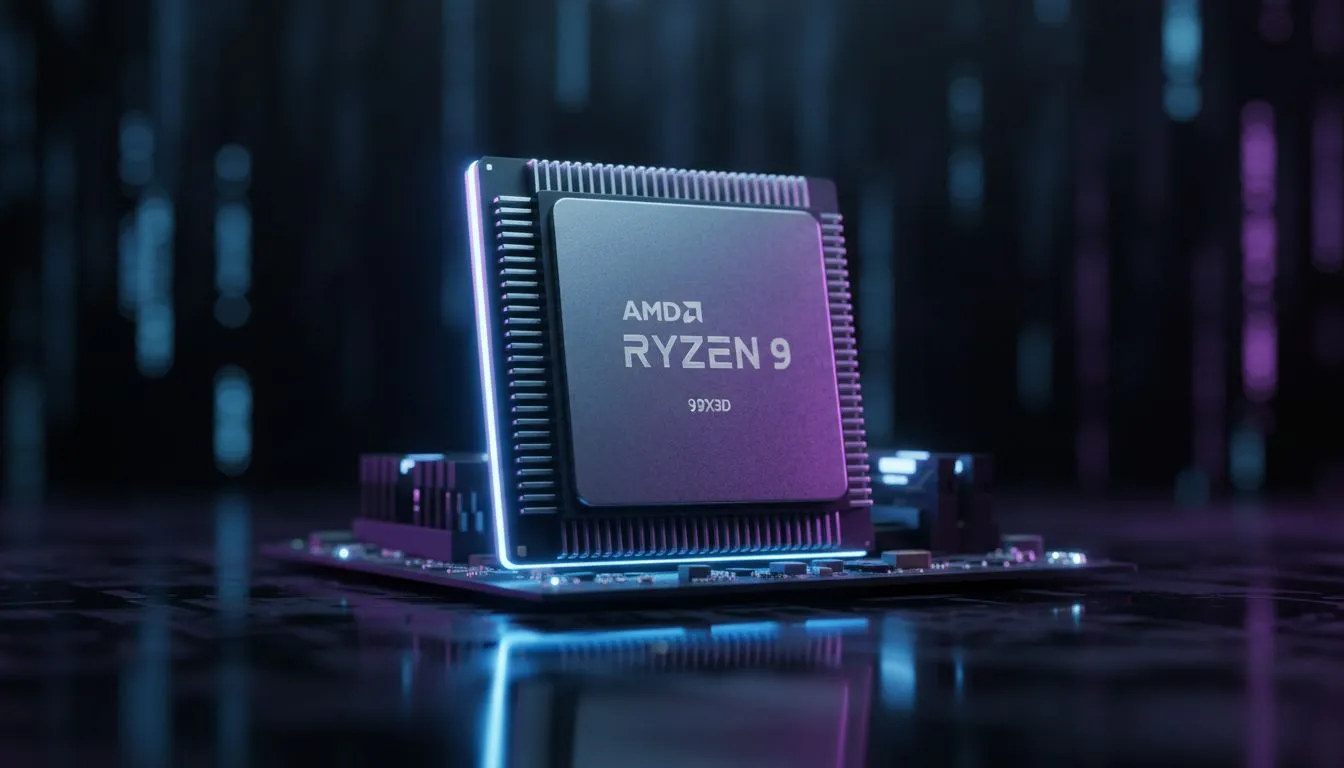
On the other hand, the 3D V-Cache technology from Team Red has become a "cheat code" for battle royale titles. The extra cache allows the processor to store more game data closer to the cores, drastically reducing the time it takes to render complex scenes. Checking out the latest AMD CPU options could be the best move for a stutter-free experience. Spending around R5,000 to R8,000 on a modern mid-range chip today can offer a more significant performance jump than a GPU upgrade twice that price. ✨
Ready to Dominate the Island? Don't let a stuttering processor cost you the match. Whether you need a budget-friendly upgrade or a top-tier powerhouse, we have the hardware to keep your FPS high and your temperatures low. Explore our massive range of CPU specials and upgrade your gaming rig today.
Check CPU usage vs GPU in Task Manager or MSI Afterburner; sustained 90%+ CPU and low GPU use suggests a Fortnite CPU bound issue.
Lower view distance, turn off high crowd and ray tracing, cap frame rate, and reduce post processing to reduce CPU bottleneck.
Upgrading to a faster CPU or one with more cores/IPC can fix Fortnite FPS drops when the CPU is the limiting factor.
Yes. Update chipset and GPU drivers to improve performance and stability; driver updates often reduce fortnite fps drops.
Absolutely. Close browser tabs, overlays, and background apps to free CPU cycles and stop drop spikes in Fortnite.
Using Balanced or Power Saver can limit CPU performance. Switch to High Performance or AMD/Intel recommended plan to boost FPS.
If GPU usage is low and CPU hits 90%+, upgrade the CPU. If GPU is maxed out, a GPU upgrade will improve Fortnite performance.
Intel Arc B580 Fable FPS: Performance Benchmark. Real-world benchmark data, FPS numbers & performance analysis. What SA gamers can actually expect.
Read more
RTX 5080 for Photogrammetry: Professional. Real-world benchmark data, FPS numbers & performance analysis. What SA gamers can actually expect.
Read more
Head-to-head comparison of RTX 5050 vs RTX 3050: Price-to-Performance Gamers for SA gamers. Performance benchmarks, Rand pricing & which delivers better value.
Read more
RTX 3060 AI Features: Benchmark & Real-World Test. Real-world benchmark data, FPS numbers & performance analysis. What SA gamers can actually expect.
Read more
Benchmark Your RTX 5060 to Check Performance. Step-by-step instructions with SA-specific tips, common pitfalls to avoid & expert recommendations.
Read more
RTX 3050 DaVinci Resolve Performance: Benchmark. Real-world benchmark data, FPS numbers & performance analysis. What SA gamers can actually expect.
Read more
When Will the RTX 6090 Launch in South Africa Detailed answer with SA data, expert analysis & practical recommendations for local buyers.

Top Valorant Settings for RTX 5070: FPS Optimisation picks evaluated on performance, value & SA availability with current Rand pricing from Evetech.

RDNA 3.5 Graphics in Ryzen AI 400? Can You Game. Plain-English explanation of what it means, why it matters & how it affects your buying decisions in SA.

GPU Price Index : December Report. Current stock data & price tracking for SA buyers. See what is available and where prices are heading.

Core i5-14600K + B760 + RTX 5060 Build Under. Full parts list, Rand pricing & expected performance. Build confidently with SA-available components.

RX 7600 Apex Legends at 4K: FPS Benchmark. Real-world benchmark data, FPS numbers & performance analysis. What SA gamers can actually expect.

RX 7900 XTX GTA 6 at 4K: FPS Benchmark & Optimal. Real-world benchmark data, FPS numbers & performance analysis. What SA gamers can actually expect.

Head-to-head comparison of RTX 5070 vs RX 9070 XT: Gaming Performance for SA gamers. Performance benchmarks, Rand pricing & which delivers better value.

GPU Setup Guide Gamers. Clear setup instructions with SA-specific considerations, troubleshooting tips & recommended components.

Top RTX 5090 Under R12000 picks evaluated on performance, value & SA availability with current Rand pricing from Evetech.

Call of Duty Warzone 2 Settings on RX 7600. Real-world benchmark data, FPS numbers & performance analysis. What SA gamers can actually expect.

GTA 6 Settings on RTX 5070 Ti: Performance. Real-world benchmark data, FPS numbers & performance analysis. What SA gamers can actually expect.