

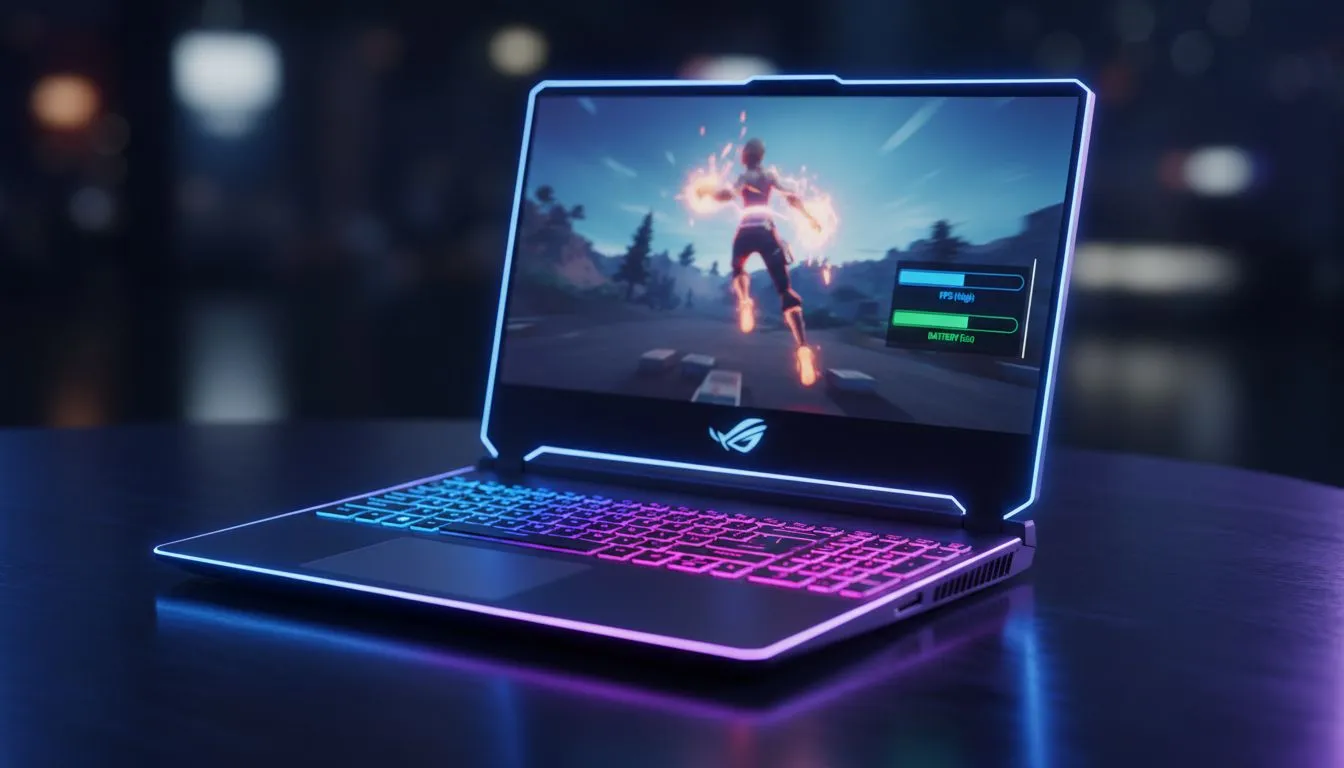
Finding Your Fortnite Laptop Settings: Max FPS vs Battery Life
Every South African gamer knows the struggle. You are mid-build in Fortnite, the circle is closing, and your frame rate drops... or worse, your battery dies because of load shedding. Finding the right Fortnite Laptop Settings: Max FPS vs Battery Life balance is crucial for staying competitive. Whether you want fluid motion or a longer session away from the plug, we have the expert tweaks you need. ⚡
Optimising for Maximum Frames
To hit that 144Hz sweet spot, you must lower your visual quality. Switch to Performance Mode in the rendering API settings. This reduces the load on your GPU significantly. If you are running one of the latest GeForce RTX gaming laptops on special, you can leverage DLSS. This provides a massive boost without losing much clarity. Keep shadows off and textures on medium for the best results.
Performance Pro Tip ⚡
Switch Fortnite to 'Performance - Lower Graphical Fidelity' mode in the settings menu. This bypasses heavy post-processing and can double your frame rate on older hardware. It makes it much easier to track enemies during chaotic end-game builds.
Strategies for Better Battery Life
Gaming on a battery is risky in SA. If the power goes out, you need every minute. Cap your frame rate to 60 FPS in the game settings. High refresh rates drain juice fast... even on high-end machines. Many gaming laptops under R20k can last significantly longer if you dim the screen. Remember to turn off your RGB keyboard lighting to save those extra watts. 🔧
Choosing the Right Hardware
Intel chips often offer high clock speeds for gaming. You can find great Intel laptops on special that handle Fortnite's CPU-heavy late games with ease. Alternatively, many gamers prefer the efficiency of AMD. Checking out Ryzen laptop deals is a smart move if you want better thermal management while playing. Efficient hardware means your fans spin slower and your battery lasts longer. 🚀
Finding the Sweet Spot
You do not always have to choose between extremes. A balanced power profile in Windows allows for decent performance while saving some energy. For those looking for the absolute best gaming laptop deals in the country, Evetech offers machines that balance these two worlds perfectly. Adjusting your Fortnite Laptop Settings: Max FPS vs Battery Life ensures you are ready for any situation... plug or no plug. ✨
Ready to Find Your Perfect Match? The Max FPS vs Battery Life debate is complex, but for maximum power, choice, and value in South Africa, our range is hard to beat. Explore our massive range of laptop specials and find the perfect machine to conquer your world.





