

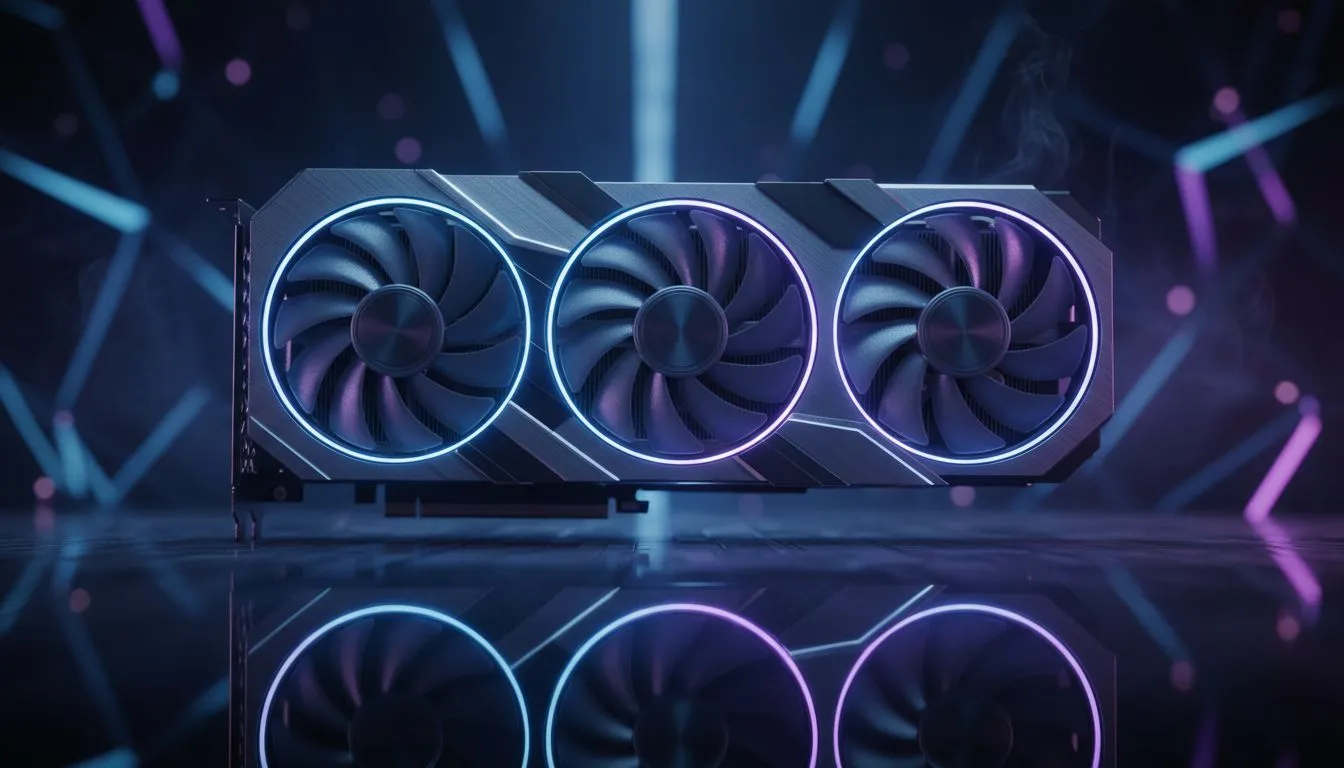
Dropping into the Island with the latest hardware feels like a different game entirely. If you have secured an RTX 5060 Ti, you are likely hunting for that perfect balance between high-fidelity lighting and competitive frame rates. Setting up your Fortnite Lumen Settings RTX 5060 Ti: Best Visuals profile ensures your game looks cinematic without stuttering during a heated build battle or a final circle rotation. ⚡
Optimising Fortnite Lumen Settings RTX 5060 Ti: Best Visuals
To get the most out of Unreal Engine 5.4 features, you must use the DirectX 12 rendering mode. Lumen brings real-time global illumination and reflections that make every sunset in the game look breathtaking. While looking at the latest NVIDIA graphics cards, it is clear that the 50-series architecture handles these ray-traced bounces much better than previous generations. Start by setting "Lumen Scene Lighting" to High and "Ray Traced Reflections" to On.
Visual Clarity Pro Tip ⚡
To reduce visual noise when using Lumen, ensure your 3D Resolution is set to 100% and use DLSS on the 'Quality' preset. This keeps the edges sharp while allowing the RTX 5060 Ti to process lighting effects at a lower internal resolution, effectively boosting your frames by up to 30% in dense forest areas.
Fine-Tuning Hardware Ray Tracing
The RTX 5060 Ti excels when you enable Hardware Ray Tracing in the Fortnite settings menu. This offloads the heavy lifting from the shaders to dedicated cores. If you prefer specific cooling solutions and factory overclocks, checking out MSI graphics cards can help maintain those high clock speeds during long gaming sessions in the South African summer heat. Turn off "Motion Blur" to keep your vision clear while the Lumen lighting does the work.
Balancing Performance and Fidelity
Not everyone needs the absolute peak of ray-traced glory. Some players might be looking at Intel Arc graphics cards for budget builds, but for the full Lumen experience, the 5060 Ti remains the mid-range king. Set "Shadows" to Virtual Shadow Maps (Beta) to get crisp, realistic shadows that react to every piece of player-built cover. It transforms the aesthetic from a cartoonish shooter into something far more immersive.
Beyond the Gaming Rig
While the RTX 5060 Ti is a gaming beast, some users often wonder if they should jump to workstation graphics cards for creative work. For Fortnite, however, the consumer-grade drivers are far better optimised. If you find the lighting too taxing on your system during local tournaments, consider lowering "Global Illumination" to Medium. This retains the bounce lighting effect but reduces the ray count... saving your GPU some stress during those intense end-game moments.
Comparing the Competition
It is always worth noting what the other side offers. Many gamers still look at AMD Radeon graphics cards for raw rasterization performance. However, when it comes to the specific Fortnite Lumen Settings RTX 5060 Ti: Best Visuals, NVIDIA's DLSS 3.5 and Frame Generation give it a distinct edge in maintaining 60+ FPS at 1440p with all the "eye candy" turned up. Investing around R9,000 to R12,000 in a solid GPU ensures your setup remains relevant for many seasons to come. 🚀
Ready to Find Your Perfect Match? The quest for the ultimate visual experience is easier with the right hardware. Whether you are chasing the highest frames or the most realistic lighting in South Africa, we have the gear to get you there. Explore our massive range of graphics card specials and find the perfect machine to conquer your world.











