Why Cities Tank Your Performance
Monster Hunter Wilds is finally here, but those busy hubs are punishing even the best rigs. If your frame rate is stuttering while you're just trying to craft gear in town, you aren't alone. Learning how to use Frame Gen MH Wilds settings to improve smoothness in cities is the key to a fluid experience. Let's look at how to reclaim those lost frames. 🔧
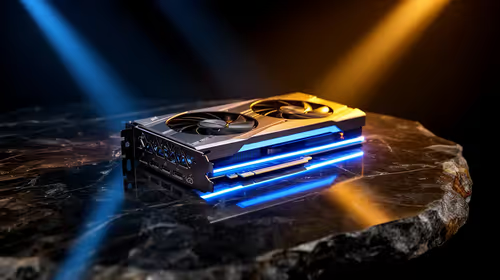
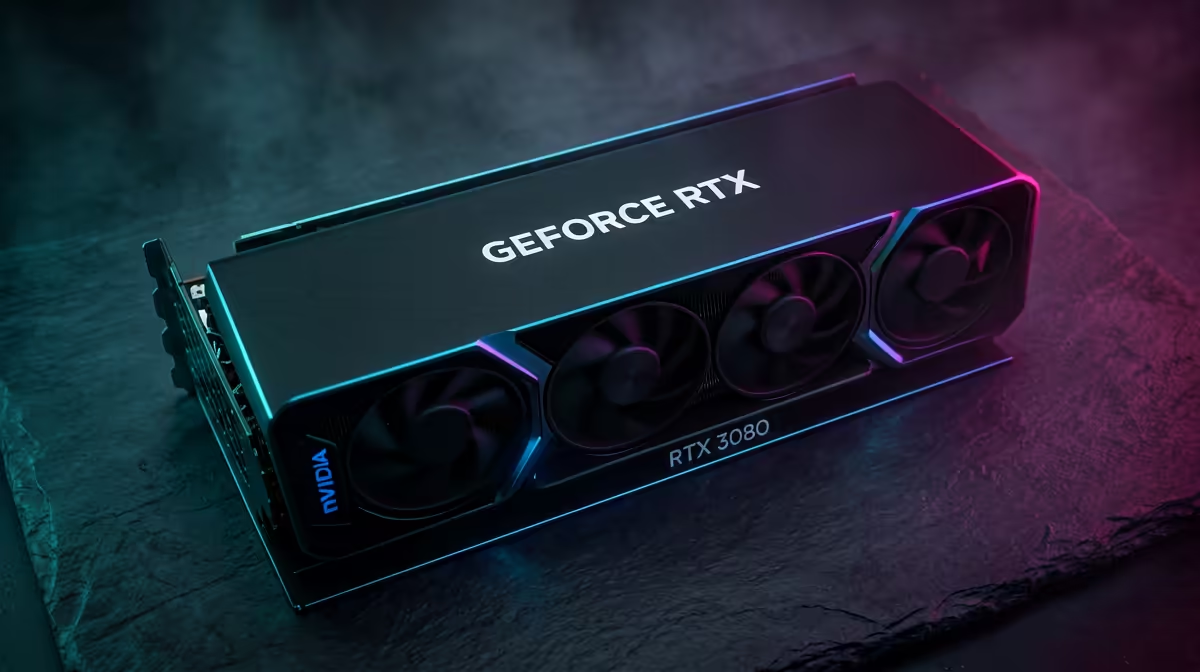
The bustling markets of Kunafa place a heavy load on your processor. Standard rendering often struggles to keep up with the dense crowds. By upgrading to the latest NVIDIA graphics cards, you gain access to DLSS 3. This technology uses AI to insert extra frames... effectively doubling your perceived smoothness without taxing your CPU further. It is a vital tool for modern hunters.
Smoothness Pro Tip ⚡
If you notice input lag while using Frame Gen in Monster Hunter Wilds, make sure to enable NVIDIA Reflex or AMD Anti-Lag in your settings. This reduces the latency penalty often associated with generated frames, keeping your dodges and parries feeling responsive even in crowded marketplaces.
Leveraging Frame Gen MH Wilds for Better Frame Rates
If you prefer the red team, the AMD Radeon graphics cards offer FSR 3. This provides a similar frame generation boost for players on various hardware. For those who want the best thermal performance, looking at MSI graphics cards is a smart move. Better cooling means more consistent clock speeds during long hunting sessions. You don't want your GPU throttling while you're managing your inventory. 🚀
Alternative Hardware for Smoothness in Cities
Not everyone is using the traditional giants. We are seeing great results with the latest Intel Arc graphics cards in modern titles. These cards offer excellent value for South African gamers looking to entry-level 1440p gaming. Even if you are coming from a background of using workstation graphics cards for 3D modelling, modern gaming drivers have come a long way.
Final Settings to Improve Smoothness in Cities
Setting up Frame Gen MH Wilds is simple. Navigate to your display settings and toggle the Frame Generation option. Ensure your Windows Hardware-Accelerated GPU Scheduling is on. This small tweak can turn a choppy 40 FPS into a buttery 80 FPS. Spending upwards of R12,000 on a GPU is a big investment for any Saffa... you deserve to see every detail in high definition. It makes navigating the city feel as fluid as the hunt itself. ✨
Ready to Tame the Wilds? Monster Hunter Wilds demands serious hardware to look its best. For the best deals on GPUs and custom builds in South Africa, we have you covered. Explore our massive range of graphics cards and find the perfect upgrade to boost your frame rate today.