

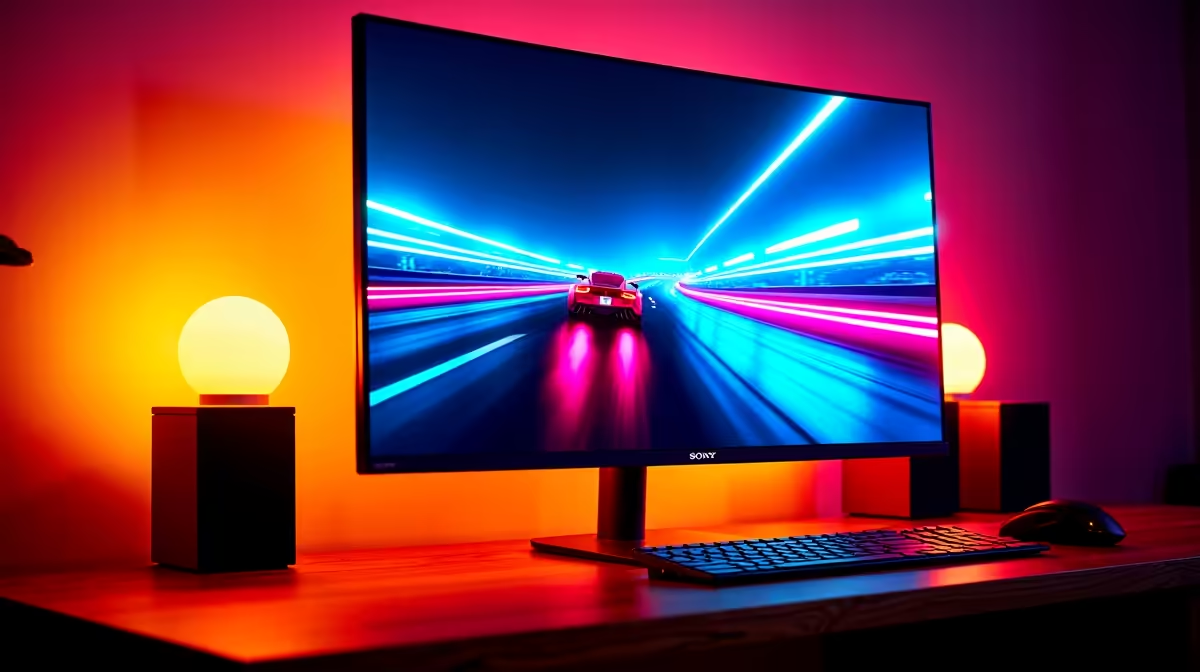
You’ve lined up the perfect shot. You click... and the world splits in two. A jagged, ugly line rips across your screen, costing you the kill. That’s screen tearing, the enemy of every serious South African gamer. What if you could banish it for good? A FreeSync Premium monitor is your secret weapon for flawlessly smooth, tear-free gaming. It’s not just a fancy label; it’s a certification that guarantees a superior experience.
Why a FreeSync Premium Monitor is the Gold Standard
Screen tearing happens when your graphics card sends out frames faster or slower than your monitor can display them, creating a mismatched image. AMD's FreeSync technology synchronises the two, but not all FreeSync is created equal.
The "Premium" tier is the sweet spot for competitive and enthusiast gamers. To earn this badge, a FreeSync Premium monitor must meet two strict conditions:
- A refresh rate of at least 120Hz at a minimum of 1080p resolution.
- Support for Low Framerate Compensation (LFC).
LFC is the real hero here. When your game's framerate drops below the monitor's minimum refresh rate, LFC duplicates frames to keep the motion feeling smooth and responsive. This means you get a consistently tear-free experience, whether you're hitting 144 FPS in VALORANT or dipping to 45 FPS in a demanding scene in Cyberpunk 2077. It’s a feature you'll find across the best all gaming monitors on the market. ✨
The Tangible Benefits of Tear-Free Gaming
So, what does this mean for your Saturday night gaming session? It means seeing the game exactly as the developers intended. A certified FreeSync Premium monitor delivers buttery-smooth visuals that give you a competitive edge. You can react faster because the image on screen is perfectly in sync with your GPU's output. No stutter, no tearing... just pure, fluid gameplay.
Whether you're exploring vast open worlds or competing in fast-paced esports, the difference is night and day. This technology is available across a huge variety of panels, from standard flat screens to immersive curved monitors that pull you right into the action. If you're looking to upgrade, it's worth browsing the full range of PC monitors to see how affordable this tech has become.
Pro Tip: Enable It Correctly! 🔧
a FreeSync Premium monitor is only half the battle. Make sure you enable it in two places: first, in your monitor's on-screen display (OSD) menu—look for an 'Adaptive-Sync' or 'FreeSync' option. Second, open your AMD Radeon or NVIDIA Control Panel and toggle the feature on. This ensures your hardware is actually communicating correctly for that tear-free magic.
Finding the Right FreeSync Monitor for Your Setup
The great news is that FreeSync is an open standard, so you don’t need to break the bank to get it. Plus, most modern NVIDIA graphics cards are also compatible with FreeSync monitors. This gives you incredible flexibility when building or upgrading your rig.
Are you a content creator who games on the side? A high-resolution FreeSync Premium monitor, like one from our 4K and 5K monitor range, gives you crisp detail for work and fluid motion for play. Building the ultimate streaming setup? Consider adding a secondary portable monitor to manage your chat and OBS.
Don't forget the little things that complete the experience. Proper monitor accessories, like a quality VESA mount or a DisplayPort 1.4 cable, ensure you get the best performance and ergonomics out of your new screen. 🚀
Ready for Flawless, Tear-Free Gaming? Stop letting screen tear and stutter ruin your K/D ratio. A FreeSync Premium monitor is the upgrade your rig deserves. Explore our best PC monitor deals and find the perfect display to dominate the competition.











