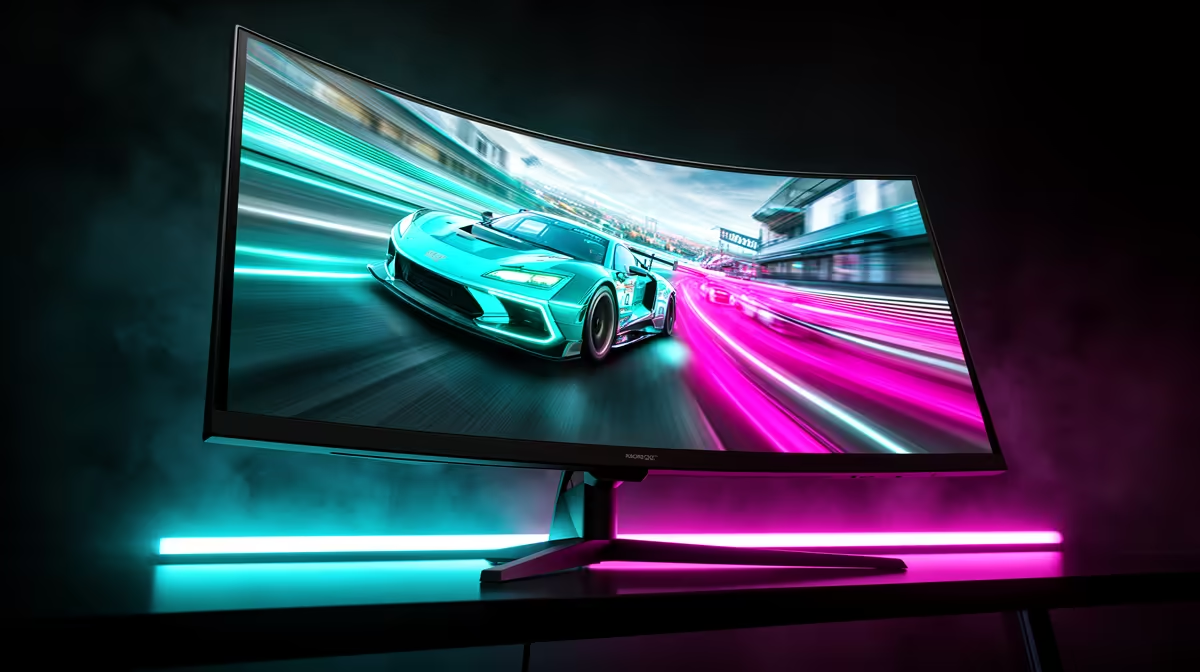
That split-second stutter... you had the drop on them in Valorant, but your screen tore just as you peeked, and now you’re watching the next round from the sidelines. We’ve all been there. In the competitive world of South African gaming, smooth visuals aren't a luxury; they're essential. This brings us to the big debate for any PC builder: FreeSync vs G-Sync. Both promise to kill screen tearing, but which one actually lowers input lag more when it counts?
Understanding Screen Tearing & Input Lag
Before diving into the FreeSync vs G-Sync showdown, let's quickly demystify the enemies we're fighting: screen tearing and input lag.
- Screen Tearing: This ugly visual glitch happens when your graphics card (GPU) sends out frames faster than your monitor can display them. The monitor tries to show multiple frames at once, resulting in a horrible horizontal split across the image.
- Input Lag: This is the delay between you performing an action (like clicking your mouse) and seeing the result on-screen. High input lag feels sluggish and unresponsive, which is a death sentence in fast-paced games.
Both FreeSync and G-Sync are "Adaptive Sync" technologies designed to solve this. They work by forcing your monitor to refresh its screen in perfect time with the frames your GPU is producing. This eliminates tearing and can significantly reduce input lag, creating a buttery-smooth experience across all your PC monitors. 🚀
What is G-Sync? The NVIDIA Premium Standard
G-Sync is NVIDIA's proprietary solution. For a monitor to be "G-Sync" or "G-Sync Ultimate" certified, it must contain a special hardware module built by NVIDIA. This module takes over control of the monitor's refresh rate, ensuring a flawless sync with your GeForce graphics card.
Key G-Sync Advantages:
- Strict Quality Control: Because NVIDIA controls the hardware, the G-Sync experience is incredibly consistent and reliable. Every certified monitor must pass over 300 tests for image quality and performance.
- Variable Overdrive: The G-Sync module actively manages pixel response times to reduce ghosting and motion blur, even when your frame rate fluctuates wildly.
This rigorous certification process often means G-Sync monitors come with a premium price tag, but you're paying for a guaranteed high-quality experience. You'll find this tech in many of the top-tier all gaming monitors available in South Africa today.
What is FreeSync? The AMD Open Standard
On the other side of the ring is AMD's FreeSync. Unlike G-Sync, FreeSync is an open, royalty-free standard built into the DisplayPort specification. This means monitor manufacturers can implement it without paying licensing fees to AMD, making it much more common and affordable.
Key FreeSync Advantages:
- Affordability & Choice: The lack of a required hardware module and licensing fees means FreeSync monitors are generally cheaper and more widely available. It's easier to find amazing PC monitor deals on FreeSync-enabled displays.
- Item
The main "catch" with the open standard is that performance can vary between models. However, the tiered system helps you know exactly what you're getting.
FreeSync vs G-Sync: The Input Lag Showdown ⚡
So, the big question for South African gamers: which technology lowers input lag more effectively?
The truth is... in 2024, for the vast majority of gamers, the difference is negligible.
While early G-Sync modules had a slight technical edge, modern high-end FreeSync Premium Pro monitors and "G-Sync Compatible" displays (which are top-tier FreeSync monitors certified by NVIDIA) perform so well that you'd be hard-pressed to notice a difference in input lag. The real factors that impact your input lag are the monitor's panel quality, its native response time, and its maximum refresh rate. A 240Hz FreeSync monitor will feel far more responsive than a 60Hz G-Sync monitor.
Whether you're aiming for pixel-perfect detail on stunning 5K and 4K monitors or pure speed on an esports display, focusing on the panel's core specs is more important than the specific adaptive sync brand.
Pro Gamer Tip: Capping Your FPS 🔧
To get the absolute lowest input lag with either G-Sync or FreeSync, enable it in your GPU's control panel and then use an in-game or driver-level setting to cap your frame rate 3-4 FPS below your monitor's maximum refresh rate (e.g., cap at 141 FPS on a 144Hz monitor). This ensures Adaptive Sync is always active and avoids the slight input lag penalty from V-Sync kicking in at the maximum refresh rate.
Which One is Right for Your South African Setup?
Choosing between FreeSync and G-Sync in South Africa ultimately comes down to your GPU and your budget.
- If you have an NVIDIA GeForce GPU: You have a choice. You can go for a premium G-Sync monitor for a guaranteed plug-and-play experience, or you can opt for a "G-Sync Compatible" FreeSync monitor to get similar performance, often for less money.
- If you have an AMD Radeon GPU: Your choice is simple—FreeSync is the way to go. You'll get incredible performance and a massive selection of monitors to choose from.
The technology has become so good that it enhances every experience, from the immersive sweep of curved monitors to the convenience of setting up a second screen with modern portable monitors for a LAN party. Once you've made your choice, complete your battle station with the right monitor accessories like a quality VESA mount to perfect your setup. ✨
Ready to Banish Screen Tearing for Good?
The FreeSync vs G-Sync debate shows that both technologies deliver incredibly smooth gameplay. The best choice depends on your GPU and budget. Explore our incredible PC monitor deals and find the perfect screen to dominate the competition.