

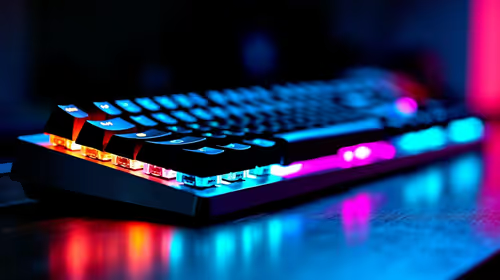
Is Overclocking TKL keyboard Worth It in SA?
Is Overclocking TKL keyboard Worth It in SA Detailed answer with SA data, expert analysis & practical recommendations for local buyers.
Read moreGaming-grade 2.4GHz wireless on a mouse means faster, more stable low-latency performance than Bluetooth for gaming. Here’s what “2.4GHz” really means and when Bluetooth is enough. 🎮⚡
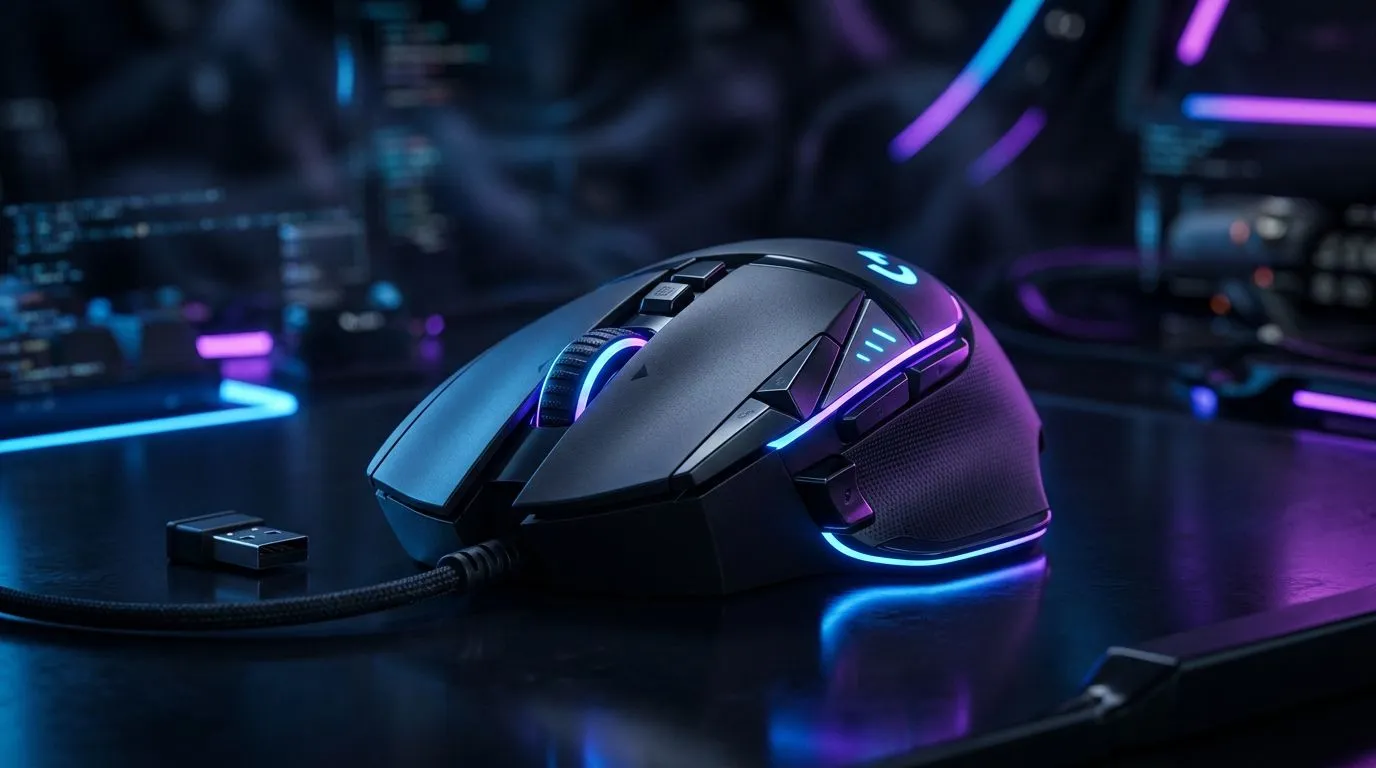
If you’ve ever wondered why one wireless mouse feels snappy while another feels… slightly late, you’re not imagining it. In South Africa, many gamers grab 2.4GHz wireless because it’s affordable, widely compatible, and usually delivers good responsiveness. But “2.4GHz wireless” isn’t one single thing. It can mean very different setups depending on whether you’re using a shared receiver, a dedicated USB dongle, or a bundled accessory. Let’s decode it so you buy with confidence. 🎮
2.4GHz is simply the radio frequency band. It’s the same band used by many wireless devices, which is why placement and interference matter. For mice, the important part is how the connection is handled.
Most “gaming-grade” 2.4GHz mice use a USB receiver that speaks directly to the mouse. That generally keeps latency low compared to older Bluetooth styles. In other words: the mouse is not “streaming” like Wi-Fi. It’s sending small movement updates quickly, and doing it through a short-range link to a dongle.
To shop confidently, use a filter mindset:
If you’re aiming for a cleaner input experience, start by comparing wired options like these: Wired gaming mice
And if you’re set on wireless, browse: Wireless gaming mice
Interference is the sneaky enemy. In SA homes, it’s often caused by routers, powerline adapters, and even other wireless peripherals stacked near your desk. The best fix is usually physical, not technical.
Try these practical steps:
Want to level up your desk comfort while you optimise signal conditions? Start with the basics like mouse accessories and pads: Mouse accessories
On a cluttered desk, reposition your wireless receiver to a front USB port or use a short USB extension if your mouse feels inconsistent. Then test in-game with a single setting change at a time, so you actually learn what fixed the issue.
When you’re reading product listings, don’t get stuck on the “2.4GHz” label alone. You’re looking for the system behind it.
Here’s what’s worth checking:
For buyers who prefer to shop first and research later, the easiest path is deals with clear specs. Start here: Best gaming mouse deals
Then narrow down into category choices by performance focus and sensor class: Gaming mouse performance models
Let’s simplify it:
If you’re budget-conscious, you can still win. A good 2.4GHz setup plus receiver placement beats a random Bluetooth mouse in real gameplay.
Ready to Find Your Perfect Match? The Mac vs Windows debate is complex, but for maximum power, choice, and value in South Africa, Windows is hard to beat. Explore our massive range of laptop specials and find the perfect machine to conquer your world.
It usually refers to a dedicated 2.4GHz wireless link (often via a USB dongle) tuned for low latency and stable connections during gaming.
Generally, yes. A 2.4GHz dongle link tends to have lower, more consistent latency than many Bluetooth setups, especially under load.
Most do. Gaming-grade 2.4GHz commonly uses a USB receiver/dongle, which improves reliability versus relying on Bluetooth pairing.
Range varies by model and interference, but 2.4GHz typically holds up better in typical setups than Bluetooth, especially in the same room.
Bluetooth can be fine for casual use, productivity, and multi-device switching, but gaming-grade 2.4GHz often wins for competitive low-latency needs.
Not automatically. However, gaming-grade 2.4GHz is designed for responsive control, while Bluetooth performance depends on version, device, and interference.
Possible, but good gaming 2.4GHz systems use interference-robust methods. Real-world results depend on your environment and mouse receiver quality.
Is Overclocking TKL keyboard Worth It in SA Detailed answer with SA data, expert analysis & practical recommendations for local buyers.
Read more
Geekbench Keyboard Benchmarks: Rankings. Real-world benchmark data, FPS numbers & performance analysis. What SA gamers can actually expect.
Read more
Head-to-head comparison of Keyboard Prices: Online vs Physical Stores for SA gamers. Performance benchmarks, Rand pricing & which delivers better value.
Read more
Head-to-head comparison of Apple Magic Keyboard vs Third-Party: Is It Worth for SA gamers. Performance benchmarks, Rand pricing & which delivers better value.
Read more
Snapdragon X2 NPU Explained: How 80 TOPS Changes. Plain-English explanation of what it means, why it matters & how it affects your buying decisions in SA.

HBM? High Bandwidth Memory Used in GPUs and AI. Plain-English explanation of what it means, why it matters & how it affects your buying decisions in SA.

How much should you spend on sim racing accessories in South Africa for a realistic setup? We break down budgets by quality tiers, so you buy smart gear and avoid overspending 🎮💸

G-Sync and FreeSync? Variable Refresh Rate. Plain-English explanation of what it means, why it matters & how it affects your buying decisions in SA.

AMD Laptop: Value. SA-focused analysis with local pricing data, real-world insights & actionable buying advice.

How MacBook Neo Handles 30+ Chrome Tabs with Only. SA-focused analysis with local pricing data, real-world insights & actionable buying advice.

Why Apple Put 8GB RAM in MacBook Neo: The A18 Pro. SA-focused analysis with local pricing data, real-world insights & actionable buying advice.

Upgrade your work laptop with a New Motherboard. Step-by-step instructions with SA-specific tips, common pitfalls to avoid & expert recommendations.

Glorious Keyboard Switches Explained: Which. Plain-English explanation of what it means, why it matters & how it affects your buying decisions in SA.

Winter Keyboard Buying Guide. Everything you need to know with SA pricing, step-by-step instructions & expert recommendations.

Keyboard Buying Guide. Everything you need to know with SA pricing, step-by-step instructions & expert recommendations.

LGBTQ+ Gamers Keyboard Guide: January Edition. Everything you need to know with SA pricing, step-by-step instructions & expert recommendations.