

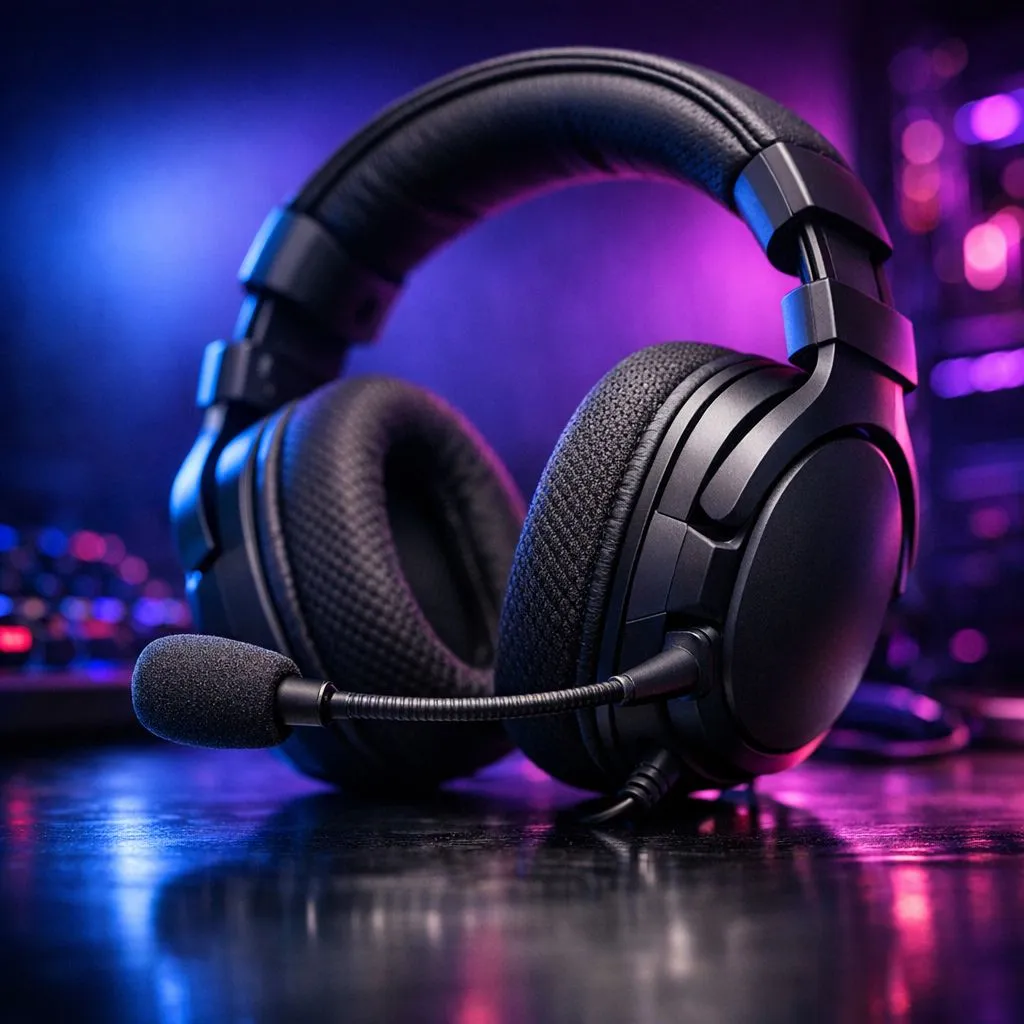
Why is Your Gaming Headset Mic Quiet?
There is nothing more frustrating than being in the heat of a competitive Valorant match only for your teammates to tell you they can barely hear your callouts. If your gaming headset mic is quiet, you are not alone. Whether you are rocking a budget set or a premium rig, volume issues can ruin the immersion... and your rank. ⚡
Software Settings and Windows Optimisation
The most common reason for a muffled or silent microphone is hidden deep within your Windows settings. Even if your physical volume wheel is cranked to the max, Windows might be limiting your input. You should start by checking your Sound Control Panel. Ensure your "Microphone Boost" is set to a level that balances clarity without introducing too much background hiss.
While you might be tempted to buy gaming accessories the moment things go silent, most mic issues are actually software-related. Check if "Exclusive Mode" is enabled in your advanced recording settings. Sometimes, one application takes total control of the mic... leaving your Discord or game chat struggling for signal.
The 'Listen' Trick 🔧
To quickly test your levels without annoying your teammates, go to 'Sound Settings' in Windows, select your mic, and click 'Device Properties'. Use the 'Listen to this device' checkbox to hear exactly what your input sounds like in real-time. Just remember to turn it off afterwards to avoid an annoying echo!
Physical Connections and Hardware Checks
If the software looks correct, it is time to look at the hardware. If you are using a 3.5mm jack, ensure it is pushed all the way in. A loose connection can often lead to a massive drop in volume or a complete loss of the signal. If your PC has separate ports for audio and mic, ensure you are using a proper Y-splitter.
If your current gear has simply reached the end of its life, checking out the latest gaming accessories deals could save you a few thousand Rand while restoring your crystal-clear comms. Sometimes, cables fray internally... especially if you have a habit of rolling over them with your gaming chair.
Driver Issues and Proprietary Software
Modern headsets from brands like Logitech, Razer, or SteelSeries often rely on their own software suites. If your drivers are outdated, the mic gain might default to a low percentage. Always ensure your firmware is up to date. If you find that your motherboard's onboard audio is the weak link, investing in high-quality Gaming Accessories like a dedicated USB sound card can bypass noisy electrical interference and boost your gain naturally. 🚀
When to Consider an Upgrade
Sometimes, no amount of tweaking can fix a hardware limitation. If you are using a R200 generic headset, the physical condenser inside the mic might simply lack the sensitivity required for high-end gaming. Upgrading to a headset with a larger diaphragm or a dedicated boom mic will make a world of difference for your squad. ✨
Ready to Upgrade Your Comms? If you have tried the fixes and your voice is still a whisper, it might be time for a hardware refresh. Browse our full range of professional gaming headsets and ensure your team never misses a callout again.











